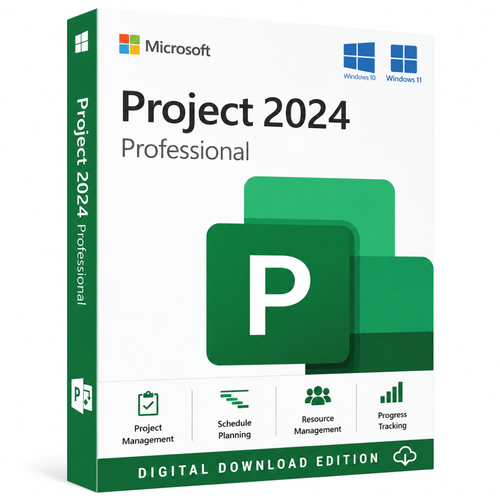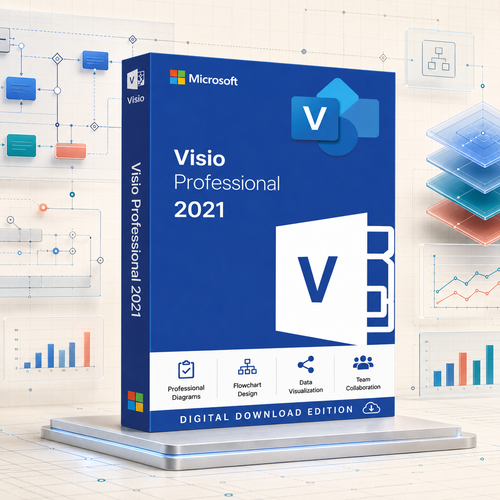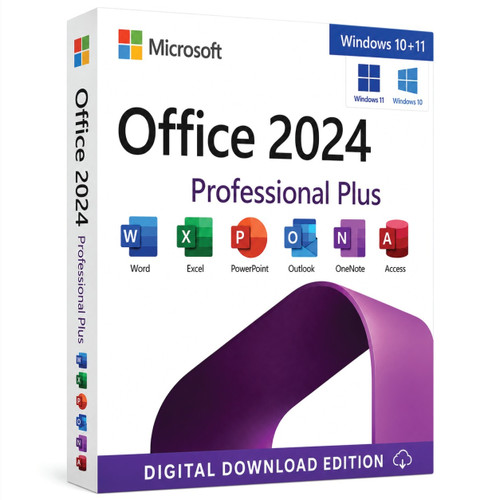
Office 2024 for Windows · device and LTSC options
Microsoft Office 2024 Professional Plus for Windows
Choose from standard device quantities, LTSC multi-PC options suitable for managed or RDS environments, or an Office + Project + Visio bundle. Read the selected option carefully before checkout.


Who this product is for
Use the product when its edition, lifecycle and licence model match the real deployment—not simply because the version name is familiar.
Windows business user
Desktop productivity with Outlook and Access included.
Managed multi-PC deployment
LTSC-labelled options support larger device quantities and managed deployment scenarios.
Complete project toolkit
Bundle choices add Project and Visio in the editions stated in the selector.
Check these points before checkout
- Choose the exact device quantity or bundle required.
- Use an LTSC-labelled option when the selector specifically states LTSC or RDS suitability.
- Confirm whether the selected option includes only Office or also Project and Visio.
- Check Windows compatibility and remove conflicting Office installations.
- Do not infer transfer or account-binding rights from another option; fulfilment follows the selected wording.
What the licence supports
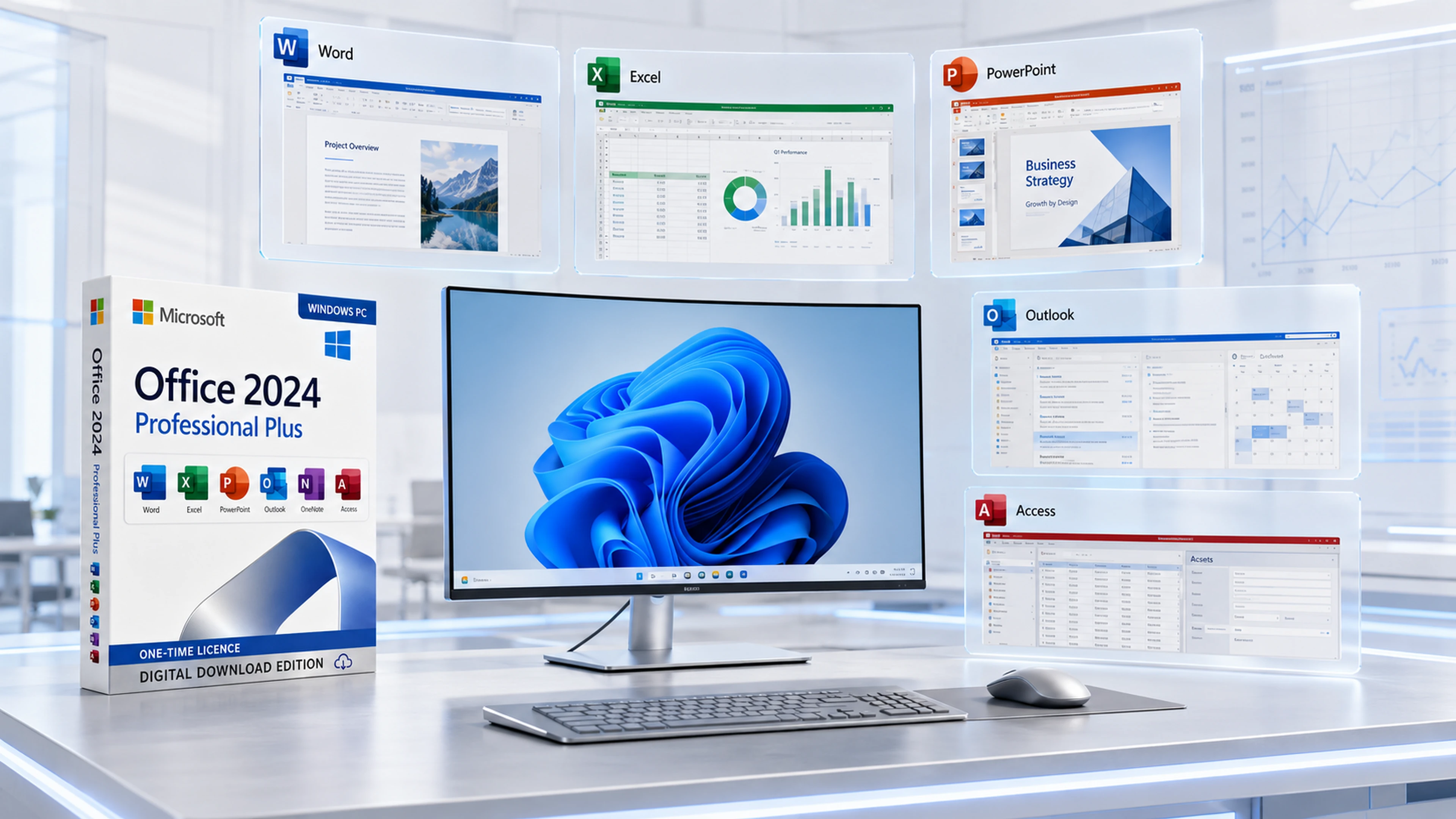
Word, Excel and PowerPoint
Create documents, analyse data and deliver presentations.
Outlook and OneNote
Manage communication, calendars and structured notes.
Access
Build and maintain Windows desktop database solutions.
One-time licensing
No recurring Microsoft 365 subscription for the selected perpetual option.
Choose from three option families
| Option family | What to expect |
|---|---|
| Standard device quantities | Office 2024 Professional Plus for the stated number of devices |
| LTSC-labelled keys | Multi-PC deployment options; use the selector wording to confirm quantity and RDS suitability |
| Office + Project + Visio bundle | Adds the Project and Visio editions stated in the selected bundle |
| Not included automatically | Cloud storage, Teams services and ongoing Microsoft 365 feature upgrades |
Digital delivery and installation support
Place the order using the selected product option.
Orders are checked before digital fulfilment.
Receive the purchased licence information and relevant installation guidance, typically within 1–10 minutes after verification.
Remote assistance, live chat, email and phone support are available.
Frequently asked questions
Is every selector option identical?
No. Device quantity, LTSC wording, RDS suitability and bundle contents vary. Fulfilment follows the selected option.
Does Professional Plus include Access?
Yes. The Office Professional Plus edition includes the Windows desktop Access application.
Is this a Microsoft 365 subscription?
No. The options on this page are one-time licence offerings rather than a recurring Microsoft 365 subscription.
What happens if activation cannot be completed?
Software Mart will first troubleshoot the installation. Where the supplied licence cannot be activated after checks, the documented replacement or refund process applies.
Choose the option that matches the deployment
Compare device count, LTSC wording, RDS suitability and bundle contents before adding to cart.
Choose a licence option aboveNeed help after purchase? Software Mart will troubleshoot fulfilment and activation issues and apply the documented replacement or refund process where appropriate.