


One-time purchase · One PC or Mac
Microsoft Office Home & Business 2024
Classic desktop Word, Excel, PowerPoint, Outlook and OneNote for one compatible Windows PC or Mac—without a Microsoft 365 subscription.
Before ordering: confirm Windows 11 or a currently supported macOS version, Microsoft-account access and compatibility with critical add-ins. Review the refund and compatibility policy.
Included applications
From the first idea to the final send
Installed desktop applications for documents, analysis, presentations, business email and organised notes.

Word
Create letters, proposals, CVs, reports and polished business documents.
Excel
Manage budgets, schedules, inventory, formulas, tables and dynamic charts.
PowerPoint
Build presentations with media, recording, animation and delivery tools.
Outlook
Manage business email, calendars, contacts and daily priorities.
OneNote
Capture meeting notes, research, ideas and checklists in digital notebooks.
Choose the destination device
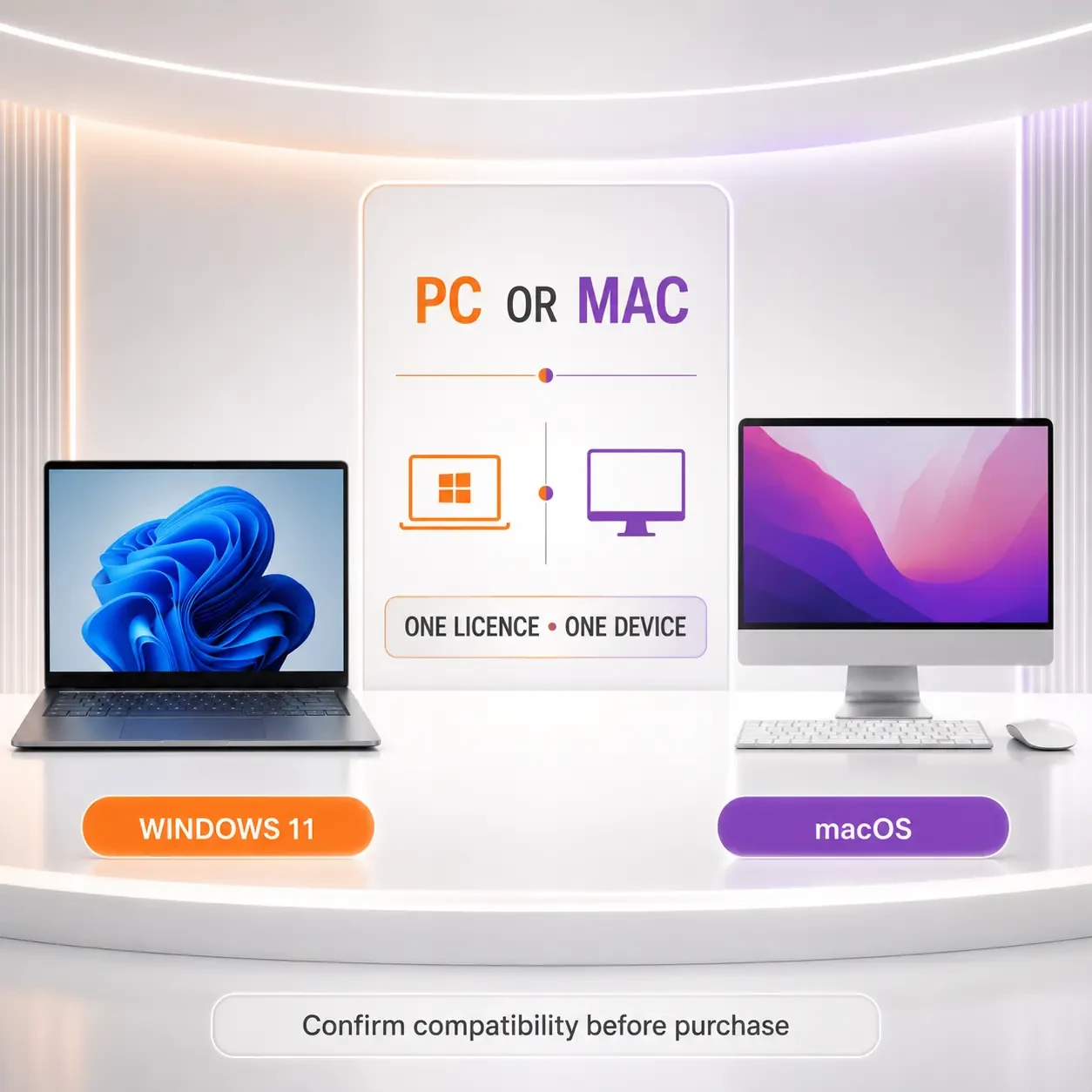
One licence covers one PC or one Mac—not both
The two editions share the same core purpose, but menus, keyboard shortcuts, Outlook behaviour and selected features can differ by platform.
Windows PC
Current consumer requirement: Windows 11.
Supports 32-bit or 64-bit Office, subject to Microsoft’s current requirements.
Apple Mac
Supported processors: Intel or Apple silicon.
Use one of the three most recent major macOS versions supported by Microsoft.
Choose the right edition
Home & Business 2024 compared
| Decision point | Office Home 2024 | Home & Business 2024 | Microsoft 365 |
|---|---|---|---|
| Payment | One-time | One-time | Subscription |
| Devices | One PC or Mac | One PC or Mac | Multiple, plan-dependent |
| Outlook desktop | Not included | Included | Eligible plans |
| Positioning | Home | Home or work | Plan-dependent |
Compatibility first
Check the device before buying
Requirements change over time. Confirm Microsoft’s current requirements, your exact operating-system version and critical add-ins before ordering.
Windows
- Windows 11
- 1.1 GHz or faster, dual-core
- 4 GB RAM
- 4 GB available storage
- 1280 × 768 display
Mac
- Three most recent macOS versions
- Intel or Apple silicon
- 4 GB RAM
- 10 GB available storage
- 1280 × 800 display
Microsoft account and internet: required for redemption, association, installation, activation and updates. Periodic internet connectivity is required to keep the applications activated.
From order to first document
A clear digital setup journey

- 1. Choose licencesMatch one licence to each destination device.
- 2. Secure checkoutReview the live offer and complete payment.
- 3. Delivery instructionsFollow the supplied redemption and download steps.
- 4. Microsoft accountAssociate the licence with the intended owner account.
- 5. Install & activateRemove conflicting Office installations if required.
Questions answered
Office 2024 Home & Business FAQs
Is it a subscription?
No. It is a one-time purchase for the Office 2024 desktop release. Microsoft 365 services and later major releases are separate.
Can I install it on both PC and Mac?
No. One licence covers one compatible PC or one compatible Mac, not both.
Which applications are included?
Word, Excel, PowerPoint, Outlook and OneNote. Access, Publisher and bundled Teams are not included.
Does it include Copilot?
No. Copilot availability is associated with eligible Microsoft 365 plans and services.
Do I need a Microsoft account?
Yes. It is required to redeem, associate, install and manage the licence.
Can I work offline?
Core installed applications can be used offline after setup. Internet access is required for installation, activation, updates, connected services and periodic activation checks.
Which Mac processors are supported?
Intel and Apple silicon are supported, subject to Microsoft’s current three-version macOS support window.
When does support end?
Microsoft lists Office 2024 retirement on 9 October 2029.
Does one-time purchase include future upgrades?
No. A later major Office release is a separate purchase.
Bring classic Office productivity to one PC or Mac
Confirm compatibility, choose the number of destination devices and review the current offer before ordering.
Back to purchase optionsVerified reference links
Official Microsoft resources
Check current product, system, lifecycle and licensing information directly with Microsoft before deployment.
Microsoft documentation and lifecycle information may change. Review the current source for your environment and purchasing requirements.