Per-device Office licensing for Australian organisations
Microsoft Office LTSC Standard 2021 Australia
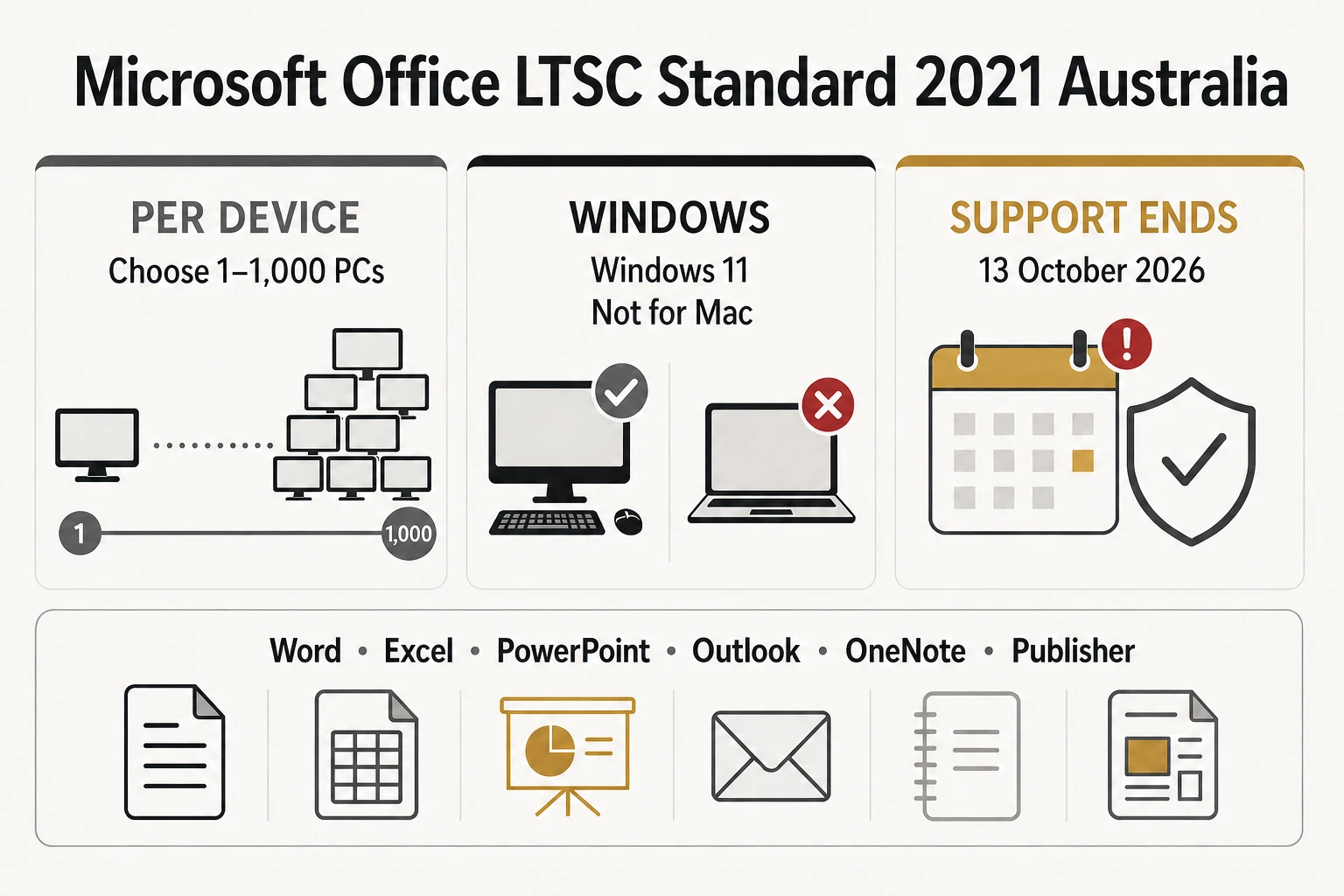
A fixed-feature, one-time Office edition for managed Windows PCs. Choose the number of devices you need to license and receive a lower per-PC rate on larger packs.
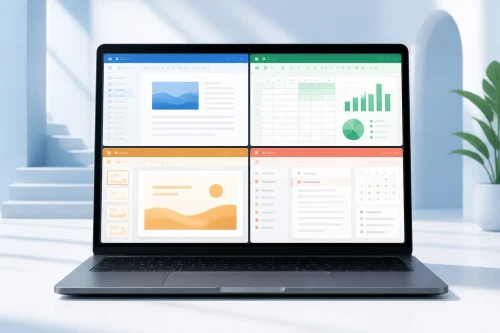
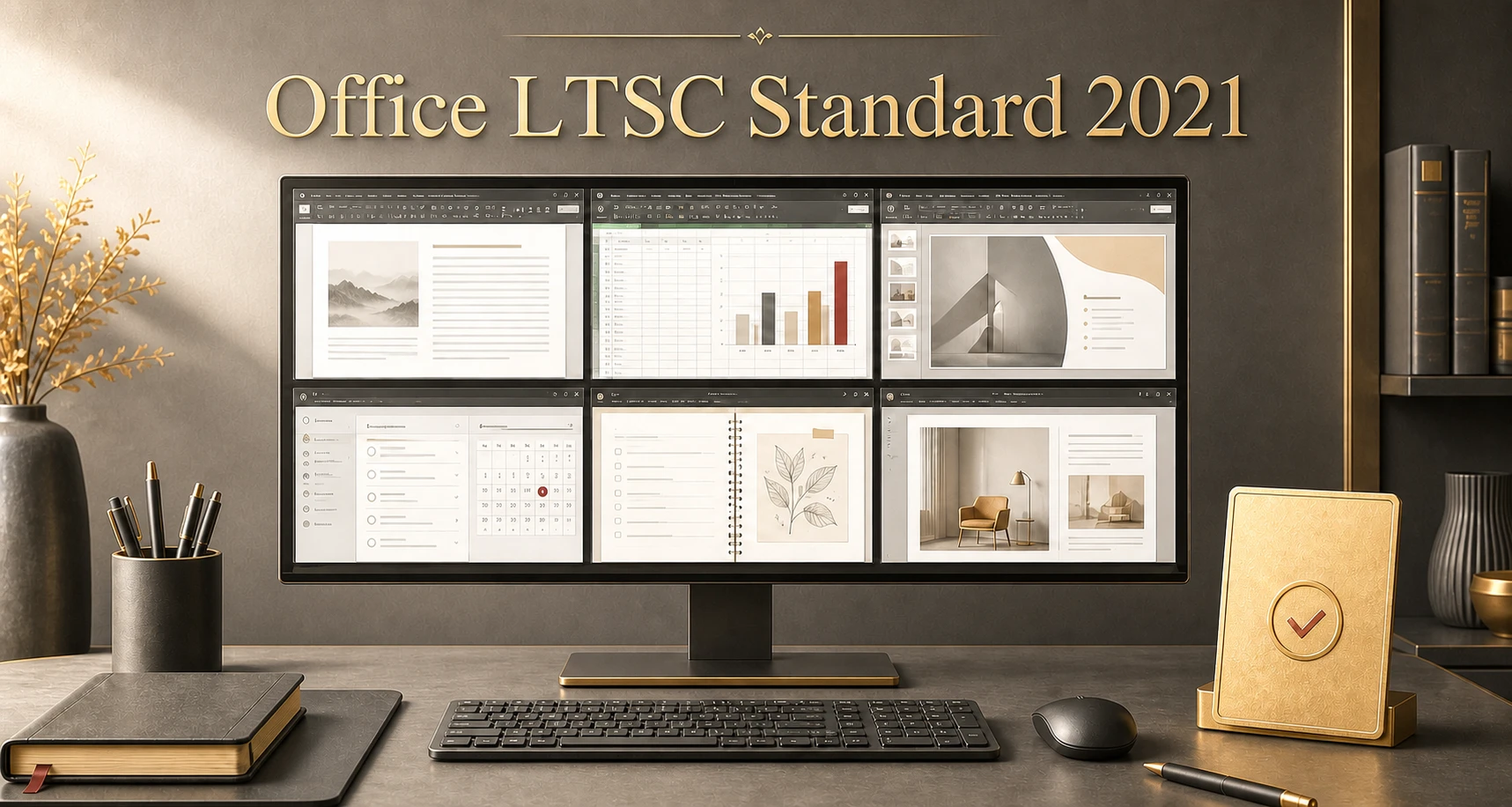
Six familiar desktop applications
Applications included
Install the same Office LTSC Standard 2021 edition on every licensed PC in the selected pack.
Word
Create documents, reports, letters and reusable business templates.
Excel
Analyse spreadsheets with formulas, charts, XLOOKUP and dynamic arrays.
PowerPoint
Build and present polished slide decks with recording and inking tools.
Outlook
Manage compatible email accounts, calendars, contacts and tasks.
OneNote
Capture and organise notes, meeting records, research and ideas.
Publisher
Create brochures, labels, newsletters and other page-layout projects.
Scale without sharing licences
Multi-PC licensing made clear
Select the number of PCs
Choose the pack that matches the number of devices that will install Office or access it remotely.
Assign one licence to each device
A 10-PC pack licenses ten devices. It does not create one key that may be shared with unlimited PCs.
Receive a lower per-PC rate
The total price changes with the selected pack, and larger packs reduce the effective cost per licensed device.
What your digital order includes
- Office LTSC Standard 2021 licences for the selected PC count
- Download and installation information
- Activation information for the supplied MAK deployment
- Installation and activation assistance under the store's published terms
Important licence boundaries
- Licensing is per device, not per user
- MAK activation is not proof of licence entitlement by itself
- The suite does not include Microsoft 365 cloud-service benefits
- Windows Server and RDS access licences are sold separately
A quick suitability check
Is this the right Office edition?
A good fit when you:
- Need a fixed Office feature set without a Microsoft 365 subscription.
- Are licensing one or more managed Windows PCs.
- Need Word, Excel, PowerPoint, Outlook, OneNote and Publisher.
- Do not need Access or Teams included.
- Accept the 13 October 2026 end-of-support date.
Choose another product when you:
- Use macOS, ChromeOS, iPadOS or Android.
- Need Microsoft Access or Microsoft Teams in the suite.
- Want ongoing feature updates or Microsoft 365 cloud services.
- Require Microsoft security updates beyond October 2026.
- Need RDS but have not confirmed the device and CAL requirements.
Check every device before ordering
Windows compatibility and system requirements
Microsoft's current supported-configuration information lists Office LTSC 2021 for Windows 11, Windows 11 LTSC 2024, Windows 10 LTSC 2021, Windows 10 LTSC 2019 and supported Windows Server editions. Ordinary Windows 10 Home and Pro reached end of support in October 2025 and should not be treated as a currently supported configuration.
Choose 64-bit Office for most modern Windows systems. Consider 32-bit only when a legacy add-in, macro, control or integration specifically requires it.
Remote Desktop Services
Licence every device that accesses Office through RDS
Choose an LTSC/RDS-labelled option
The selected PC count licenses that number of devices to access Office through RDS.
Every accessing device must have the qualifying Office edition and version assigned to it. An RDS User CAL does not replace the required Office device licence.
Not included
- Windows Server licences
- Windows Server CALs
- Remote Desktop Services CALs
Request an RDS licensing consultation before ordering if you are uncertain about device counts or Microsoft licensing requirements.
From checkout to activation
Digital delivery and installation
-
Select the PC count
Choose the pack that matches the number of devices to be licensed. Leave cart quantity at one unless you genuinely need multiple packs.
-
Complete payment verification
Orders are delivered digitally after payment verification. Most are emailed within 1–10 minutes, although some orders require additional processing.
-
Prepare the licensed PCs
Check compatibility, back up important work and remove conflicting Office installations where necessary.
-
Install the correct architecture
Follow the supplied deployment information and choose the appropriate 32-bit or 64-bit installation.
-
Activate Office
MAK activation uses Microsoft's internet or supported telephone activation service. Each installed or accessing device must still have a valid licence.
Compare before committing
Closest Office alternatives
| Edition | Best for | Access | Feature model | Microsoft support |
|---|---|---|---|---|
| Office LTSC Standard 2021 | Per-device deployments needing Publisher but not Access | No | Fixed LTSC feature set | Ends 13 October 2026 |
| Office LTSC Professional Plus 2021 | Organisations that also require Access | Yes | Fixed LTSC feature set | Ends 13 October 2026 |
| Office LTSC Standard 2024 | Buyers wanting a newer commercial release and longer support | No | Fixed LTSC feature set | Through October 2029 |
| Microsoft 365 | Users wanting continuous updates, cloud services and per-user subscriptions | Plan-dependent | Continuously updated while subscribed | Modern Lifecycle |
Clear information and local support
Why purchase from Software Mart Australia?
Review the Delivery Policy, Refund Policy and Terms of Service before ordering.
Straight answers before checkout
Frequently asked questions
Is Office LTSC Standard 2021 a subscription?
No. It is a one-time, per-device product with a fixed feature set. It does not include Microsoft 365's continuously updated features or subscription cloud services.
What does per-device licensing mean?
Every PC that installs Office, or accesses it remotely through RDS, must have a valid Office licence assigned to it. One licence cannot be shared across several unlicensed devices.
How do multi-PC discounts work?
Select the number of PCs above. The total pack price updates automatically, and larger packs receive a lower effective price per licensed PC.
Which applications are included?
Word, Excel, PowerPoint, Outlook, OneNote and Publisher are included. Access and Teams are not included.
Will it work on a Mac?
No. This product is for supported Windows environments and is not compatible with macOS.
Does it work on Windows 10?
Microsoft currently lists Windows 10 LTSC 2019 and Windows 10 LTSC 2021 as supported configurations. Ordinary Windows 10 Home and Pro reached end of support in October 2025. Contact support before ordering for a Windows 10 environment.
Should I install 32-bit or 64-bit Office?
64-bit is suitable for most modern PCs. Choose 32-bit only when a legacy add-in, integration, control or workflow requires it.
Can it be used through Remote Desktop Services?
Only choose an option specifically labelled for LTSC/RDS. The selected count licenses that number of accessing devices. Windows Server licences, Windows Server CALs and RDS CALs are separate and are not included.
What happens after 13 October 2026?
The applications may continue to run, but Microsoft will no longer provide security updates, bug fixes or technical support. Choose Office LTSC 2024 or Microsoft 365 if continued support is important.
How quickly is the order delivered?
Delivery is digital after payment verification. Most orders are delivered by email within 1–10 minutes, although some orders may require additional processing time.
Ready to choose?
Licence the right number of Windows PCs
Return to the purchase panel, select the required PC count and review the live total and per-PC rate before adding the pack to your cart.
Technical and lifecycle sources
- Microsoft: Overview of Office LTSC 2021
- Microsoft: Office LTSC system requirements
- Microsoft: End of support for Office 2021
- Microsoft: Office LTSC licensing guidance
- Microsoft: Office and RDS licensing FAQ
Microsoft product names are trademarks of Microsoft. Software Mart Australia is responsible for its own product, delivery and support statements.