

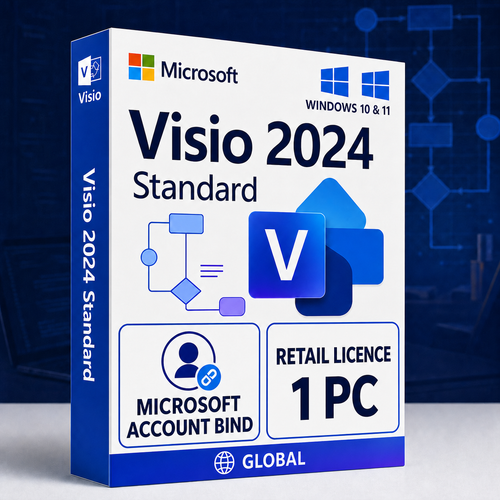
Retail / Microsoft account · One user · One Windows PC
Make everyday business ideas easier to understand
Create polished flowcharts, organisation charts, timelines, schedules, brainstorming diagrams and practical layouts with Microsoft Visio Standard 2024—purchased once for one licensed Windows PC.
Quick product facts
Built for a dedicated desktop user: this offer is not Visio Professional, Visio Plan 1, Plan 2, a volume licence, an RDS licence or a multi-device entitlement. Digital fulfilment follows payment and order verification.
Clear general-purpose diagramming
Move from a rough idea to a diagram people can follow
Visio Standard is designed for everyday visual communication: documenting how work moves, showing who is responsible, planning spaces and presenting information without the specialist technical content of Professional.
Explain workflows clearly
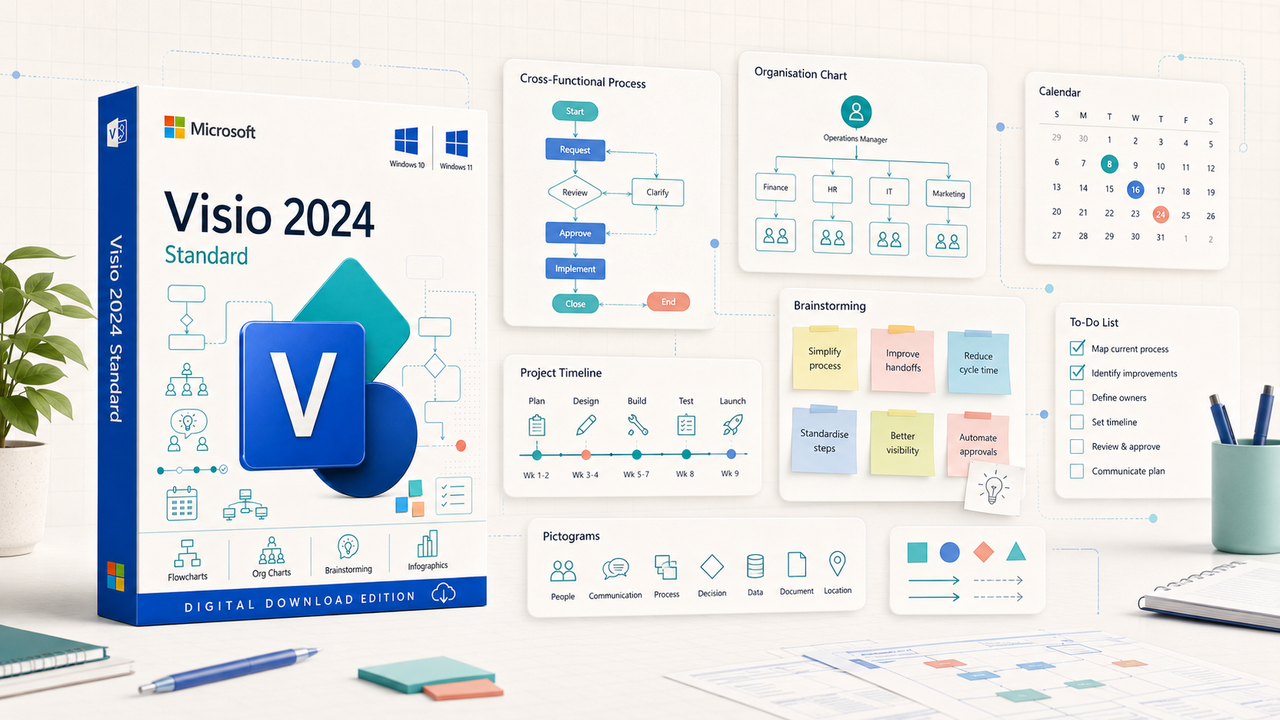
Build basic and cross-functional flowcharts that make steps, decisions, owners and hand-offs visible.
Show teams and structure
Create organisation charts, reporting relationships and responsibility maps for teams and stakeholders.
Plan time and activity
Use timelines, calendars and schedules to communicate milestones, phases, events and planned work.
Turn ideas into visuals
Organise workshops and concepts with mind maps, icons, sticky notes, infographics and customisable shapes.

Faster starts, cleaner outcomes
Use ready-made structure without giving up control
Start with a relevant template, drag shapes into place, connect related steps and apply a consistent theme. Standard 2024 adds refreshed shapes, templates and styles, plus new icons, sticky notes and infographic content.
- Updated templates, shapes and visual styles
- New icons, pictograms, to-do lists and sticky notes
- A prominent search experience for finding commands
- Touch and pen input on compatible devices
- Accessibility Checker, Narrator and high-contrast support
The right tools for everyday visual work
One workspace for processes, people, plans and ideas
Standard 2024 focuses on the diagrams most commonly needed by individuals, managers, coordinators, educators and small organisations.
Choose the right edition before checkout
A smart fit for core diagramming—not every Visio scenario
Choose Standard 2024 if you…
- Create flowcharts, organisation charts, timelines and office layouts
- Need a polished Windows desktop diagramming application
- Prefer a one-time purchase to an ongoing subscription
- Use one dedicated Windows PC
- Control the Microsoft account used to redeem the licence
Choose another option if you…
- Need Azure, Kubernetes, UML, ERD, P&ID or advanced engineering content
- Need standards validation or live data connectivity and data graphics
- Require browser-first collaboration or continuous feature releases
- Need installation on several PCs for one user
- Need RDS, shared-server deployment or volume licensing
Edition comparison
Standard 2024, Professional 2024 or Visio Plan 2?
Choose according to diagram complexity, installation needs and whether advanced technical content or ongoing web collaboration matters.
| Capability | Standard 2024 | Professional 2024 | Visio Plan 2 |
|---|---|---|---|
| Purchase model | One-time purchase | One-time purchase | Recurring subscription |
| Licensed desktop installations | One PC | One PC | Up to five PCs per licensed user |
| General business diagrams | Included | Included | Included |
| Additional technical templates and shapes | Limited | Included | Included |
| BPMN 2.0, IEEE and UML 2.5 standards support | Not the intended edition | Included | Included |
| Live data connectivity and data graphics | Not included | Included | Included |
| Visio web app and continuous feature updates | Not included | Not included | Included |
Verify the current Microsoft comparison Ask which edition fits
Compatibility first
Check Windows, Office architecture and account access before ordering
Processor
1.1 GHz or faster, two-core processor.
Memory
4 GB RAM.
Storage
At least 4 GB of available disk space.
Display
1280 × 768 or higher; 64-bit Office is required for 4K and higher.
Operating system
One compatible Windows 10 or Windows 11 physical or virtual PC.
Setup
Internet access, administrator rights and a Microsoft account are required.
Read Microsoft’s Windows guidance Check Office coexistence Request a compatibility check
Retail / Microsoft Account Bind explained
Link the licence to the right account and keep one PC active
Microsoft’s one-time-purchase setup guidance associates the redeemed Visio key with the Microsoft account used during setup. That account is then used to download the application again and manage the licence.
Microsoft account linked
Redeem with the account that should retain download and licence-management access.
One user, one PC
Install and run one instance on one licensed physical or virtual Windows device for use by one person at a time.
Transferable retail terms
Stand-alone retail software may be moved to another device you own no more than once every 90 days, except after hardware failure. Remove it from the previous device.
No subscription renewal
The licensed 2024 version has no recurring subscription fee. Future major releases are not included.
Digital fulfilment
From verified order to an account-linked installation
- 01
Confirm the fit
Check Windows, the one-PC entitlement and any Office-family products already installed.
- 02
Place the order
Purchase this dedicated Visio Standard 2024 Retail one-PC product through secure checkout.
- 03
Order verification
Software Mart completes payment and transaction checks required for digital fulfilment.
- 04
Receive and redeem
Use the supplied instructions and the Microsoft account that should own and manage the entitlement.
- 05
Download and activate
Install the matching bit version on the licensed PC, complete activation and confirm the installed edition.
Read the digital delivery policy Review the refund policy before redemption Ask a pre-purchase question
Lifecycle visibility
Plan around a defined support horizon
Microsoft lists both Visio 2024 Standard and Professional under the Modern Lifecycle Policy, with retirement in October 2029. A perpetual licence can continue to exist after retirement, but operating-system support, security planning and service availability still matter.
Buyer questions
Microsoft Visio Standard 2024 Retail FAQs
Clear answers to the questions that should be resolved before payment.
What does “Retail / Microsoft Account Bind” mean?
The retail key is redeemed while signed in to a Microsoft account. Microsoft states that the key is then associated with that account so the app can be downloaded again and the licence managed there.
Is this a subscription?
No. It is a one-time purchase for the licensed Visio Standard 2024 desktop version. It does not include automatic rights to a future major release.
How many users and computers are covered?
One user may install and run one instance on one compatible physical or virtual Windows PC at a time. A second active PC requires another licence.
Can I reinstall it on the same PC?
Yes. Microsoft says an associated one-time-purchase version can be downloaded again from the Microsoft account used during redemption.
Can I move the licence to another PC?
Microsoft’s stand-alone retail terms permit transfer to another device you own no more than once every 90 days, except after hardware failure. Remove Visio from the previous PC before using the new licensed device.
Does it run on a Mac?
No. Visio Standard 2024 is a Windows desktop application. Do not purchase it for native macOS use.
Will it work beside Microsoft 365 Apps?
It can in supported configurations, but the bit version, installation technology and update channel must be compatible. Ask for a pre-purchase check if you are unsure.
What does Professional add over Standard?
Professional includes Standard’s capabilities plus additional technical templates, shapes and starter diagrams; standards-oriented content; Azure, network, software and database content; and live data connectivity and data graphics.
Does this include the Visio web app?
No. The web app belongs to eligible Microsoft 365 or Visio subscription plans. This product is the fixed-version Windows desktop application.
Is the licence global?
This store offer is described as a global retail licence. Microsoft notes that online services may not be available in every region and that geographic and export restrictions still apply.
What happens after purchase?
After payment and order verification, Software Mart provides the digital licence information and setup guidance by email. Delivery timing can vary when additional verification is required.
Confirm compatibility. Link the right account. Diagram with clarity.
Ready for Visio Standard 2024 on one Windows PC?
Choose the dedicated retail / Microsoft account-linked licence for A$300 including GST, with digital fulfilment after payment and order verification.