Windows Server 2019 Datacenter · 16-core base + User CALs
Datacenter licensing for highly virtualised server environments
This bundle combines a 16-core Windows Server 2019 Datacenter base licence with the User CAL quantity you select above. It suits organisations that need dense virtualisation while licensing each named user who accesses Windows Server services.
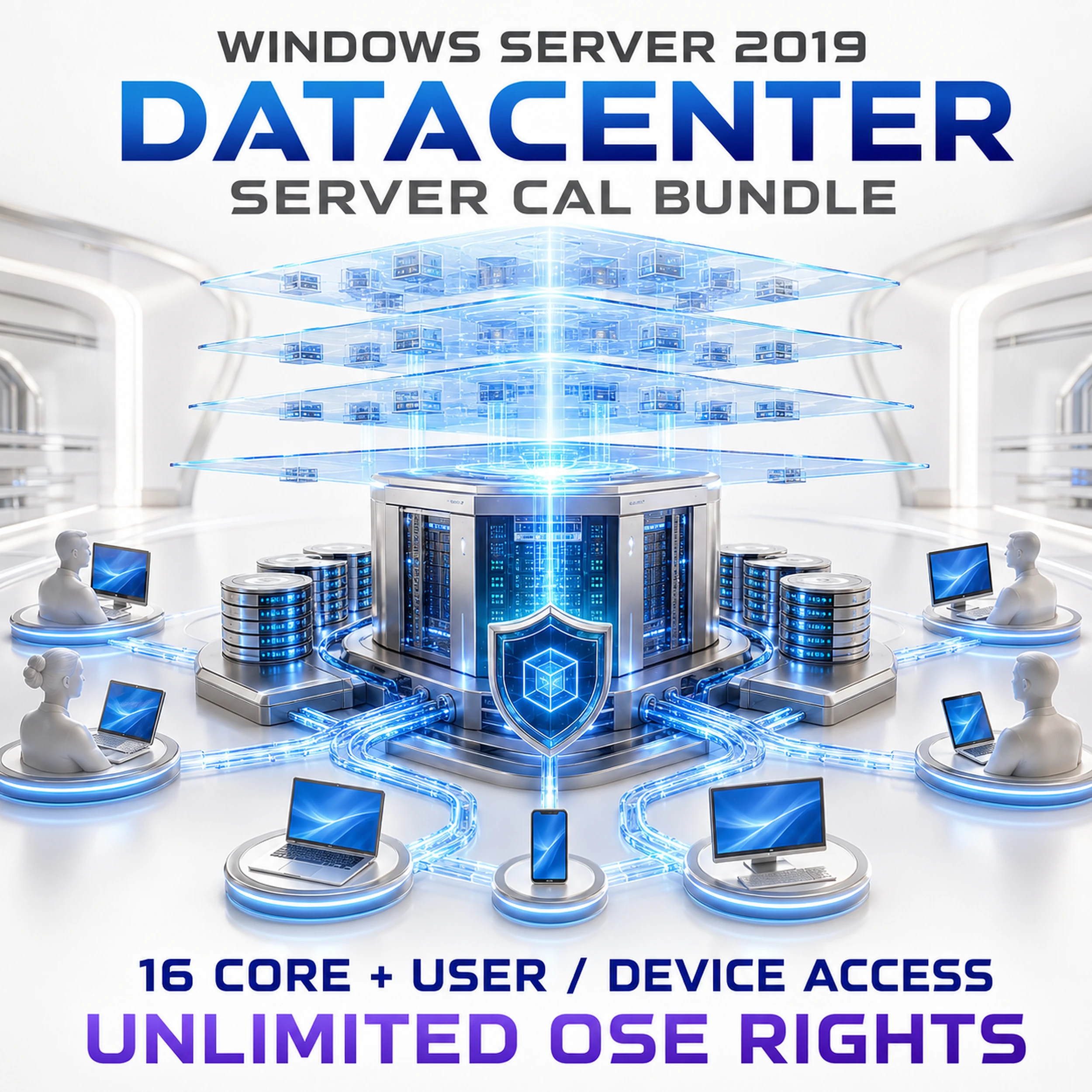
What this bundle includes

16-core server base
A starting core entitlement for one physical server. Add the required core licences if the server has more than 16 physical cores.

Datacenter virtualisation rights
Designed for dense virtualisation. Unlimited Windows Server operating system environments are generally permitted after the physical server is fully licensed.

Selectable User CAL quantity
Choose the quantity that matches the number of named users who require access to Windows Server services.
Is this the right licence?
Best for dense virtualisation
Choose Datacenter for hosts running many Windows Server virtual machines or workloads that require its advanced datacentre capabilities.
Licence named users
A User CAL follows one named user across the devices they use. Device CALs may suit shared-device environments better.
Keep RDS licensing separate
Windows Server CALs do not replace Remote Desktop Services CALs. Add RDS CALs when users connect through Remote Desktop Services.
Before checkout
Confirm the deployment details
- Count every physical core in the licensed server.
- Select one User CAL for each named user who needs server access.
- Confirm whether User CALs or Device CALs are the better access model.
- Add separate RDS CALs if Remote Desktop Services will be used.
- Compare Standard edition for lightly virtualised environments.
Licence components at a glance
| Component | What it licenses |
|---|---|
| 16-core Datacenter base | The physical-server foundation, subject to Microsoft’s core minimums and the server’s actual physical-core count. |
| User CAL | One named user accessing Windows Server services from their devices. |
| RDS CAL | Additional access rights for Remote Desktop Services; not included in this bundle. |
| Datacenter edition | Advanced datacentre features and dense virtualisation rights when the physical server is fully licensed. |
Digital delivery and installation support
Choose your CAL quantity
Select the required User CAL quantity above, then complete secure checkout.
Order verification
Your order is checked before digital fulfilment.
Email delivery
Licence information and relevant installation guidance are typically emailed within 1–10 minutes after verification.
Human support
Remote assistance, live chat, email and phone support are available if you need help.
Frequently asked questions
Does Datacenter include unlimited users?
No. Datacenter virtualisation rights do not remove Windows Server CAL requirements. Select the correct User CAL quantity for your organisation.
Are RDS CALs included?
No. Remote Desktop Services access requires separate RDS CALs.
Does the 16-core base cover every server?
No. It is the starting entitlement. The server must be licensed for all required physical cores under the applicable Microsoft licensing rules.
Would Standard edition be a better fit?
Standard can be more economical for physical or lightly virtualised workloads. Datacenter is intended for dense virtualisation and advanced datacentre scenarios.
Select the access count that matches your organisation
Choose the User CAL quantity in the purchase options above. Contact Software Mart before ordering if you are unsure whether User CALs, Device CALs or separate RDS CALs are required.
After purchase, Software Mart will troubleshoot fulfilment and activation issues and apply the documented replacement or refund process where appropriate.