Office 2013 no longer receives Microsoft security updates, bug fixes or assisted support. It is intended only for confirmed legacy requirements. Check Windows compatibility, activation and the supplied licence terms before purchase.
Microsoft Office 2013 Professional Plus
Classic desktop productivity for organisations and users maintaining a compatible legacy Windows environment—without a recurring Microsoft 365 subscription fee.
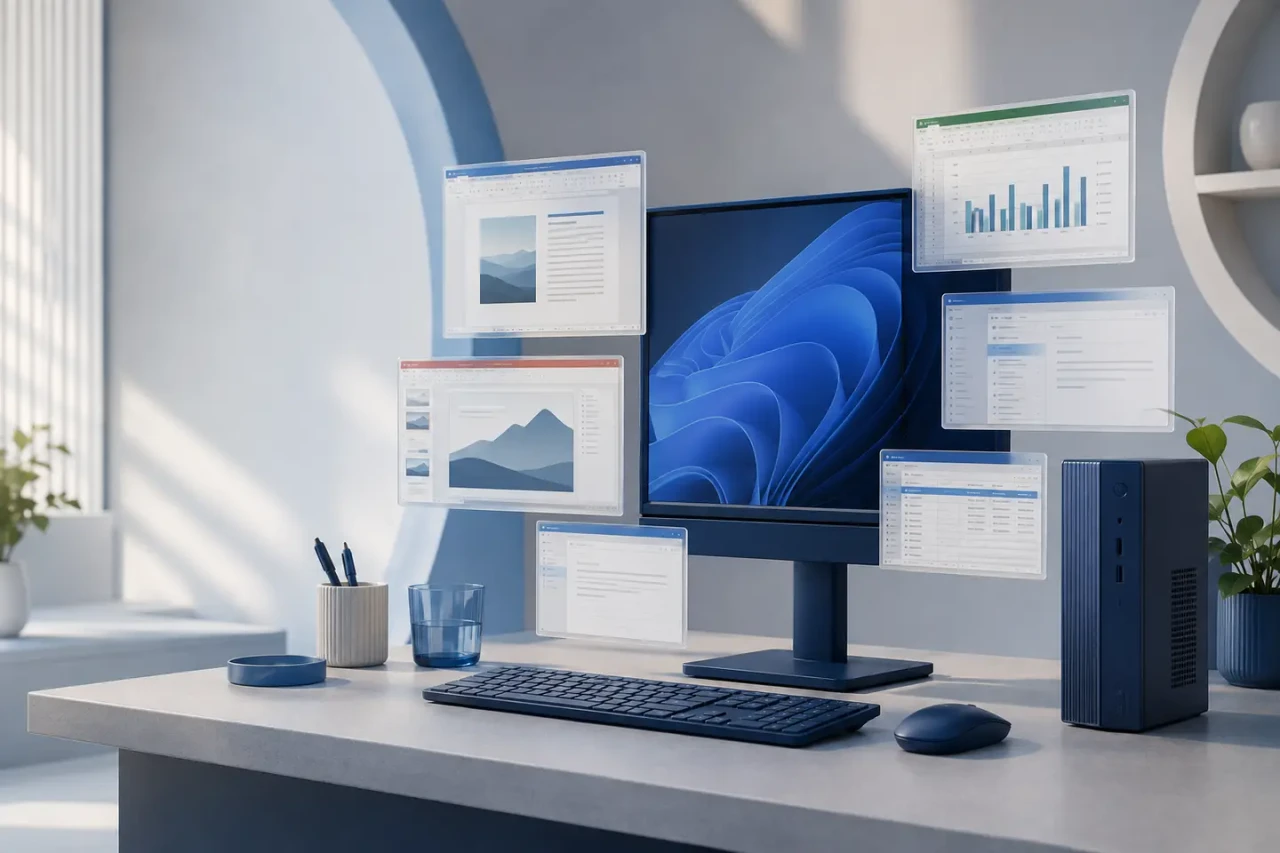
Made for compatible legacy workflows
Office 2013 Professional Plus brings documents, spreadsheets, presentations, email, notes, databases, publishing and legacy communications tools into one familiar Windows desktop suite. It can suit controlled environments that depend on 2013-era files, add-ins or processes.
A broad professional toolkit
The Professional Plus edition is commonly associated with the applications below. Exact application availability must match the licence and installer supplied with your order.
Word
Documents, reports, templates, references, review tools and mail merge.
Excel
Formulas, charts, PivotTables, data validation and business analysis.
PowerPoint
Presentations, themes, charts, media, transitions and Presenter View.
Outlook
Email, calendars, contacts and tasks where provider requirements remain compatible.
OneNote
Searchable notebooks for meetings, research, planning and project notes.
Access
Desktop databases, queries, forms, relationships, macros and reports.
Publisher
Brochures, labels, newsletters and other print-focused publications.
Lync 2013
Legacy organisational communications only where compatible services still exist.
Lync and connected Outlook features depend on separate compatible services. Several Microsoft online services used by this generation have been retired or changed.

Confirm the environment before ordering
The following are historical Office 2013-era requirements, not a promise of support on a current Windows release.
- Compatible Windows PC only; not macOS
- Historically supported on Windows 7, Windows 8 and Windows 10-era environments
- 1 GHz or faster x86/x64 processor with SSE2
- 1 GB RAM (32-bit) or 2 GB RAM (64-bit)
- At least 3 GB available storage
- 1024 × 576 display; DirectX 10 hardware for graphics acceleration
- Internet may be required for download, activation and connected features
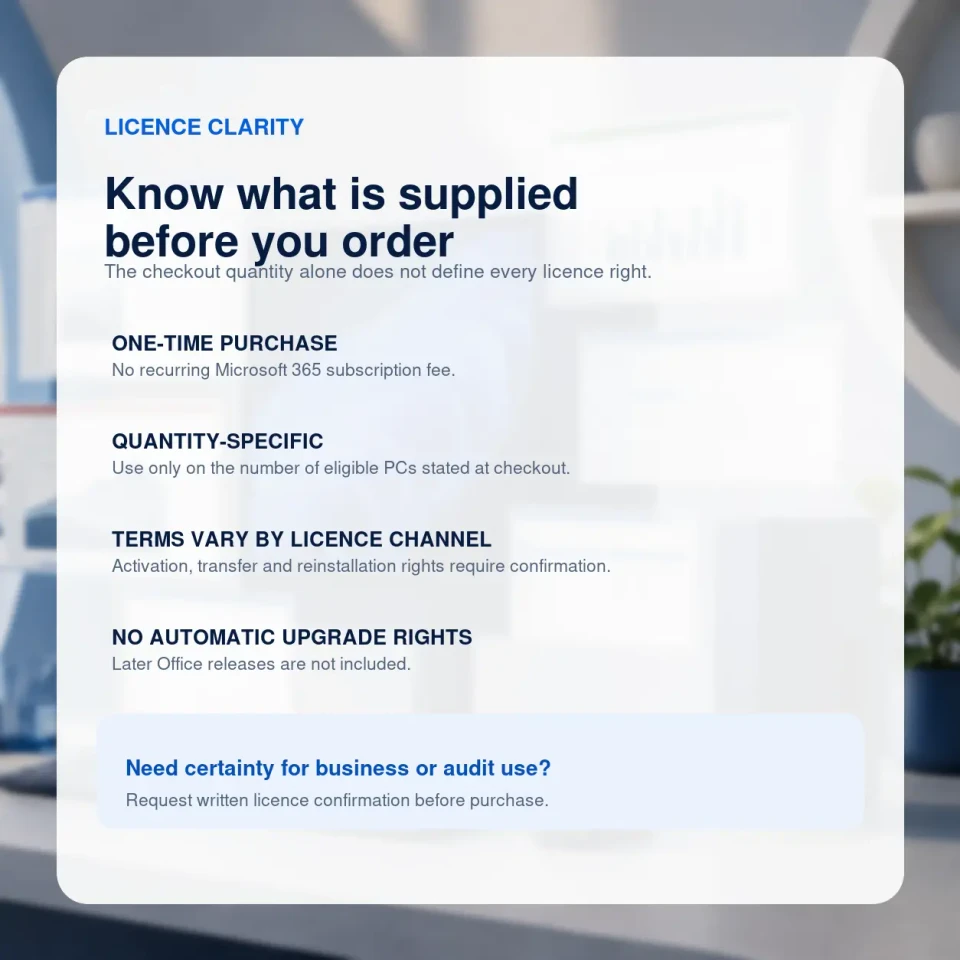
Quantity is only one part of the licence
This page describes Microsoft Office 2013 Professional Plus. The unrelated retail UPC previously attached to the listing has been removed. The exact licence channel, activation method and permitted rights must be confirmed for the option supplied.
“Perpetual” means there is no recurring subscription merely to keep using the licensed software under its terms. It does not mean perpetual Microsoft support, online services, activation availability, security updates or compatibility.
| Licence question | What this offer states |
|---|---|
| Edition | Microsoft Office 2013 Professional Plus for a compatible Windows PC. |
| Device quantity | The number of eligible PCs selected at checkout. Confirm whether multiple quantities are supplied as separate keys or another documented licence arrangement. |
| Licence channel | Must be confirmed for the selected option. Written confirmation is available on request before purchase. |
| Activation | Depends on the supplied option. Do not assume Microsoft-account binding, MAK, KMS or another method unless stated in writing. |
| Transfer and reinstall | Depend on the exact supplied terms, activation history and Microsoft activation systems; not guaranteed unless confirmed. |
| Region and language | Confirm your required activation region and language before ordering. |
| RDS, virtual machines or shared devices | Not included or represented unless appropriate rights are separately documented in writing. |
| Upgrade rights | No automatic right to a later Office version. |
From checkout to installation
No physical product is shipped. Order information is sent electronically after payment verification and any routine security checks.
Choose carefully
Select the licence quantity and confirm your Windows version, language, installer needs and existing Office software.
Review the order
Read the supplied edition, licence and activation information before beginning the installation.
Install with care
Back up important files, confirm administrator access and remove conflicting Office installations where required.
Need assistance? Stop before repeated activation attempts and contact support. Installation guidance does not extend Microsoft’s ended lifecycle and excludes unrelated device, network or data-recovery work.
Is Office 2013 the right fit?
| Feature | Office 2013 Pro Plus | Newer perpetual Office | Microsoft 365 |
|---|---|---|---|
| Payment | One-time | One-time | Subscription |
| Microsoft support | Ended 11 Apr 2023 | During published lifecycle | While plan and service are supported |
| Security updates | Ended | During supported lifecycle | Ongoing for supported apps |
| Feature upgrades | No | No automatic next-version upgrade | Continuously updated |
| Best fit | Confirmed legacy dependency | Current one-time-purchase needs | Current tools and cloud services |
Frequently asked questions
Is this a subscription?
No. It is presented as a one-time purchase for the eligible Windows PC quantity selected at checkout, subject to the exact licence terms supplied.
Is Office 2013 still supported by Microsoft?
No. Microsoft support ended on 11 April 2023. It no longer receives Microsoft security updates, non-security updates, bug fixes or assisted support.
Can I install it on a Mac?
No. Office 2013 Professional Plus is a Windows desktop edition and is not compatible with macOS.
Will it work on Windows 11?
Do not assume it will. Windows 11 was not part of the supported Office 2013-era system matrix. Contact us with your exact device and Windows version before ordering.
How many PCs can I use?
Only the eligible PC quantity stated by the option selected at checkout. Ask whether a multi-PC option uses separate keys or another documented arrangement if this matters to your deployment.
Can I transfer or reinstall the licence?
Transfer and reinstallation rights depend on the exact licence channel, supplied terms, activation history and Microsoft activation systems. Request written confirmation before purchase if these rights are important.
Can it run beside Microsoft 365?
Overlapping Office suites can conflict because of different builds, architectures and installation technologies. Contact support with details of the existing installation before attempting side-by-side use.
What happens after checkout?
Digital fulfilment information is sent after payment verification and routine order checks. Read the edition, licence and activation instructions before installing.
Confirm the fit before you commit
Choose the correct licence quantity only after checking the Windows environment, end-of-support risk and supplied licence terms. Our team can clarify uncertain compatibility or licensing questions before purchase.