Microsoft 365 Business Premium
One secure workspace.
Every working surface.
Bring desktop productivity, business email, Teams collaboration, identity control, device management and advanced threat protection into one per-user subscription for growing organisations.
Choose your user pack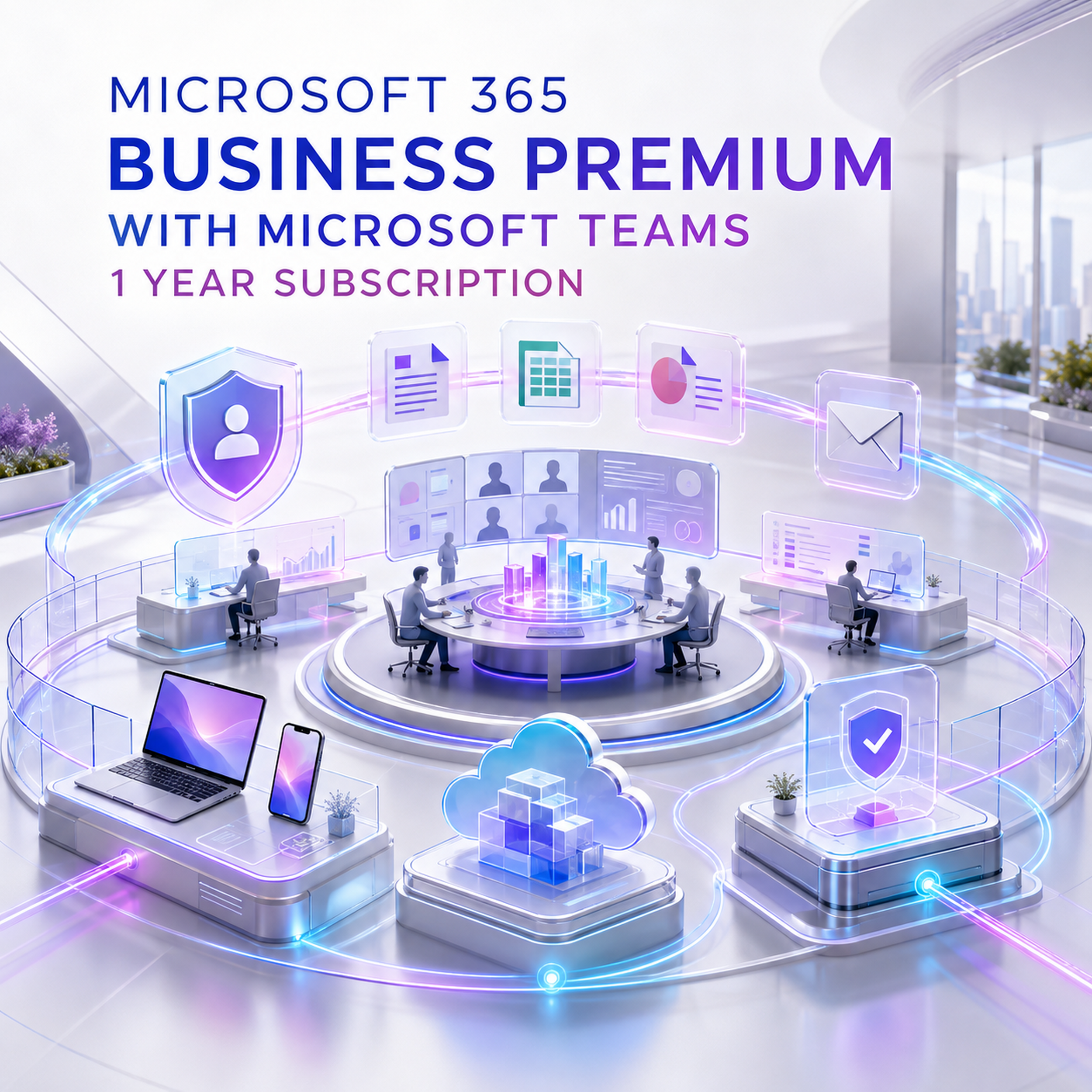
The complete operating layer
Not just Office. A controlled digital workplace.
Business Standard equips people to work. Business Premium adds the controls IT needs to govern who can enter, which devices can connect, how sensitive data is handled and how endpoint threats are investigated.

Collaborate
Teams, SharePoint, Loop and real-time coauthoring keep conversation and content connected.

Protect
Defender for Business and Defender for Office 365 Plan 1 extend protection across endpoints, mail, links and attachments.

Manage
Intune and Entra ID P1 provide a central policy layer for identities, apps and supported devices.
Govern
Sensitivity labels and DLP help business policy travel with supported email and files.
Choose the correct annual pack
Licence people. Then calculate their working footprint.
Each licensed user may install Microsoft 365 Apps on up to five PCs or Macs, five tablets and five phones. These allowances belong to assigned users; they do not permit shared accounts.

5 users
5 TB aggregate OneDrive allowance
Up to 75 app installations
10 users
10 TB aggregate OneDrive allowance
Up to 150 app installations
15 users
15 TB aggregate OneDrive allowance
Up to 225 app installationsProductivity constellation
The apps people expect. The services work depends on.
Business Premium connects everyday creation tools with email, content, scheduling, meetings and shared workspaces, kept current throughout the active subscription.
Word
Documents, templates and coauthoring.
Excel
Analysis, models and connected workbooks.

PowerPoint
Presentations, recording and coauthoring.

Outlook
Email, calendar, contacts and scheduling.

SharePoint
Team sites, content and intranet foundations.

Loop
Flexible shared workspaces and components.

Planner
Shared tasks and lightweight workflows.
Bookings
Customer-facing appointment scheduling.
Forms
Surveys, quizzes and structured feedback.
Access
Desktop database application on PC only.

1-year term
Annual subscription, not a perpetual key.

Conditional Access
Policy-based identity and access control.

Collaboration without ambiguity
This listing includes Microsoft Teams.
Use chat, channels, meetings, shared files, recordings and webinars inside the same authenticated workspace. Microsoft currently documents meetings of up to 300 interactive participants for Business Premium.
Included
- Teams chat, channels and meetings
- Recording and transcription features
- Webinars with registration and reporting
- SharePoint and OneDrive collaboration
Separate
- Teams Phone system licensing
- PSTN numbers and Calling Plans
- Advanced Teams Premium features
- Contact-centre services
Five-part security control plane
Protect the path from sign-in to sensitive data.
Security value comes from connected enforcement: identity checks device condition, endpoint signals inform response, email controls reduce entry paths and data policy follows content.

Identity
Entra ID P1, MFA, SSO, self-service password reset and Conditional Access.

Endpoints
Attack-surface reduction, EDR and automated investigation and remediation.

Safe Links, Safe Attachments and advanced anti-phishing controls.
Data
DLP, sensitivity labels and protection for supported email and files.
Devices
MDM, mobile app management, compliance, configuration and selective wipe.
Edition comparison
Choose the control level, not just the app list.
| Decision factor | Business Basic | Business Standard | Business Premium |
|---|---|---|---|
| Best fit | Cloud-first essentials | Full productivity suite | Productivity + managed security |
| Web and mobile apps | Included | Included | Included |
| Desktop apps | Not included | Included | Included |
| Email + 1 TB OneDrive | Included | Included | Included |
| Microsoft Teams | With-Teams SKU | With-Teams SKU | Included in this listing |
| Microsoft Intune | Not included | Not included | Included |
| Microsoft Entra ID P1 | Not included | Not included | Included |
| Defender for Business | Not included | Not included | Included |
| Defender for Office 365 P1 | Not included | Not included | Included |
| Conditional Access | Not included | Not included | Included |
Six truths before checkout
Buy the entitlement you actually intend to operate.
Count people, not devices
Choose the 5-, 10- or 15-user pack that covers every person using the services.
Teams is included
This is the Teams-included offer. Teams Phone and PSTN calling remain separate.
Check Windows first
Business Premium does not provide a free Windows Home-to-Pro licence.

Separate Copilot offers
Copilot Chat may be available to eligible users; work-grounded Microsoft 365 Copilot is not included unless added.
Servers need an add-on
Included endpoint protection is for supported client devices; server operating systems require separate security licensing.
Plan for Publisher retirement
Publisher leaves Microsoft 365 in October 2026. Convert important .pub files before retirement.
The first-year operating arc
A subscription is a capability cycle—not a product key.
Confirm
Users, tenant, domain, Windows editions, mail and Teams requirements.
Provision
Assign licences and connect the correct Microsoft 365 tenant.
Protect
Configure Conditional Access, Intune, Defender and data controls.
Adopt
Move files, train users and standardise Teams and SharePoint.
Renew
Review users, posture and renewal before the annual expiry.
Buying intelligence
Questions a serious buyer should ask.
Is Microsoft Teams included?
Yes. This specific Software Mart Australia listing is the Teams-included version.
Is this a perpetual licence?
No. It is a per-user subscription with a one-year term and requires renewal.
Which quantities can I select?
The product currently offers 5-, 10- and 15-user packs.
How many devices per user?
Up to five PCs or Macs, five tablets and five phones per licensed user.
How much cloud storage?
Each licensed user receives 1 TB of OneDrive storage.
How large is the primary mailbox?
Microsoft's current service limits list a 50 GB primary mailbox for Business Premium.
What is the Business-plan user limit?
Up to 300 provisioned licences across the Microsoft 365 Business plan family in one tenant.
Are desktop apps included?
Yes. Desktop, web and mobile core apps are included; Access is PC only.
Is Microsoft 365 Copilot included?
Paid work-grounded Microsoft 365 Copilot is a separate add-on or Copilot bundle unless stated.
Does Teams include a phone system?
No. Teams Phone, PSTN numbers and Calling Plans require separate licensing.
Can Teams meetings host 300 people?
Microsoft currently documents up to 300 interactive meeting participants for Business Premium.
Does it upgrade Windows Home to Pro?
No. Windows Home devices require a separate Windows Pro licence.
Are servers protected by the included Defender licence?
No. Server operating systems need a separate Defender server or other server plan.
Can I mix Microsoft 365 Business plans?
Yes, but each user must be licensed for the services they use and the 300-seat family cap applies.
How is it different from Business Standard?
Premium adds Intune, Entra ID P1, Defender for Business, Defender for Office 365 P1 and data protection.
Does security configure itself?
No. Administrators must configure policies, enrol devices and monitor the services.
Are Mac and mobile devices supported?
Yes, with platform-specific differences and Microsoft's current supported-version requirements.
What happens to Publisher?
Microsoft says Publisher will leave Microsoft 365 in October 2026.
Can this join an existing tenant?
Yes. This new subscription is added to the customer’s existing Microsoft 365 tenant. Provide the correct tenant details when ordering to prevent duplicate-tenant or provisioning delays.
What should I confirm before checkout?
User count, tenant, domain, migration, devices, Windows editions, Teams telephony, security ownership and renewal date.
Put productivity and protection on the same renewal clock.
Choose the 5-, 10- or 15-user one-year pack, then prepare identities, devices, email and security policy for a controlled deployment.
View Microsoft 365 Business Premium with TeamsResearch sources: Microsoft 365 business plan comparison · Exchange Online service limits · Defender for Business · Microsoft Entra licensing · Teams limits · Publisher retirement.
Plan packaging, service limits and regional availability may change. Verify current Microsoft Product Terms and order details before purchase.
CONFIRMED PURCHASE TERMS
Know exactly how your subscription is supplied
This is a new 12-month Microsoft 365 Business Premium subscription for the selected 5-, 10- or 15-user pack. It is added to the customer’s existing Microsoft 365 tenant and includes Microsoft Teams for the full subscription term.
Named-user subscription
One licence is assigned to each named user. Administrators may reassign licences to different users during the active subscription term.
Your existing tenant
The subscription is provisioned to the customer’s existing Microsoft 365 tenant. Supply the correct tenant details to prevent provisioning delays.
Up to four business days
The delivery email contains the licence information plus Microsoft 365 application download and installation instructions.
No automatic renewal
The subscription expires after one year. A renewal must be purchased to continue using the services after the term ends.
Help when you need it
Installation and activation support is available through remote assistance, live chat and email.
Worldwide, except Europe
Available in all countries except Europe and supports all available Microsoft 365 languages.