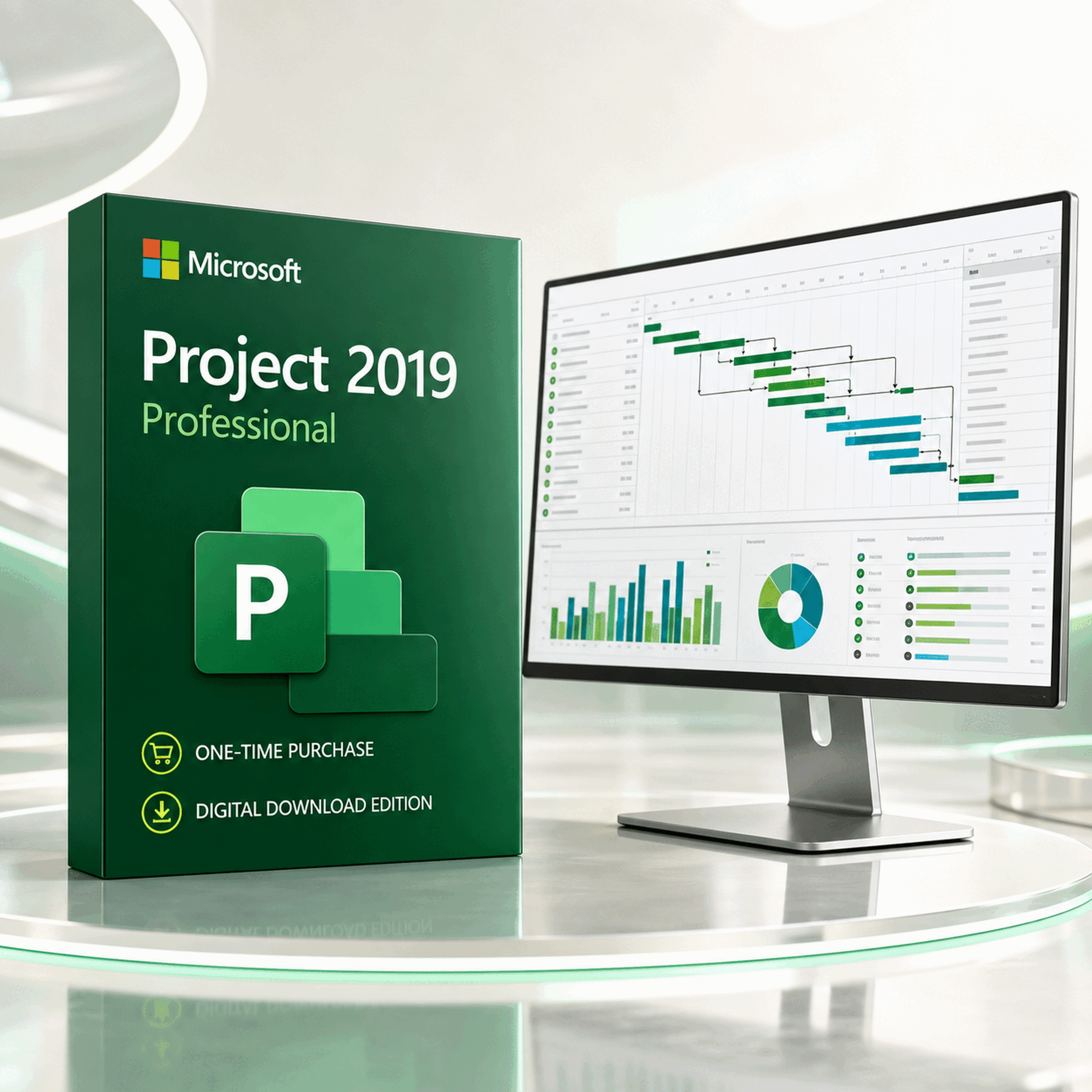
Microsoft Project 2019 Professional
Turn scope into a defensible schedule, expose the critical path, balance resource demand and communicate progress with the familiar Microsoft Project desktop experience.
Important legacy-product notice: Microsoft support for Project 2019 ended on 14 October 2025. The application may continue to run, but Microsoft no longer supplies security updates, bug fixes or technical support for this release. Buy it for a deliberate legacy, file-compatibility or controlled-environment requirement—not as the default for a new long-term deployment. Confirm Windows policy, Office bitness and installation technology before ordering.
A schedule earns its place when it answers the hard questions
What must happen first? Which chain controls the finish date? Where is capacity overcommitted? What moved after the baseline was approved? Project 2019 Professional connects those answers inside one disciplined desktop plan.

Structure scope
Break deliverables into tasks, summary tasks, milestones and accountable work packages.

Link the schedule
Connect tasks, apply calendars and let dependency logic reveal realistic dates and sequencing.

Balance capacity
Assign people, equipment, materials and costs, then investigate overloads before delivery slips.

Report the truth
Compare current performance with the approved plan and turn project data into visual reports.
From an uncertain brief to a controllable delivery plan
Frame
Define deliverables, calendars, constraints and the work breakdown structure.
Sequence
Connect dependencies, estimate durations and expose milestone logic.
Resource
Assign people, equipment and costs; inspect availability and level work where appropriate.
Control
Save a baseline, update actuals, monitor variance and communicate the forecast.
Move faster without losing the logic behind the finish date
Project 2019 keeps the depth of a connected desktop schedule while removing friction from everyday editing. Select predecessors or successors from drop-down lists, surface the parent phase through the Task Summary Name field, and make timelines clearer with labels and visible task progress.
- Predecessor and successor selection from task drop-down lists
- Task Summary Name field for easier orientation in long plans
- Timeline bar labels and progress directly on timeline tasks
- Gantt, dependency, lead and lag, constraint and calendar controls
- Critical-path and slack visibility
- Up to 11 baselines and multiple timelines


Spot pressure before the schedule pays the price
Assign work, material and cost resources; inspect utilisation by person or period; and use resource views to find overallocations. Built-in graphical reports update as the underlying project data changes, helping teams separate an approved promise from the current forecast.
- Resource Sheet, Resource Usage and Team Planner views
- Work, availability, rates and assignment tracking
- Resource levelling controls for resolvable conflicts
- Shared resource pools for coordinated desktop files
- Cost and material resources for fuller delivery economics
- Professional-only legacy server connectivity and resource engagements*
*Resource engagements require Project Professional 2019 connected to a compatible Project Server 2016 or 2019 environment. Project Server 2019 support ended on 14 July 2026, and Project Online retires on 30 September 2026. Do not buy this licence today solely to create a new server or Project Online deployment.
Built for schedules that outgrow a task list
Use repeatable planning logic, cost-aware resources and stakeholder-ready outputs while retaining a one-time-purchase desktop workflow.

Gantt control
Map work across time and inspect schedule logic in the view project professionals know.
Faster task linking
Select predecessors or successors from a list instead of repeatedly typing task IDs.

Task Summary Name
Show the parent summary task as a field so each activity retains its phase context.

Clearer timelines
Label timeline bars and show task progress for a stronger executive narrative.

Critical path
Focus attention on the connected work with the greatest influence on the finish date.

Baseline variance
Preserve the approved plan and compare it with actual work and the current forecast.
Resource capacity
See assignments, availability and overloads before resource contention becomes delay.
Live reports
Build graphical reports that update when the underlying schedule data changes.

Multiple timelines
Present phases or workstreams on separate timelines with independent date ranges.

Accessibility gains
Benefit from better support for Narrator, keyboard workflows and high-contrast use.

Custom fields
Capture organisation-specific data with formulas, indicators, filters and groups.

Digital delivery
Receive the supplied software details electronically and prepare the target PC first.
Reports that move with the plan
Use built-in dashboards such as Project Overview, Cost Overview and Resource Overview, or create a report from scratch. Tables and charts draw from schedule fields and update as project information changes.
- Show phase status, upcoming milestones and late tasks
- Filter the fields presented to each audience
- Format charts and tables for executive communication
- Copy timeline and report content into familiar Office workflows
Room for complex schedules
Microsoft documents generous Project desktop maximums, although practical performance depends on device memory, file design and complexity.
Maximum specifications are not performance promises; out-of-memory conditions may occur earlier.
Project 2019 Professional vs Project 2019 Standard
Both editions handle serious desktop scheduling. Professional matters when the purchase is tied to an established enterprise Project environment.
| Capability | Project 2019 Standard | Project 2019 Professional |
|---|---|---|
| Gantt charts, dependencies, calendars and critical path | Included | Included |
| Resources, costs, baselines, timelines and graphical reports | Included | Included |
| Connect to a compatible Project Server or Project Online environment | Not the server-connected edition | Legacy capability; validate the whole environment |
| Resource engagements with compatible Project Server 2016 or 2019 | Not included | Available only when correctly connected |
| Best buying logic in 2026 | Standalone legacy scheduling requirement | Legacy Professional/server compatibility requirement |
Project Online is not included with this licence. Server and service licensing are separate. Project Server 2019 is already out of support, and Project Online retires on 30 September 2026.
Choose the release that matches the deployment horizon
| Perpetual edition | Lifecycle position on 5 August 2026 | Practical buying case |
|---|---|---|
| Project 2016 | Support ended 14 October 2025 | Exact 2016 compatibility requirement only |
| Project 2019 | Support ended 14 October 2025 | Exact 2019 requirement; adds easier task linking, Task Summary Name, clearer timelines and accessibility improvements over 2016 |
| Project 2021 | Support ends 13 October 2026 | Short remaining support window; review carefully before a new rollout |
| Project 2024 | Supported through 9 October 2029 | Preferred perpetual baseline for most new, policy-conscious deployments |
A strong fit when the requirement is precise
Project 2019 Professional can make sense if...
- Your application estate specifies Project 2019 exactly
- You need a one-time-purchase Windows desktop scheduler
- You maintain a known .MPP file estate tested with this release
- IT has approved the operating system, installer and Office coexistence
- You accept the security and support implications of an unsupported product
Choose a newer or cloud-first option if...
- This is a new multi-year enterprise rollout
- Your security policy requires supported software
- You expect modern Teams, Planner or browser-first collaboration
- You need real-time co-authoring rather than a classic desktop file workflow
- You are designing a new Project Online or Project Server deployment
Five checks prevent most installation surprises
1. Windows policy
Record the exact Windows edition and build. The store lists Windows 10/11 and Server 2019, but Project 2019 is no longer supported; treat current operation as a compatibility question, not a Microsoft support guarantee.
2. Office bitness
Match the 32-bit or 64-bit architecture of existing Office-family applications. They cannot be mixed on one Windows installation.
3. Installer technology
Check Click-to-Run versus Windows Installer/MSI. Microsoft does not support every same-version mixed-installation configuration.
4. Existing Office version
Multiple Office versions usually cannot coexist cleanly. Confirm compatibility and install order before purchase, especially on managed or Remote Desktop systems.
5. Device count and activation
Select the 1-, 2- or 5-PC option that matches deployment and retain the supplied invoice, licence and activation records.
A familiar planning language across delivery-heavy sectors
Construction
Sequence trades, procurement, approvals, milestones and handover dependencies.
Engineering
Coordinate design packages, reviews, fabrication, testing and commissioning.
IT delivery
Model releases, environments, migration waves, cutover logic and constrained specialists.
Operations
Plan shutdowns, maintenance windows, capital work and change programmes.
System requirements to verify
These are historical Office 2019-era baseline requirements, not a statement that Microsoft currently supports Project 2019 on a given OS. Store product terms and the supplied installer govern the transaction; your IT policy governs whether deployment is acceptable.
Microsoft Project 2019 Professional FAQ
Is Microsoft Project 2019 Professional still supported?
No. Microsoft support for Project 2019 ended on 14 October 2025. It may continue to run, but it no longer receives Microsoft security updates, bug fixes or technical support.
Why would an organisation still buy Project 2019 Professional?
The defensible reason is a specific legacy requirement, such as an established Project 2019 workflow, controlled desktop image, known .MPP estate or compatibility dependency. Project 2024 is normally the better perpetual choice for a new supported deployment.
Is Project 2019 Professional a subscription?
The product options on this page are presented as one-time-purchase desktop licences, not a recurring Project subscription. Confirm the exact licence terms, device count and transfer rights for the option selected.
How many PCs can I install it on?
Software Mart Australia lists 1-, 2- and 5-PC options. Install only on the number of devices covered by the purchased option and retain your invoice and licence records.
Does Project 2019 Professional work on Mac?
No. Project 2019 Professional is a Windows desktop application. Mac users need a suitable Windows environment or a different project-management solution.
Will Project 2019 Professional work on Windows 11?
The store lists Windows 11, but do not treat operation as a Microsoft support guarantee: Project 2019 itself is out of support. Confirm the exact Windows build, organisational policy and installation method before purchase.
Can I install Project 2019 beside Microsoft 365 or Office?
Not every combination can coexist. Bitness, version and installation technology matter. Microsoft does not support same-version Click-to-Run and MSI products together, and 32-bit and 64-bit Office-family applications cannot be mixed. Check the current installation before ordering.
Should I choose 32-bit or 64-bit?
Match the bitness of the Office applications already installed. Microsoft notes that 64-bit can help with very large Project files, while 32-bit may be required for older add-ins or dependencies. You cannot mix 32-bit and 64-bit Office-family applications on one PC.
What is the difference between Project Standard 2019 and Professional 2019?
Both cover core desktop scheduling. Professional is the edition intended for connection to compatible Project Server or Project Online environments and supports resource engagements with compatible Project Server 2016 or 2019. These are legacy integration scenarios that require separate licensing and validation.
Does Project 2019 Professional include Project Online?
No. Project Online is a separate service and licensing arrangement. It retires on 30 September 2026 and should not be the foundation of a new deployment.
Is Project Server 2019 still supported?
No. Microsoft support for Project Server 2019 ended on 14 July 2026. An existing environment may still operate, but a new deployment should be designed around a supported platform.
Can it open existing .MPP files?
Project desktop uses the .MPP format and is commonly selected for established Project file estates. Content created with newer features may not behave identically in an older release, so test a copy of an important file first.
Does it include Gantt charts and critical-path analysis?
Yes. Gantt scheduling, dependencies, milestones, calendars, baselines and critical-path analysis are core reasons to use Project desktop instead of a simple task list.
Can it manage project costs?
Yes. You can assign standard and overtime rates, fixed costs, cost resources and material resources, then use cost fields and reports to examine planned, actual and remaining values.
Can I compare the current plan with the original plan?
Yes. Save a baseline after approval and compare baseline, current and actual fields as work progresses. Project supports up to 11 baselines.
What changed in task linking for Project 2019?
Project 2019 lets you select predecessors and successors from drop-down lists in the relevant columns. This reduces repeated task-ID entry and makes dependency creation easier in long plans.
What is the Task Summary Name field?
It displays the name of a task's nearest summary task. Adding the field helps users understand the phase or work package that a task belongs to without continually scrolling through the outline.
What improved on timelines?
Project 2019 can label timeline bars and display task progress directly on timeline tasks, making status narratives clearer for stakeholders.
Can several projects share resources?
Yes. Desktop resource pools can share resource information across related Project files. Governance matters because file location, ownership and simultaneous edits can affect reliability.
What should I send support before buying?
Send your Windows edition and build, existing Office product and version, 32/64-bit status, installer type, required PC count and whether you need Project Server or Project Online connectivity.
Professional or Standard?
Choose the Project 2019 edition that fits
Choose Professional when
You need the Professional edition’s advanced resource and Project Server-connected workflows, including Team Planner where supported.
Compare Standard when
Your priority is core desktop scheduling and reporting without Professional-specific collaboration requirements.
Related Project options
Buy the right licence for a known requirement
Choose Microsoft Project 2019 Professional when version compatibility is intentional and your target PC has passed the preflight checks. For a new policy-conscious rollout, compare a supported perpetual release before committing.
View 1-, 2- and 5-PC optionsResearch and accuracy notes
Checked 5 August 2026. Feature and lifecycle statements were cross-checked against Microsoft documentation. Key references:
- Microsoft Project 2019 lifecycle
- What is new in Project 2019
- Create a Project report and Project specifications
- Project Online lifecycle and Project Server 2019 lifecycle
- Office Click-to-Run and MSI coexistence guidance
Microsoft and Microsoft Project are trademarks of the Microsoft group of companies. Product imagery is custom promotional artwork, not a screenshot or endorsement by Microsoft. Specifications and service status can change; verify the supplied licence and environment before deployment.