Microsoft

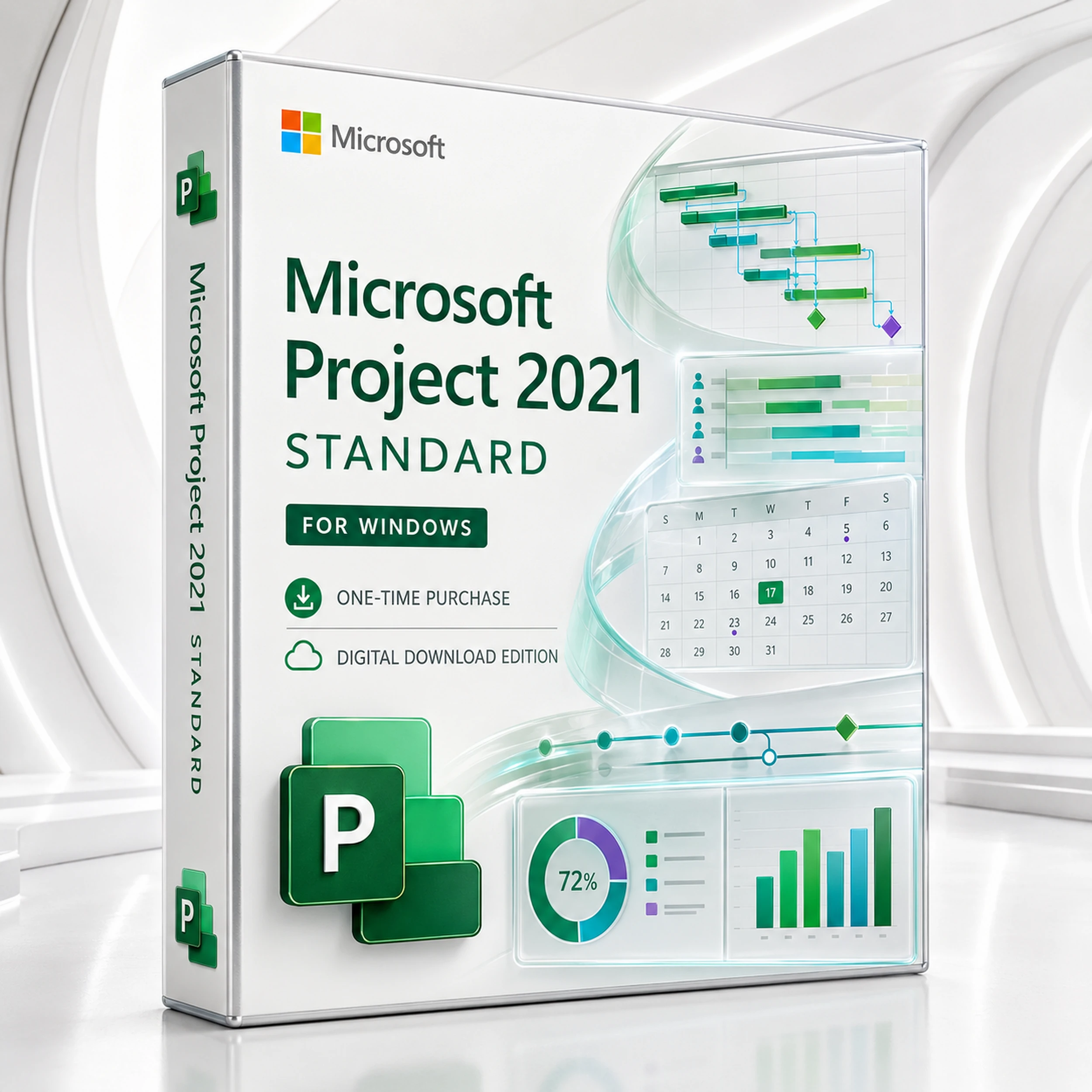
Microsoft Project 2021 Standard for Windows | One-Time Purchase | Digital Download

(No reviews yet) Write a Review
SG$91.10

Adding to cart… The item has been added
SKU:
PRO2021STD1PC
UPC:
0889842880380
Condition:
New
Standalone project planning for Windows

Microsoft Project 2021 Standard

Turn deadlines, dependencies, resources and costs into one credible plan. Project Standard 2021 is the classic Windows desktop edition for project managers who want professional scheduling without an ongoing subscription.

One-time purchase Windows 10 & 11 Digital download Gantt & critical path
EditionProject 2021 Standard desktop app
PlatformWindows PC; Windows 11 preferred
Licence modelOne-time purchase, selected PC quantity
DeliveryDigital key and download instructions
!

Important 2026 lifecycle disclosure

Microsoft lists Project 2021 and Project 2021 LTSC support ending on 13 October 2026. A perpetual licence does not become a subscription or automatically stop opening after that date, but Microsoft security updates and technical support end. If a longer supported lifecycle is essential, compare Project 2024 or a current subscription before ordering.

The schedule becomes a control system

Build a plan that can survive contact with reality

A task list tells people what exists. A properly modelled Project schedule explains what depends on what, who is needed, where cost accumulates and which delay will move the finish date.

Project Standard 2021 brings that planning discipline to a familiar desktop workspace. Start with a blank plan or template, establish working calendars, create summary phases, link tasks, assign resources and store the baseline. As work progresses, update actuals and compare the current forecast with the approved plan.

  • Model task relationships instead of manually chasing dates.
  • Expose critical and near-critical work before it becomes an escalation.
  • Balance people, equipment and cost assumptions in the same schedule.
  • Turn plan data into timelines and dashboard reports for stakeholders.
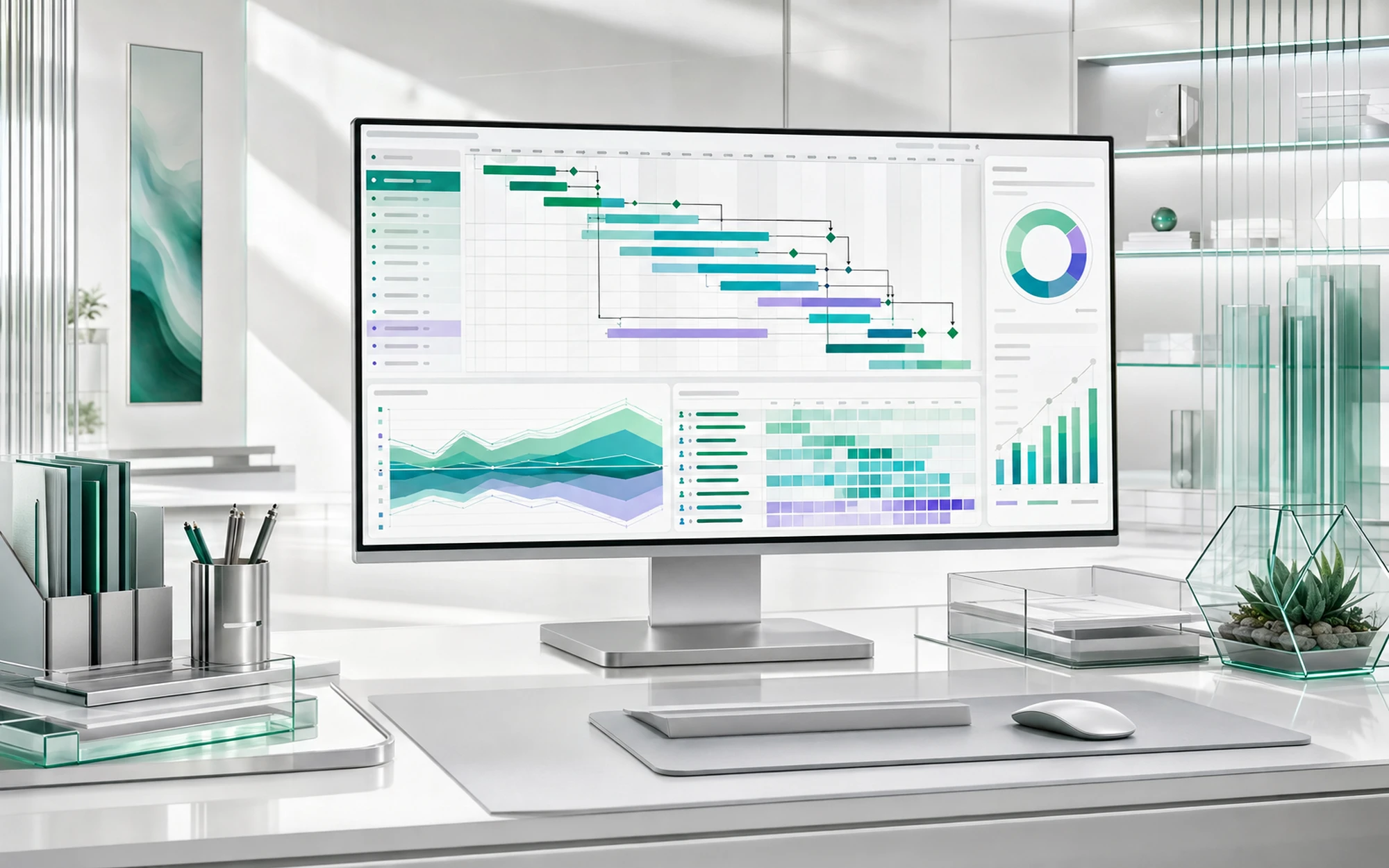
Bright Microsoft Project scheduling command studio with Gantt dependencies, milestones, resources and portfolio reporting
Core capabilities

The desktop toolkit behind a dependable schedule

Project Standard focuses on the mechanics of planning, controlling and communicating standalone projects. These are the capabilities most teams buy it for.

Gantt chart scheduling icon

Gantt scheduling

Create phases, tasks, milestones, constraints, lead and lag. Link dependencies so schedule movement flows through the plan logically.

Project baseline and milestone icon

Baselines & variance

Capture the approved schedule, then compare planned dates, work and costs with actual performance. Project supports multiple baseline snapshots.

Resource and workload planning icon

Resource planning

Assign people, equipment and material resources. Review utilisation, availability, calendars, rates and potential overallocations.

Project dashboard reporting icon

Built-in reports

Use visual dashboards for project overview, cost, work and progress. Customise charts and tables for the decision your audience needs to make.

Multiple project timelines icon

Multiple timelines

Build executive-friendly views of major phases and milestones, then copy them into email, PowerPoint or Word for concise status communication.

Critical path and task dependency icon

Critical & task paths

Highlight predecessors, successors and driving links. See the chain of tasks controlling the finish date and focus management attention there.

Project file comparison icon

Compare plan versions

Generate a comparison report that identifies differences between two project files, helping reviewers understand schedule and resource changes.

One-time purchase software licence icon

Perpetual desktop licence

Pay once for the selected entitlement. This is not Project Plan 3 or Plan 5 and does not include an evolving cloud-service subscription.

A practical operating rhythm

From scope to a defensible forecast

Structure

Convert scope into phases, tasks, milestones and deliverables using a work breakdown structure.

Sequence

Link dependencies, apply calendars and let Project calculate credible start and finish dates.

Resource

Assign people and costs, identify overallocations and test whether the plan is realistically staffed.

Baseline

Freeze the agreed position so later reporting distinguishes approved plan from current forecast.

Control

Update actual work and dates, analyse variance, protect the critical path and communicate decisions.

Edition comparison

Project 2021 Standard or Professional?

Choose Standard for capable standalone desktop planning. Choose Professional when the requirement extends to enterprise connectivity or Professional-only planning controls.

Decision factor Project 2021 Standard Project 2021 Professional
Desktop Gantt scheduling, milestones and dependencies Included Included
Critical path, task-path highlighting and baselines Included Included
Resource, cost and workload management Included Included
Built-in reports and multiple timelines Included Included
Share a local resource pool across Project files Included Included
Team Planner view Not included Included
Inactive tasks for what-if schedule modelling Not included Included
Connect desktop client to Project Server / Project Online Not included Supported with the required server or service
Enterprise resource pool and enterprise timesheets Not included Requires Professional plus the relevant Project Server / Project Online environment
Best fit Individual planners and teams controlling local project files Enterprise-connected project management and advanced resource coordination

Project Online and Project Server are separate services/products. Owning Project Professional alone does not create an enterprise project-management environment.

Buy for the operating model you actually use

Who is Project Standard 2021 designed for?

A strong fit when you need

  • A professional Windows desktop schedule for a project manager, planner or estimator.
  • Gantt charts, milestones, dependencies, critical-path control and baseline tracking.
  • Resource and cost planning inside local .mpp project files.
  • Reports and presentation-ready timelines without a monthly Project subscription.
  • A stable feature set for a defined PC environment.

Choose another option when you need

  • Native macOS support; Project 2021 Standard is a Windows application.
  • Browser-first, real-time team collaboration and continuously updated cloud features.
  • Project Server / Project Online connectivity, enterprise timesheets or an enterprise resource pool.
  • Professional-only Team Planner or inactive-task what-if capability.
  • A Microsoft-supported lifecycle extending well beyond 13 October 2026.
Compatibility check

Confirm the PC before buying the licence

A smooth installation depends on Windows compatibility, the licence channel and the Office products already installed. These practical checks prevent most avoidable setup problems.

Operating systemWindows 11 or Windows 10, as specified by this product listing. Microsoft ended standard Windows 10 support on 14 October 2025, so Windows 11 is the supported default unless the PC has applicable Extended Security Updates. Not compatible with macOS, Chromebook, iPad or Android.
Processor1.6 GHz or faster, 2-core processor. A modern multi-core PC is recommended for larger schedules and reports.
Memory4 GB RAM for 64-bit or 2 GB RAM for 32-bit installations; additional memory helps with complex plans.
Storage & displayAllow at least 4 GB of available disk space and a display resolution of 1280 x 768 or higher.
Internet & accountInternet is needed for download and activation. Retail redemption commonly links the product to a Microsoft account; volume licensing follows a different process.
Office coexistenceMatch the installed Office bitness and installation technology. 32-bit and 64-bit Office-family products generally cannot be mixed on the same PC.
i

Licence quantity follows the option selected on the product page

The store currently presents 1-PC, 2-PC and 5-PC key options. Select the required entitlement before checkout and keep the order confirmation. Do not infer transfer rights, commercial-use rights or additional devices beyond the specific licence supplied.

Digital delivery workflow

From order to working schedule

Installation steps vary slightly by retail, workplace-discount or volume-licence channel. Follow the instructions supplied with the purchased licence; the common retail workflow is outlined below.

1

Receive

Open the delivery email and retain the product key, download instructions and order record.

2

Redeem

If instructed, sign in at Microsoft’s setup page and associate the key with the correct Microsoft account.

3

Install

Choose the correct language and bit version, run the installer and allow the desktop application to complete setup.

4

Activate

Launch Project, sign in or enter the supplied key as directed, then verify that the expected edition shows as activated.

Before installing, close Office applications and confirm whether existing Office is 32-bit or 64-bit. A product key should be redeemed only through the process specified for that licence channel.

Software Mart Australia

A clearer digital-software buying experience

The strongest purchase experience combines the correct edition with documented delivery and responsive installation help.

Instant digital delivery icon

Digital delivery

Receive the product key and download guidance electronically after payment processing.

Remote installation assistance icon

Installation assistance

Remote support is available for eligible installation and activation issues under the store’s stated service terms.

One-time purchase licence icon

No recurring Project fee

The selected perpetual edition is purchased once rather than billed as Project Plan 3 or Plan 5.

Correct edition verification icon

Edition clarity

Compatibility, licence quantity, lifecycle and Standard-versus-Professional differences are visible before checkout.

Frequently asked questions

Microsoft Project 2021 Standard answers

Is Project 2021 Standard a subscription?

No. It is a one-time-purchase desktop edition. It does not include the continuously updated cloud services of Project Plan 3 or Plan 5.

Does the licence expire?

A perpetual licence does not have a monthly or annual renewal. However, that does not mean lifetime Microsoft support: Microsoft lists support ending on 13 October 2026.

Will Project stop working after 13 October 2026?

Microsoft’s support end does not automatically convert the perpetual licence into a subscription or make the application expire. It does mean security updates and Microsoft technical support end, and future operating-system compatibility is not guaranteed.

Does Project 2021 Standard work on Windows 11?

Yes. This listing is intended for compatible Windows 11 and Windows 10 PCs. Complete the processor, memory, storage and Office-coexistence checks before installing.

Can I still install it on Windows 10?

The product listing includes Windows 10 compatibility, but Microsoft ended standard Windows 10 support on 14 October 2025. A Windows 10 PC may still run, yet it is not a normally supported operating-system configuration unless covered by an applicable Extended Security Updates programme. Windows 11 is the safer purchasing baseline.

Can I install it on a Mac?

No. Project 2021 Standard is a Windows desktop application. Mac users need a Windows environment that is properly licensed and technically supported, or a different browser-based project solution.

How many PCs can I use?

The entitlement follows the option selected at checkout. The current product page presents 1-PC, 2-PC and 5-PC choices. Select the correct quantity before ordering.

Is Microsoft Office required?

No. Project is sold as a standalone application. Office can be useful when copying timelines into Word or PowerPoint or analysing exported information in Excel, but it is not required to create a Project schedule.

Can it coexist with Microsoft 365 or Office?

Often yes, provided installation technology, update channel and bitness are compatible. Check whether Office is 32-bit or 64-bit first; mixed-bitness Office-family installations are a common cause of setup failure.

Does Standard connect to Project Server or Project Online?

No. Enterprise connectivity is a key reason to choose Project Professional, together with the separately licensed and configured server or online service.

Does it include Team Planner?

No. Team Planner is a Professional-edition feature. Standard still provides resource sheets, assignment views, calendars and workload information for local plans.

Can I create what-if scenarios with inactive tasks?

Inactive-task what-if modelling is associated with Project Professional, not Standard. In Standard, save a copy or baseline and compare alternate project files when testing substantial schedule changes.

Can I manage a critical path?

Yes. Project can calculate and display the task chain controlling the finish date. Task-path highlighting also reveals predecessors, successors and driving relationships around a selected task.

How many baselines can I save?

Microsoft documents support for up to 11 baselines in one project file, useful for retaining approved snapshots at meaningful control points.

Can I manage resources and costs?

Yes. Assign work, material and cost resources, use calendars and rates, review overallocations and report on planned versus actual work and cost.

Can several files share resources?

Yes. Desktop Project can use a local resource-pool file shared by multiple project files. This is different from an enterprise resource pool managed through Project Server or Project Online.

Can I create more than one timeline?

Yes. Multiple timeline bars can show different date ranges, phases or audiences. Timelines can be formatted and copied into email, Word or PowerPoint.

Can I compare two versions of a plan?

Yes. The Compare Projects report identifies task and resource differences between two accessible project files. Microsoft notes that it compares tasks and resources, not assignments.

Can I share a schedule with someone who does not own Project?

You can share presentation-ready timeline graphics, printed or PDF output and exported data. Editing an .mpp plan normally requires a compatible Project application.

Does it include cloud collaboration?

No cloud collaboration service is included with the perpetual Standard desktop licence. Files can be exchanged through your organisation’s approved storage and communication tools, but that is not the same as multi-user cloud scheduling.

Is the software 32-bit or 64-bit?

Availability depends on the supplied licence and download channel. Where both are available, choose the bitness that matches existing Office-family applications; 64-bit is commonly preferred for large, complex files.

Do I need a Microsoft account?

Retail non-subscription versions commonly require a Microsoft account for first-time redemption and later download. Volume-licence and other channels can use different deployment and activation methods.

Can I work offline?

Core desktop planning can be performed locally after installation and activation. Internet access is still required for download, activation, updates and any connected services you choose to use.

Is the product key transferable to another computer?

Do not assume transfer rights. They depend on the licence type and terms supplied with the order. Confirm this requirement before purchase if device replacement or reassignment is important.

What should I retain after installation?

Keep the invoice, product key, redemption account details and download instructions securely. These records can be important for reinstalling or proving the entitlement later.

Plan with intent

Give every date a reason and every milestone an owner

Choose Microsoft Project 2021 Standard when the requirement is disciplined standalone Windows scheduling, professional reports and a one-time-purchase desktop licence. Confirm the selected PC quantity and 2026 support lifecycle, then order with confidence.

View Project 2021 Standard options

Accuracy note: Product names and trademarks belong to their respective owners. Features, activation and transfer rights can vary by licence channel. Microsoft’s published lifecycle date for Project 2021 / Project 2021 LTSC is 13 October 2026. Review the exact licence supplied and current Microsoft requirements before deployment.

Related Products

An exceptionally experience