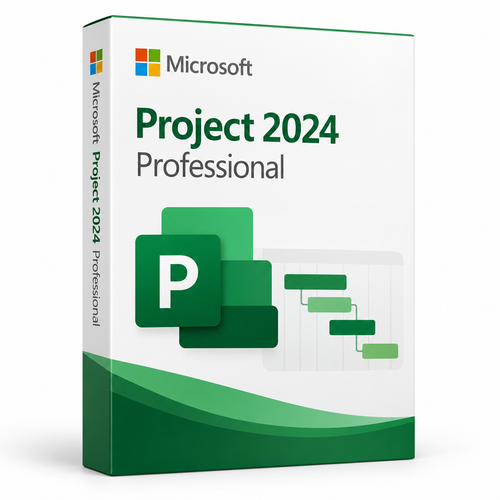
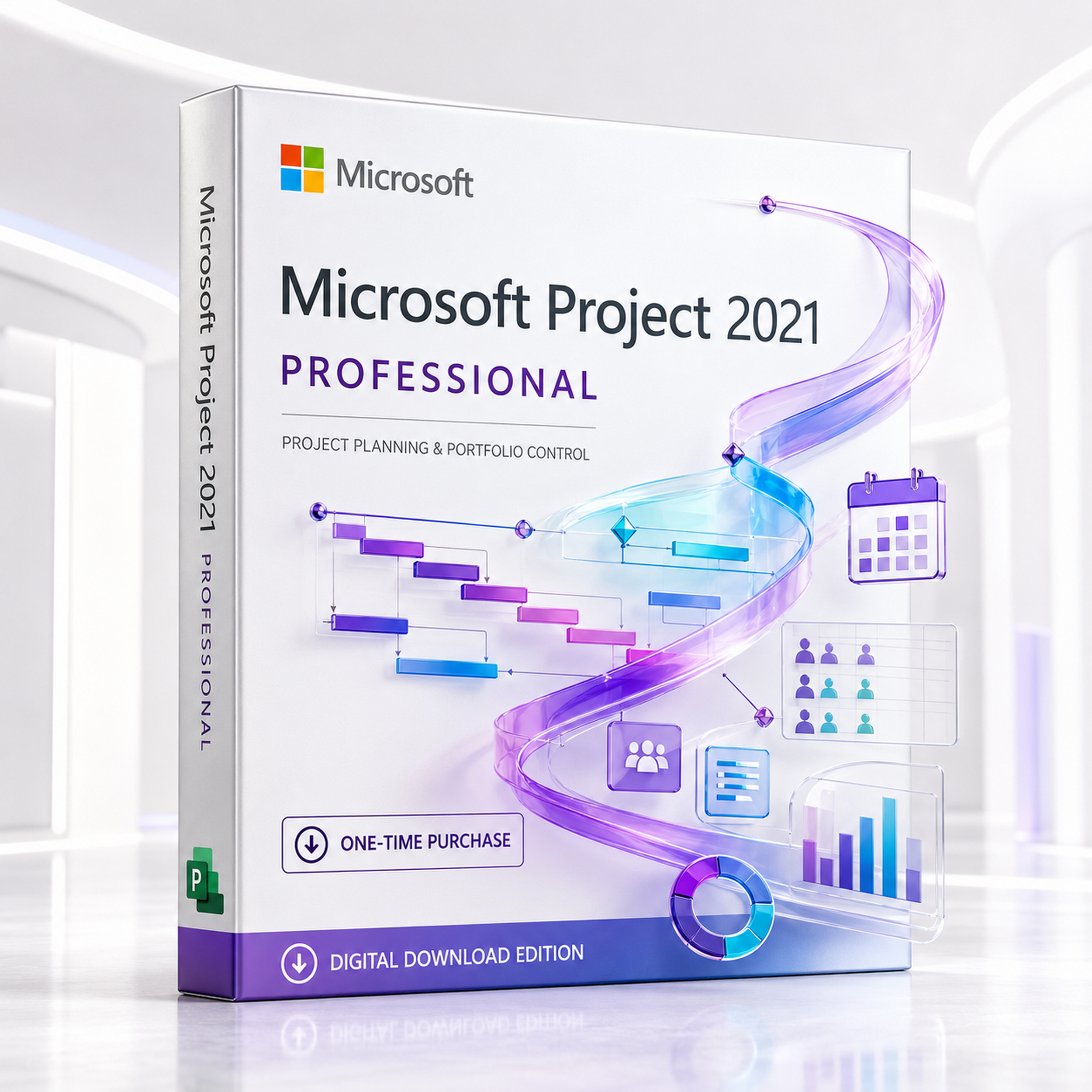
Microsoft Project 2021 Professional
Turn scope, dependencies, resources, cost and progress into one disciplined plan—using the familiar Windows desktop application trusted for detailed scheduling.
- One-time purchase
- Windows desktop application
- Professional-only Team Planner
- Digital delivery
 Perpetual licenceNo recurring Project subscription
 Professional editionTeam Planner and enterprise connectivity
 32-bit or 64-bitMatch your existing Office architecture
 Windows onlyNot a native macOS application
Build a project control system—not another static spreadsheet
Project Professional 2021 links the work, dates, resources and costs that determine delivery. Change one dependency and the schedule recalculates the downstream effect.
Structure the work
Build tasks, summary phases, milestones, calendars, constraints and work breakdown structures around the way the project will actually run.
Connect the schedule
Link dependencies, expose task paths and watch the critical path to understand what can move—and what cannot.
Balance the team
Assign people, equipment and material resources; identify overallocations; then test a more realistic allocation before committing.
Report the truth
Set baselines, capture progress and use dashboards, timelines and burndown reporting to turn live plan data into stakeholder evidence.
Clarity at every layer of the plan
The value is not a single Gantt chart. It is the connected planning model beneath it.
Gantt scheduling and dependencies
Plan tasks, durations, milestones, calendars, lead and lag, constraints and predecessor relationships in a dynamic schedule.
Core desktop capability
Critical path and task paths
Highlight predecessors, driving predecessors, successors and driven successors to see how a selected task affects the finish date.
Microsoft-documented workflow
Resource and cost planning
Assign work, material and cost resources; manage availability, rates and calendars; and inspect workload pressure across the plan.
People, equipment and materials
Team Planner
See work arranged by resource, identify unassigned or overloaded work and move tasks visually. Microsoft identifies Team Planner as Professional-only.
Professional-only feature
Baselines and variance
Save the approved plan, compare actual performance against it and expose schedule or cost drift before it becomes a surprise.
Up to 11 baselines per project
Built-in reports and dashboards
Use Project Overview, cost, resource and burndown views to communicate planned, completed and remaining work with live project data.
Customisable report canvasThe Professional advantage is enterprise-ready coordination
Choose Professional for stronger team visibility and for environments that connect the desktop client to Microsoft Project Server or compatible enterprise services.
Team Planner makes workload visible
- One row per resource
- Move tasks to a different time
- Reassign work visually
- Spot unscheduled and unassigned work

Connect when your organisation has the platform
- Work with enterprise resources
- Use local cache for server-hosted projects
- Publish plans through Project Web App workflows
- Apply centrally governed resource data
Important: the server service is not included
Project Professional provides compatible desktop capabilities, but Project Server, Project Online or any subscription service must be separately licensed, deployed and supported. The standalone desktop purchase is not a cloud portfolio-management service by itself.
Professional 2021 vs Standard 2021 vs a Project subscription
The right choice depends on ownership model, team-planning depth and the enterprise services already available in your organisation.
| Decision factor | Project Professional 2021 | Project Standard 2021 | Project desktop subscription |
|---|---|---|---|
| Payment model | One-time purchase | One-time purchase | Recurring subscription |
| Version model | Fixed 2021 feature set | Fixed 2021 feature set | Receives the currently offered version while subscribed |
| Gantt, dependencies, baselines and reports | Included | Included | Included in qualifying plan |
| Team Planner | Included | Not included | Plan-dependent |
| Enterprise resource / server workflows | Supported when separately deployed | Not the intended edition | Service and plan-dependent |
| Best fit | PMs needing perpetual desktop ownership plus Professional coordination tools | Individual desktop scheduling without enterprise integration | Organisations preferring the latest version and subscription services |
Built for work with real dependencies, cost and resource pressure
Project is most valuable when a simple task list cannot explain the consequences of change.
Coordinate phases, subcontractor dependencies, plant, materials, calendars and milestone gates.
Plan migrations, cutovers, procurement, testing, rollback windows and cross-team dependencies.
Connect creative, procurement, legal, channel, operations and go-to-market deadlines.
Build master plans, compare baselines and create repeatable governance views across initiatives.
Model deliverables, billable resources, client approvals and schedule impact with precision.
Sequence design, tooling, supplier, validation and production-readiness activities.
Confirm the environment before buying
A fast order is useful only when the edition, operating system and Office architecture match the target PC.
Microsoft’s current published requirements
Requirements can change; verify Microsoft’s page at purchase time.
Windows 10 deserves a separate check
Standard Windows 10 editions reached end of support in October 2025 and are no longer listed on Microsoft’s current Office LTSC 2021 requirements page. For a supported new deployment, prefer Windows 11 or another currently listed Windows LTSC/Server platform. Installation capability is not the same as a supported configuration.
From order to working schedule
Keep the activation record and installation architecture consistent with the target environment.
Select coverage
Choose the correct PC quantity or licence option shown on the product page. Do not assume one licence covers multiple devices.
Check architecture
Match 32-bit or 64-bit Project with the installed Office deployment. Mixed architecture is a common installation blocker.
Redeem and install
Follow the supplied instructions. Microsoft’s retail flow may require associating the key with a Microsoft account before download.
Activate and retain
Activate online, confirm Project opens correctly, and retain the order email, account details and product documentation.

Six checks before checkout
A short compatibility check prevents most licensing and installation mistakes.
- You need Project Professional—not Standard
- The target device runs a supported Windows edition
- You understand support ends 13 October 2026
- The required PC count matches the selected option
- Project and Office architectures are compatible
- Project Server or subscription services are separately licensed
Questions professionals ask before deployment
Is Project Professional 2021 a subscription?
No. Microsoft describes Project Professional as a perpetual licence. Once activated, the software does not expire, although Microsoft product support and security servicing follow the published lifecycle.
When does Microsoft support end?
Microsoft’s lifecycle page lists 13 October 2026 as the retirement date for Project 2021. This should be part of every 2026 purchase decision.
Will the software stop working after support ends?
A perpetual licence does not automatically expire at the retirement date. The key change is that Microsoft no longer provides normal product support or new security updates after retirement.
What does Professional add over Standard?
The clearest Microsoft-documented differentiators are Team Planner, which is Professional-only, and Professional’s role in enterprise resource and Project Server workflows when those services are separately deployed.
Does this purchase include Project Server?
No. Project Server, Project Online and subscription services are separate products or services. Project Professional supplies the compatible desktop client capabilities.
Can I install it on a Mac?
Not natively. Project Professional 2021 is a Windows desktop application. A Mac would need a properly licensed and supported Windows virtualisation arrangement, and performance or support should be assessed separately.
Is Windows 10 still supported?
Standard Windows 10 editions reached end of support in October 2025. Microsoft’s current Office LTSC 2021 requirements list supported Windows LTSC editions rather than ordinary Windows 10. Use Windows 11 for a straightforward supported client deployment.
Can Project 2021 open older .MPP files?
Microsoft states that Project 2021, 2019, 2016, 2013 and 2010 share the same file format. For collaboration with Project 2007 users, save a compatible Project 2007 format copy.
Does it include free upgrades to Project 2024?
No. A perpetual 2021 licence provides the 2021 version. A later perpetual release or subscription is a separate purchase unless your specific licensing agreement explicitly says otherwise.
Can it manage shared resources?
Yes. Project desktop can use a shared resource-pool file. In a properly licensed Project Server environment, Project Professional can work with the enterprise resource pool.
Does it include Microsoft Teams?
No. Teams and Microsoft 365 services are separately licensed. Do not treat the standalone Project licence as a Microsoft 365 subscription.
Is internet access required?
Internet access is required for activation, licence assignment and online features. The installed desktop planning application can be used locally after successful setup, subject to Microsoft’s activation requirements.
Can I install Project beside Microsoft Office?
Usually, provided the products use compatible installation technology, update channel and bitness. Match 32-bit with 32-bit or 64-bit with 64-bit, and confirm compatibility before removing an existing deployment.
Which licence quantity should I choose?
Select the product-page option that matches the number of licensed PCs in your deployment. Confirm whether the SKU is retail, volume or another channel because activation and reassignment rights can differ.
Editorial source basis: Microsoft Project lifecycle, Microsoft 365 and Office system requirements, Microsoft Support documentation for Team Planner, task paths, baselines, resource pools, Project Server enterprise resources, reports, installation and Project file compatibility. Feature availability can depend on edition, deployment and separately licensed services. Microsoft Project Support.
Choose Project 2021 Professional with the full picture
It remains a capable desktop planning engine for fixed Windows environments—but the Professional edition, PC quantity, deployment architecture and October 2026 lifecycle must all match your requirement.
Return to product overviewChoose with confidence
Is Project Professional 2021 the best match for your work?
Compare the edition and release that best fit your Windows environment, project-management needs and upgrade plans.
Best fit for this edition
A strong fit when you specifically need the Project Professional 2021 release for Windows and prefer the one-time-purchase product described on this page.
Compare before ordering
Choose Standard when that edition meets your requirements, or review Project 2024 when a newer release is preferred. Confirm the edition and version your workflow needs before ordering.