

Microsoft diagramming · 2024 edition
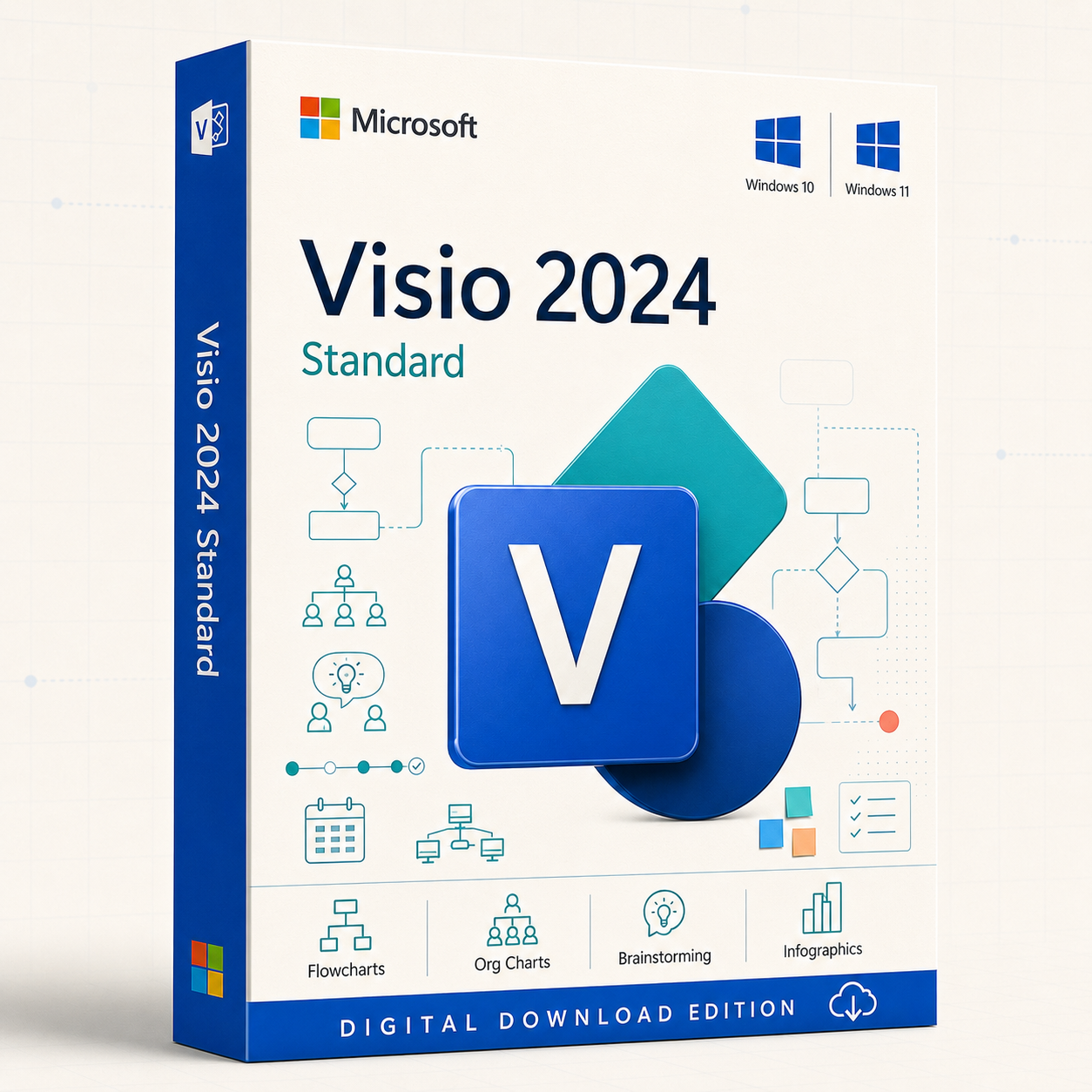
Visio Standard 2024
Make everyday ideas easier to see.
Create polished flowcharts, organisation charts, timelines, schedules, brainstorming diagrams and business visuals with a familiar Windows desktop experience.
One-time-purchase edition · Digital fulfilment · Installation guidance

Check Windows and your existing Office installation before purchasing
Match 32-bit or 64-bit architecture, confirm installation technology and choose the exact licence option required for your PCs.
Know exactly what you are buying
Standard 2024 product snapshot
Licence clarity matters. Confirm the edition, quantity, channel, activation method and permitted devices shown in the selected offer.
What is Visio Standard 2024?
Clear, versatile diagramming for everyday professional work
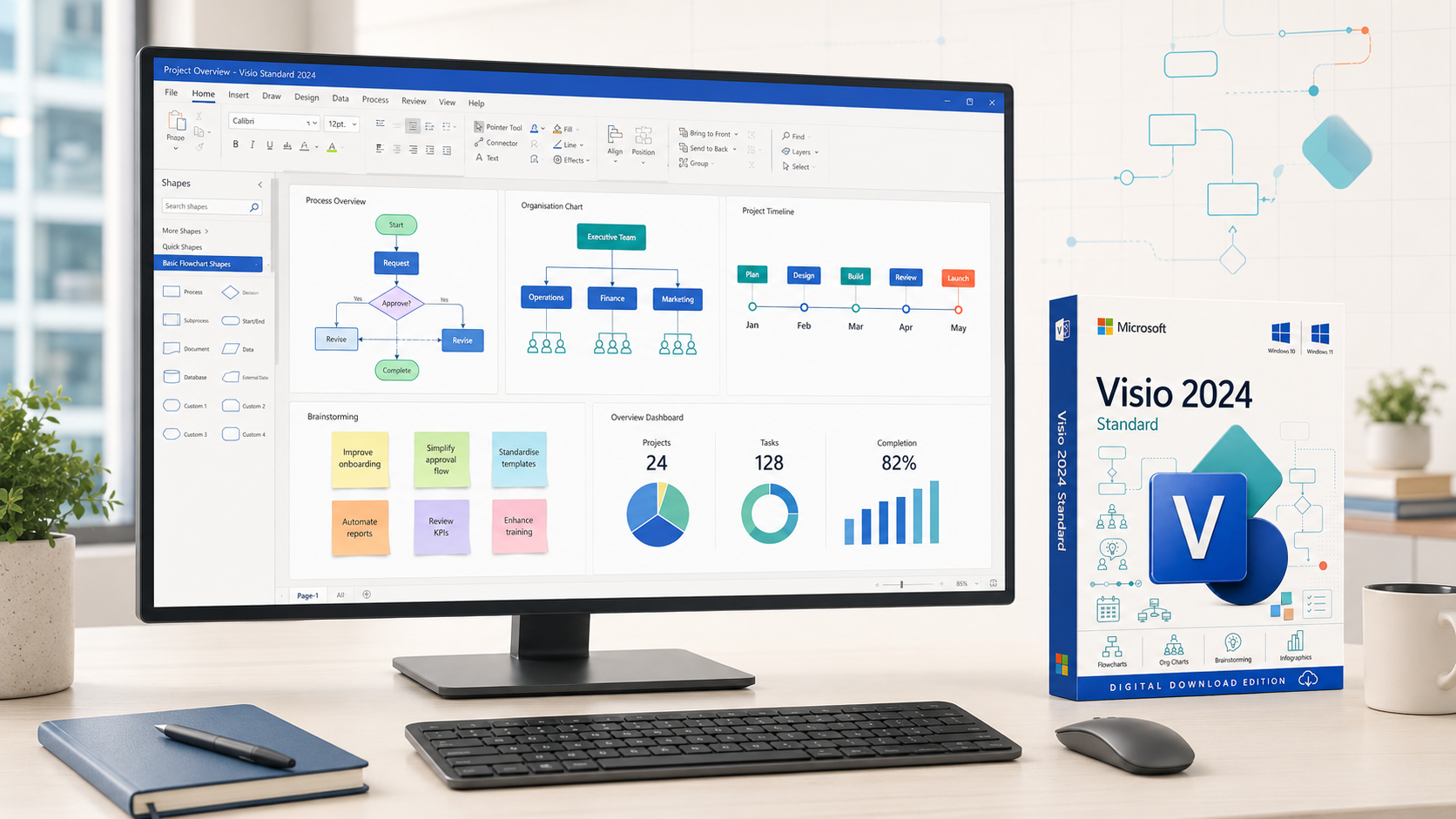
Visio Standard 2024 provides ready-made templates, customisable shapes and a familiar Office-style interface for communicating processes, structures, plans and ideas without the specialist complexity of Professional.
What is new in 2024?
Fresh content and a more modern working experience
Microsoft’s documented Standard 2024 improvements focus on richer general-purpose content and a refreshed interface—not Professional-only technical or AI capabilities.

More shapes and templates
Expanded content for creating clear diagrams with less setup.

Sticky notes for ideas
Organise workshop input and early-stage thinking directly on the canvas.

New infographic content
Use icons, pictograms and to-do-list visuals to communicate information quickly.

Improved title-bar search
Reach commands and tools through a more prominent, familiar search experience.

Modern Visio appearance
Work with a sleeker interface and updated transparency treatment.

Office 2024 theme
Use the refreshed colours and styling shared with the broader Office 2024 experience.
Diagram types
What can you create with Visio Standard 2024?
Build the diagrams most commonly needed by individuals, small offices, managers, coordinators, educators and general business teams.

Flowcharts
Basic, cross-functional and decision flowcharts for processes and responsibilities.

Organisation charts
Show teams, roles, departments and reporting structures.

Timelines and schedules
Communicate phases, dates, milestones and planned activities.

Calendars
Create visual schedules for teams, events and recurring work.
Brainstorming diagrams
Capture, group and organise ideas with visual relationships and sticky notes.
Pictograms and infographics
Turn lists, counts and concepts into accessible visual summaries.

Basic network diagrams
Document straightforward device and connection layouts.
Maps and layouts
Create versatile maps, home plans, office plans and general-purpose layouts.
A practical workflow
From blank canvas to clear communication
Standard helps you organise and present information with a repeatable visual process.
Choose a template
Start from a layout designed for the type of diagram you need.
Add and connect shapes
Use familiar drag-and-drop tools, connectors, snap and alignment.
Apply a clear visual style
Use themes, colours, text and icons to reinforce hierarchy.
Review with comments
Attach comments to diagram elements for clearer stakeholder feedback.
Share when required
Use separately licensed online services and permissions where applicable.
Export or present
Prepare the diagram for documents, presentations or supported file formats.
Made for everyday visual work
Who should choose Visio Standard 2024?
Standard is strongest when the requirement is clear general-purpose diagramming rather than specialist engineering, software, data-linked or process-standard work.
Small businesses
Document everyday processes, responsibilities, office layouts and plans.
Operations teams
Explain procedures, hand-offs, approvals and improvement opportunities.
Managers and HR
Create organisation charts, team structures and communication diagrams.
Project coordinators
Visualise timelines, milestones, calendars and task sequences.
Educators and trainers
Make lessons, instructions and concepts easier to understand visually.
Consultants
Present straightforward recommendations, current-state processes and workshop results.
Students and individuals
Create polished diagrams without needing specialist technical templates.
Administrative teams
Build checklists, schedules, office plans and repeatable workflow diagrams.
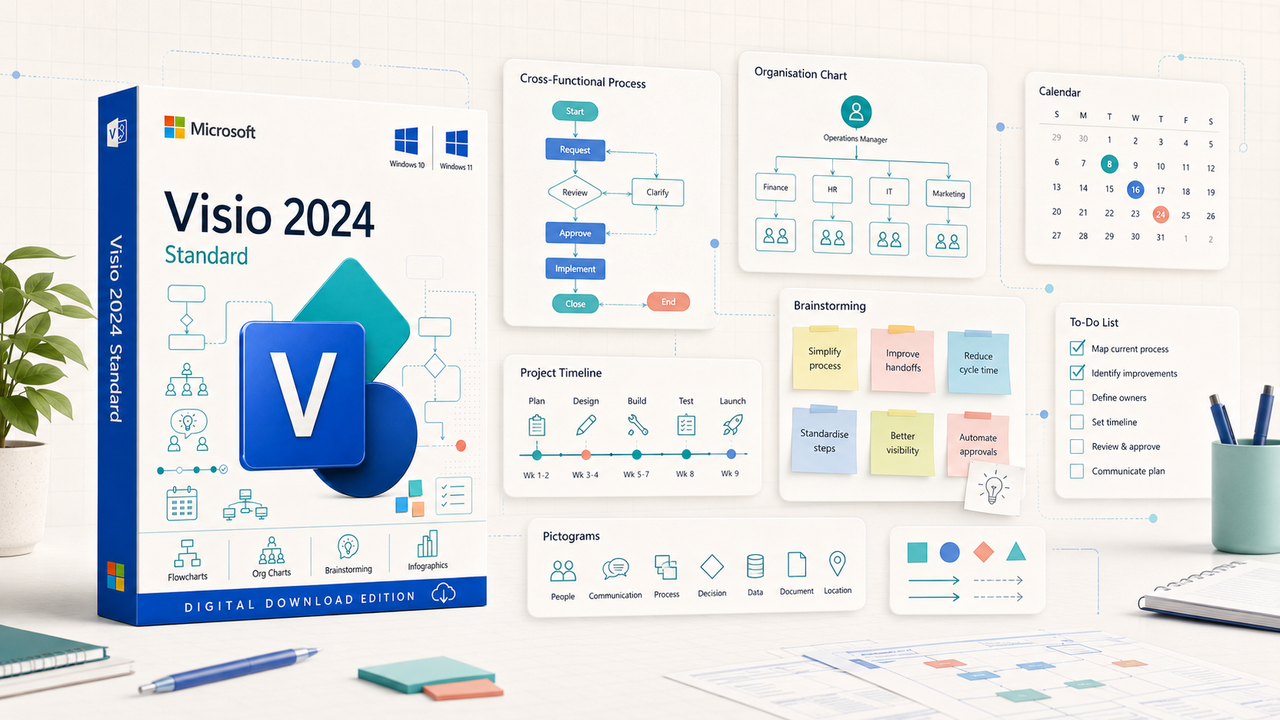
Visual examples
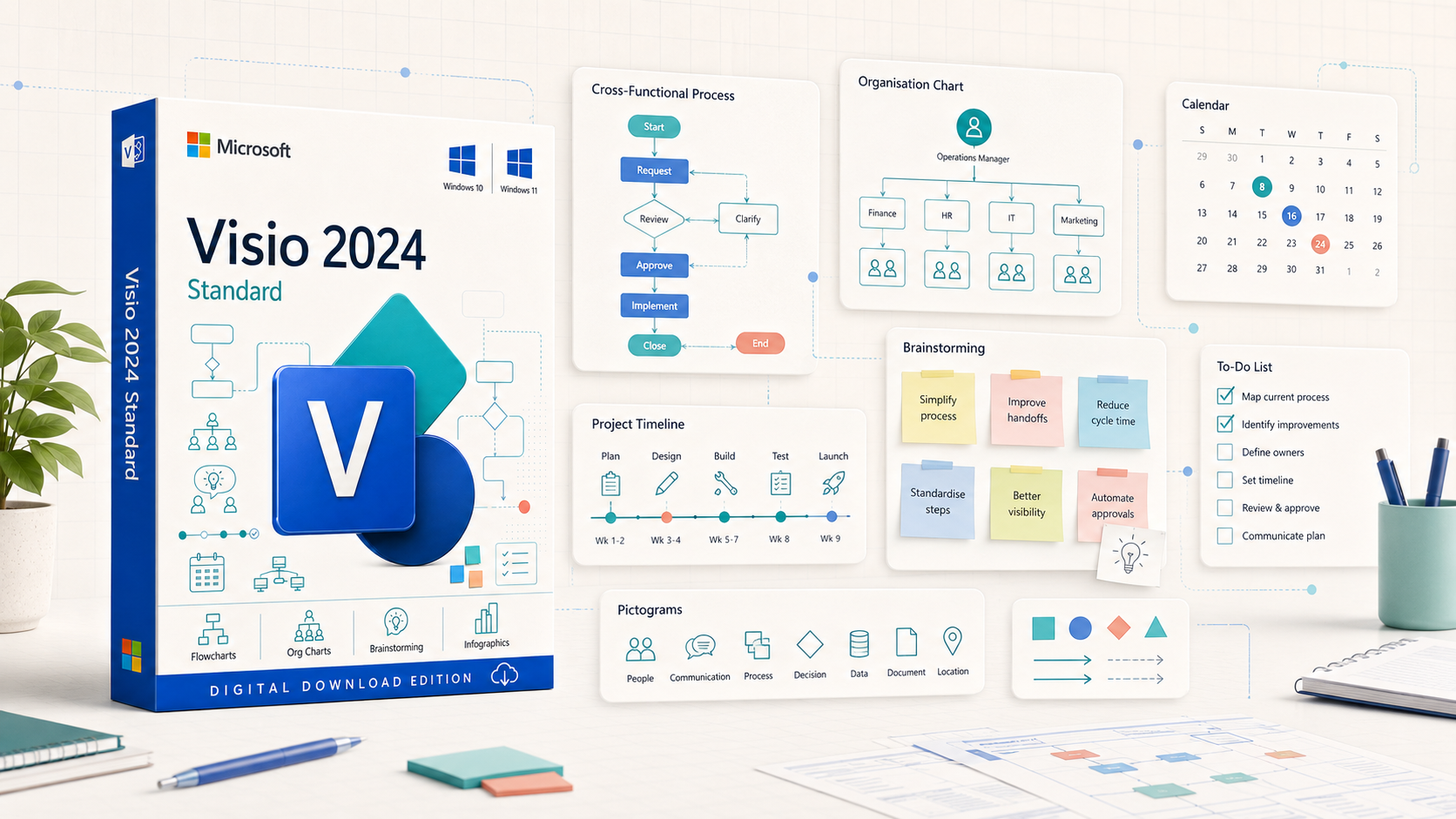
A flexible canvas for plans, people and processes
Bring together workflow steps, team structures, dates, ideas and concise infographic content in one familiar diagramming environment.
Edition comparison
Standard 2024 or Professional 2024?
Choose Standard for general diagrams. Choose Professional when specialist standards, advanced technical content, data linking or validation are required.
Visio Standard 2024
- ✓ Flowcharts and cross-functional diagrams
- ✓ Organisation charts
- ✓ Timelines, calendars and schedules
- ✓ Brainstorming, pictograms and to-do lists
- ✓ General maps, layouts and basic networks
- ✓ Comments and supported sharing
Visio Professional 2024
- ✓ Includes general Standard capabilities
- ✓ BPMN, UML and structured validation
- ✓ Engineering, software and database content
- ✓ Advanced network, cloud and facility diagrams
- ✓ Shape-to-data linking and data graphics
- ✓ Best for complex technical requirements
Payment model comparison
One-time purchase or subscription?
Choose according to the applications, devices, update model and advanced capabilities you actually need.
Visio Standard 2024
Windows desktop app for general diagramming; future major versions are not automatically included.
Visio Plan 1
Browser-based diagramming for lighter needs; it does not include the full Windows desktop app.
Visio Plan 2
Web and always-current desktop apps with advanced professional and cloud-oriented capabilities.
Upgrade perspective
What changes when you move to Standard 2024?
The value of upgrading depends on your current release, Windows environment and need for current Microsoft support.
From Standard 2021
More icons, sticky notes, pictograms, to-do-list infographics, refreshed visuals, the Office 2024 theme and improved search.
From Standard 2019
Move to a current supported generation with newer content and better alignment with modern Office deployments.
From Standard 2016 or earlier
Replace an out-of-support release with a newer interface, updated templates and a current lifecycle.
Licence clarity
The exact entitlement is part of the product
Before payment, confirm the selected option’s channel, permitted devices, activation method, region, language and reinstallation terms.
Correct edition
Confirm Standard 2024—not Professional, Plan 1, Plan 2 or an older release.
Users and devices
Use only the quantity and entitlement shown for the selected option.

Activation method
Retail, commercial and volume products may use different association or deployment workflows.

Updates and upgrades
Applicable servicing is included, but future major versions are not automatic.
Technical specifications
System requirements and coexistence checks
Review both minimum hardware and the Microsoft software already installed. Windows 11 is the recommended current desktop platform.
Already using Office or Microsoft 365?
- Match 32-bit or 64-bit architecture across installed Office-family products.
- Check Microsoft 365 Apps version and update channel compatibility.
- Confirm Click-to-Run installation technology and deployment policies.
- Ask for a compatibility check before ordering if unsure.
From order to first diagram
A clear installation path
The exact redemption process depends on the licence supplied, but every successful installation begins with compatibility.
Check compatibility
Confirm Windows, storage, Office architecture and installation technology.
Choose the correct option
Select the device quantity and licence type required for your environment.
Review fulfilment instructions
Read the supplied order, download and licence information before redemption.
Use the appropriate account
Sign in with the required Microsoft or organisational identity when applicable.
Install Visio
Use the supplied official workflow and match the correct architecture.
Activate and verify
Open Visio, complete activation and confirm the product status.
What you receive
A clear digital fulfilment package
Review the licence description and every supplied instruction before redeeming or activating the software.
Licence entitlement
Exactly as stated in the selected product option and order confirmation.

Digital download instructions
Product-specific fulfilment information for the supplied edition.

Installation guidance
Help with the supplied download, initial installation and activation.

Order documentation
Order confirmation and applicable tax documentation under store procedures.
Digital fulfilment may follow successful payment and any order verification required for transaction security.
Software Mart Australia
Confidence before and after checkout
Choose with clear compatibility guidance, documented fulfilment and practical assistance within the advertised support scope.
Clear product information
Understand the edition and entitlement before purchase.

Secure checkout
Payment handling uses the safeguards provided by the store and payment service.
Digital fulfilment
Receive the product using the method stated at checkout.
Practical support
Get help with the supplied download, installation and activation process.
Support excludes account recovery, custom diagram design, network administration and unrelated device repair unless expressly agreed.
Answers before you buy
Microsoft Visio Standard 2024 FAQs
Straight answers about capabilities, licensing, compatibility, delivery and support.
01What is Microsoft Visio Standard 2024?
It is Microsoft’s one-time-purchase Windows desktop edition for general business and personal diagramming, including flowcharts, organisation charts, schedules, maps, layouts, brainstorming and infographic-style content.
02Is Visio Standard 2024 a subscription?
The versioned Standard 2024 desktop product is offered as a one-time purchase. Confirm the exact licence and device entitlement shown with the selected offer.
03Is it a perpetual licence?
A one-time-purchase edition provides ongoing use of that purchased version under its licence terms. Future major releases are not automatically included.
04How many PCs are included?
The permitted device count depends on the exact option selected on the product page. Use only the quantity and entitlement stated in the offer and order confirmation.
05Does Visio Standard 2024 run on Windows 11?
Microsoft lists Windows 11 for the retail edition. Verify processor, memory, storage, architecture and organisational deployment requirements before ordering.
06Does it work on Windows 10?
Microsoft lists Windows 10 in the retail requirements, but Windows 10 reached end of support on 14 October 2025. Windows 11 is the recommended current desktop platform.
07Is there a native Mac edition?
No. Visio Standard 2024 is a Windows desktop product. A suitably licensed Windows environment or a browser-based Visio plan is required for Mac users.
08Is 32-bit and 64-bit available?
Visio can be deployed in 32-bit or 64-bit architecture, but the architecture must match compatible Office-family products already installed on the same PC.
09Can 32-bit Visio be installed with 64-bit Office?
No. Installed Office, Project and Visio products on one PC generally need to use the same bit architecture.
10Can it work alongside Microsoft 365 Apps?
It may coexist with compatible Microsoft 365 Apps installations. Version, architecture, installation technology and update channel must be checked before ordering.
11What is new in Visio Standard 2024?
Microsoft highlights more shapes, stencils and templates, new icons, sticky notes, pictograms, to-do-list infographics, an updated appearance, the Office 2024 theme and improved search.
12Can it create flowcharts?
Yes. Standard is designed for general flowcharts, decision flows and cross-functional process diagrams.
13Can it create organisation charts?
Yes. It can create organisation charts manually and Microsoft documents generation from supported data sources such as Excel, Exchange or Microsoft Entra ID.
14Can it create timelines and calendars?
Yes. Standard includes general diagramming content for timelines, calendars, schedules and planning visuals.
15Does it include brainstorming tools?
Yes. Microsoft specifically identifies sticky notes and new infographic-oriented content in Visio Standard 2024.
16Can it create office or home plans?
Microsoft describes Standard as suitable for versatile diagrams, maps, workflows and home or office plans using its available templates and shapes.
17Can it create basic network diagrams?
Yes, Standard can create straightforward network diagrams. Advanced enterprise network, cloud and specialist IT content is better aligned with Professional.
18Does it support touch and pen input?
Microsoft lists natural drawing and note-taking with a finger or pen on compatible touch-enabled devices.
19Can it import AutoCAD DWG files?
Microsoft lists DWG import capability for Visio Standard 2024. Confirm the specific file-version and workflow requirements before purchasing for AutoCAD-dependent work.
20Can it create database model diagrams?
Microsoft lists built-in database model diagrams for creating database views. Advanced database reverse engineering and specialist modelling capabilities are associated with higher-tier offerings.
21Can I add comments?
Yes. Microsoft lists adding and replying to comments directly in Visio.
22Can diagrams be shared online?
Diagrams may be shared through supported services such as OneDrive for Business or SharePoint, which are sold separately and require suitable permissions.
23Does Standard include BPMN 2.0 or UML 2.5?
Do not choose Standard for industry-standard BPMN or UML modelling. Those specialist capabilities are associated with Visio Professional or Plan 2.
24Does it include live data linking and data graphics?
Standard should not be purchased for advanced shape-to-data linking, live refresh or data graphics. Choose Professional or an appropriate subscription when those capabilities are required.
25What is the difference between Standard and Professional?
Standard focuses on general diagrams. Professional adds specialist process standards, advanced technical diagrams, data linking, validation and broader engineering, software, network and facility content.
26What is the difference between Standard 2024 and Plan 1?
Standard 2024 is a versioned Windows desktop product. Plan 1 is a per-user subscription focused on browser-based diagramming.
27What is the difference between Standard 2024 and Plan 2?
Plan 2 is a subscription with web and always-current desktop apps, multi-PC rights and advanced professional and cloud-oriented capabilities.
28When does Microsoft support end?
Microsoft lists 9 October 2029 as the retirement date for Visio 2024 Standard and Professional.
29How is the product delivered?
Digital fulfilment follows the method stated at checkout after successful payment and any order verification required for transaction security.
30What support is included?
Support can cover compatibility guidance and the supplied download, installation and activation process. Account recovery, custom diagram design, network administration and unrelated device repair are separate unless expressly agreed.
Ready when your PC is
Make everyday information clearer with Visio Standard 2024
Choose Standard when you need polished general-purpose diagrams without the advanced technical, data-linking and validation capabilities of Professional.
Verified reference links
Official Microsoft resources
Check current product, system, lifecycle and licensing information directly with Microsoft before deployment.
Microsoft documentation and lifecycle information may change. Review the current source for your environment and purchasing requirements.