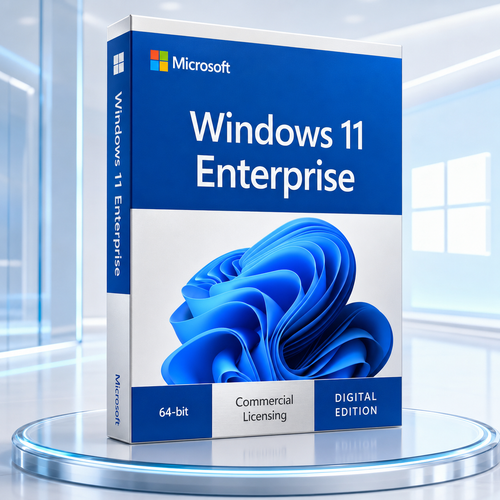

Microsoft Windows showroom • Enterprise edition
Windows 11 Enterprise, built for organisations that manage at scale.
Advanced identity protection, flexible deployment, controlled updates and a modern Windows experience, brought together for security-conscious, centrally managed workplaces.
Enterprise licensing is different from retail Windows. Microsoft positions Windows 11 Enterprise E3 and E5 through Commercial Licensing, typically as a step-up from a qualifying Windows Pro device. Confirm the supplied licence channel and eligibility before ordering.
Protect identities
Credential Guard and hardware-backed security foundations.
Control applications
Enterprise policy options for trusted application execution.
Manage the fleet
Designed for modern provisioning, policy and update workflows.
Plan releases
Enterprise releases receive a longer servicing window than Home or Pro.
The enterprise difference
More than a desktop. A controlled operating environment.
Windows 11 Enterprise builds on Windows 11 Pro for medium and large organisations. Its value is not a longer feature list alone. It is the ability to combine Windows security, identity, policy, deployment and servicing into a platform IT teams can govern with greater consistency.
The strongest buying decision starts with the operating model: who owns the devices, how identities are managed, which apps are allowed, how updates are released and which commercial agreement grants the use rights. When those pieces are clear, Enterprise becomes a practical platform decision rather than a label.
Professional features with practical value
Enterprise controls that earn their place.
Each capability has a job: reduce identity exposure, constrain untrusted code, standardise devices or make change easier to govern.

Credential Guard
Virtualisation-based security helps isolate credential material so common theft techniques have a harder target.

Personal Data Encryption
Adds user-authenticated protection for selected files alongside established Windows data-protection controls.

Application control
App Control for Business and AppLocker help organisations define which applications, scripts and installers may run.

Managed experiences
Shape the Windows experience with policy, standardise settings and reduce avoidable variation across managed devices.

Enterprise connectivity
Supports managed remote-access approaches including Always On VPN, subject to infrastructure and configuration.

Fleet visibility
Designed to participate in modern endpoint management, analytics, compliance and remediation workflows.

Cloud-ready deployment
Works with Microsoft cloud deployment services where the required subscriptions and tenant services are in place.

Enterprise servicing
Annual Enterprise feature releases receive 36 months of servicing, helping IT teams plan adoption on a longer runway.

Security with layers
Protect the identity, the data and the code path.
Enterprise security works best as a chain. Supported hardware establishes trust, Windows isolates sensitive material, policy limits what can execute and management keeps the configuration visible.
 Identity: Credential Guard isolates secrets using virtualisation-based security.
- Data: BitLocker and Personal Data Encryption support layered protection strategies.
 Applications: app control policies can limit execution to trusted software.
 Operations: update and compliance workflows help preserve the intended security state.
Edition features do not eliminate the need for supported hardware, tested policy, least privilege, backups, monitoring and a response plan.
Manage the whole journey
From first boot to the next feature release.
Windows 11 Enterprise is designed for repeatable device operations. Connect provisioning, identity, policy, applications, updates and retirement into one documented lifecycle.
Prepare
Inventory hardware, application dependencies, drivers and licence eligibility.
Pilot
Validate a representative group before widening the deployment ring.
Deploy
Apply identity, configuration, security and application baselines predictably.
Measure
Review compliance, update state, user impact and exceptions continuously.
Microsoft Intune, Windows Autopatch, Universal Print and other cloud services require applicable subscriptions, eligibility and configuration. They are not automatically included with every Enterprise offer.

Compatibility first
Check the PC before buying the licence.
Windows 11 raises the hardware security baseline. Check Microsoft's supported processor list and use PC Health Check where appropriate; the minimum figures alone do not establish processor eligibility.

There is no 32-bit edition of Windows 11 to install. A legacy URL mentioning “32-bit” does not change the platform requirement.
Processor
Compatible 64-bit processor or SoC, 1 GHz or faster, with 2 or more cores.

Memory
4 GB RAM minimum.

Storage
64 GB or larger storage device.
Firmware
UEFI firmware with Secure Boot capability.

Security processor
Trusted Platform Module (TPM) version 2.0.

Graphics
DirectX 12 compatible graphics with a WDDM 2.0 driver.

Display
720p display greater than 9 inches diagonally, 8 bits per colour channel.

Connectivity
Internet and account requirements vary by setup and management model.

Minimum specification is not the whole compatibility test.
Confirm processor support, firmware settings, TPM state, drivers, business applications, peripherals, VPN or authentication tools and backup recovery. Plan a pilot for specialised environments.
The licence matters as much as the software
Know exactly what you are buying.
“Windows 11 Enterprise” describes an edition. It does not, by itself, tell you the licence program, assignment rules, activation path, term or included cloud services.

Edition
Confirm Enterprise, Enterprise E3, Enterprise E5, Enterprise LTSC or IoT Enterprise. These names are not interchangeable.

Qualifying rights
For E3/E5 subscription activation, Microsoft normally requires an eligible user and a supported, licensed Windows Pro device.

Activation model
Subscription activation, MAK, KMS and other commercial methods have different organisational and technical prerequisites.
Term and servicing
Separate the licence term from the support period of the installed Windows release. They answer different questions.
Four questions before checkout
Your 60-second licence checkpoint.
- 1What exact Enterprise offer and licence program is supplied?
- 2Which qualifying Windows edition, identity setup or agreement is required?
- 3Is the entitlement per user, per device, subscription-based or otherwise assigned?
- 4What activation, renewal, transfer and reassignment rules apply?
Choose by operating model
Windows 11 Pro or Windows 11 Enterprise?
| Decision area | Windows 11 Pro | Windows 11 Enterprise |
|---|---|---|
| Best fit | Professionals and smaller organisations managing PCs with standard business features. | Medium and large organisations requiring advanced controls and commercial deployment rights. |
| Security | Strong Windows security baseline, BitLocker and business protection features. | Builds on Pro with Enterprise-licensed capabilities such as Credential Guard and Personal Data Encryption. |
| Management | Suitable for domain, Entra and modern management scenarios. | Designed for broader, standardised fleet management and commercial service integration. |
| Servicing | Annual releases generally receive 24 months of servicing. | Annual Enterprise releases receive 36 months of servicing. |
| Licensing | Available through common OEM, retail and commercial channels. | Commercial licensing; E3/E5 commonly step up a qualifying Pro device. |
Feature availability can vary by release, device, region, subscription and configuration. Check Microsoft's current documentation and the exact product offer.
Similar names, different jobs
Enterprise is not LTSC, and LTSC is not IoT.
Windows 11 Enterprise
For general-purpose organisational PCs that benefit from the current Windows feature cadence, modern management and Enterprise controls.
Enterprise LTSC
For specialised systems where a long, stable feature set is more important than regular experience updates. It has distinct licensing and lifecycle terms.
IoT Enterprise LTSC
For dedicated devices such as kiosks or appliances under IoT licensing. It should not be marketed as a general office-PC substitute.
Updates & lifecycle
Windows 11 is serviced by release, not by one endless date.
Enterprise and Education annual feature releases receive 36 months of servicing. Track the version actually installed, test the next release and move before support expires.
Dates reflect Microsoft's published Enterprise and Education lifecycle page as checked in July 2026 and can change. Always verify the current lifecycle before planning a rollout.

Enterprise may fit when…
- You manage a substantial fleet through central identity and policy.
- You need advanced credential, data or application controls.
- You have an eligible commercial agreement and qualifying devices.
- You can pilot, document and operate the controls you enable.
- You value a 36-month servicing window for annual releases.

Pause and verify when…
- You only need a straightforward licence for one personal PC.
- The computer does not meet Windows 11 hardware requirements.
- You expect a retail key with unrestricted transfer rights.
- You cannot identify the licence program or activation method.
- You actually require LTSC or IoT rights for a fixed-purpose device.
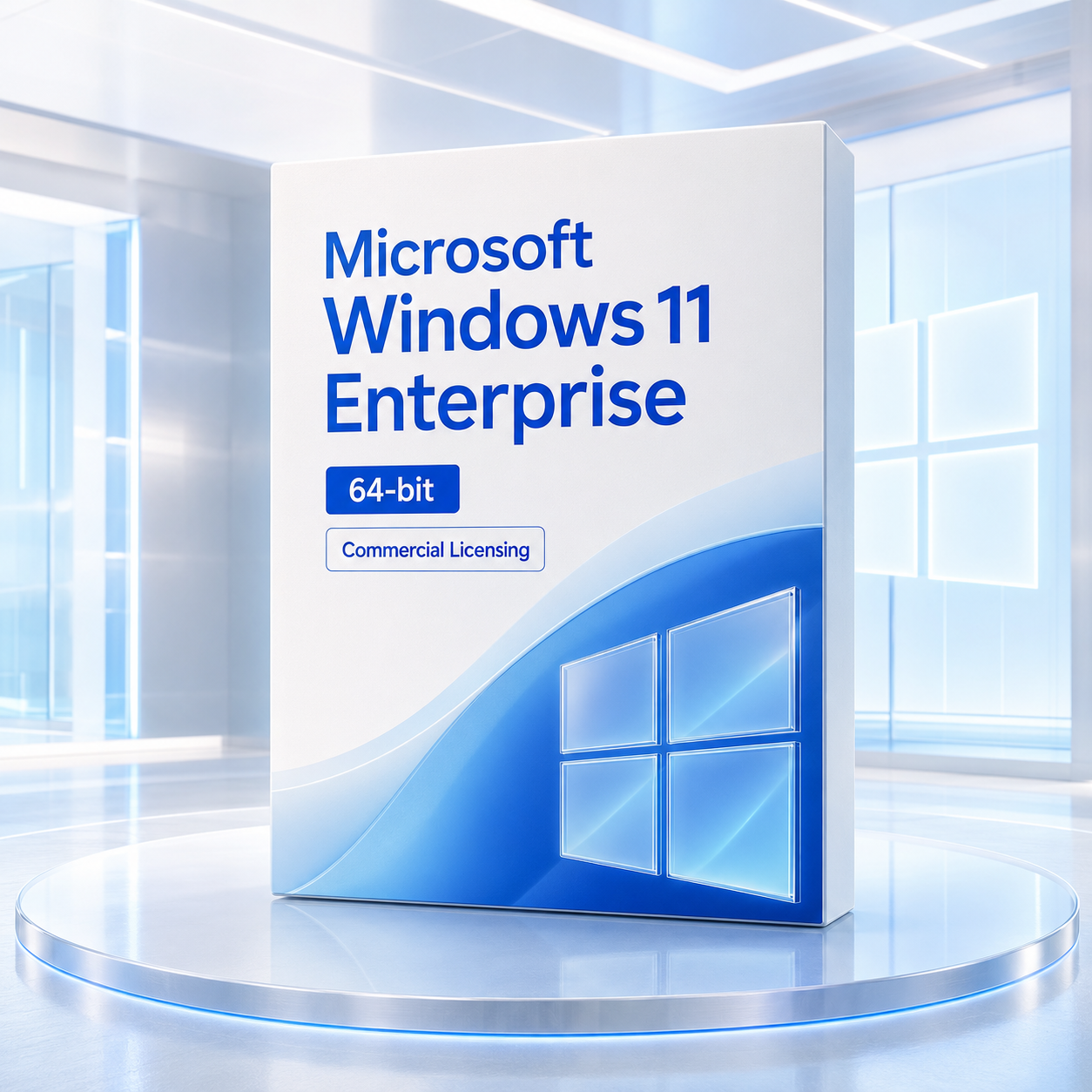
A clear digital purchase path
From order review to an installation plan.
The live listing should tell you the exact entitlement, delivery method and inclusions. Digital fulfilment follows payment and applicable order checks. Keep the order record and supplied licensing information with your organisation's software asset records.

Order securely
Use the store's encrypted checkout and verify the product summary before payment.
Review the entitlement
Match the edition, licence channel and assignment rules to the intended organisation.

Prepare deployment
Use authorised Microsoft media and the activation method applicable to the supplied agreement.

Keep the guidance
Retain installation notes, order details and a support path for future reference.
Why Software Mart Australia
Confidence begins with clearer answers.
Enterprise licensing can be complex. The valuable sales experience is the one that helps you slow down at the right moment, verify compatibility and understand what the offer actually provides.
Review the live product offer
Honest pre-purchase context
Clear prompts around 64-bit compatibility, licensing eligibility and activation reduce avoidable surprises.
Protected checkout flow
Complete the order through Software Mart Australia's encrypted commerce experience.

Digital fulfilment
Order processing is designed for digital delivery after payment and applicable order checks.
A practical support path
Keep the store's installation guidance and order record together so help starts with the right information.
Buyer questions, answered plainly
Windows 11 Enterprise FAQ.
What is Microsoft Windows 11 Enterprise?+
Windows 11 Enterprise is Microsoft's commercial Windows edition for organisations that need advanced security, central management, deployment and user-experience controls. It builds on Windows 11 Pro and is licensed through commercial channels rather than as a standard consumer retail edition.
Can an individual buy Windows 11 Enterprise like Windows 11 Pro?+
Not usually in the same way. Enterprise is a commercial licensing product. Before ordering, confirm the exact licence program, quantity rules, qualifying operating system, activation method and permitted users or devices for the offer.
Does Windows 11 Enterprise include a 32-bit version?+
No. Windows 11 is a 64-bit platform. A page title or older URL that mentions 32-bit should not be treated as proof of a 32-bit installer.
Is Windows 11 Enterprise a full operating system or an upgrade?+
That depends on the licence channel. Microsoft 365 or Windows Enterprise E3/E5 subscription activation is normally a step-up from a qualifying Windows Pro device. Other commercial programs have their own rights. Check the exact offer instead of assuming it is a stand-alone retail full licence.
What is the difference between Windows 11 Pro and Enterprise?+
Enterprise builds on Pro and adds capabilities intended for centrally managed organisations, including Credential Guard licensing, Personal Data Encryption, additional experience controls and commercial deployment and servicing options. The right choice depends on both technical needs and licensing eligibility.
What is the difference between Enterprise E3 and E5?+
E3 provides the Windows Enterprise edition and associated commercial capabilities. E5 adds Microsoft Defender for Endpoint Plan 2 rights. Do not assume Defender for Endpoint Plan 2 is included unless the offer explicitly states E5.
Is Windows 11 Enterprise LTSC the same product?+
No. Windows 11 Enterprise, Windows 11 Enterprise LTSC and Windows IoT Enterprise LTSC are distinct offerings with different servicing, use cases and licensing. LTSC is designed for specialised devices and scenarios where long-term stability matters more than frequent feature change.
What is subscription activation?+
Subscription activation can step a supported, licensed Windows Pro device up to Enterprise when the user and device meet Microsoft's identity, tenant and licensing requirements. It commonly involves Microsoft Entra ID and a qualifying per-user subscription.
Do I need Windows 11 Pro first?+
For E3/E5 subscription activation, a qualifying supported Windows Pro installation is normally required. Requirements can differ for other commercial licensing programs, so verify the supplied channel before purchase.
Does it require Microsoft Entra ID?+
Subscription activation normally requires eligible users and devices in Microsoft Entra ID or a supported hybrid-joined configuration. A different activation method may have different requirements.
What does Credential Guard do?+
Credential Guard uses virtualisation-based security to isolate secrets used by NTLM and Kerberos. It reduces exposure to credential theft techniques but does not replace sound identity, patching and least-privilege practices.
Does Windows 11 Enterprise stop every cyberattack?+
No operating system can promise that. Enterprise provides a stronger control surface, but outcomes still depend on supported hardware, configuration, patching, identity design, user behaviour, monitoring and incident response.
What is App Control for Business?+
It is Microsoft's policy-based application control technology for deciding which drivers and code are trusted to run. Planning, testing and staged deployment are important because an overly restrictive policy can interrupt legitimate work.
Does Enterprise include BitLocker?+
Windows 11 Pro already includes BitLocker capabilities. Enterprise can fit BitLocker into broader organisational management and compliance workflows. Recovery-key handling and policy design remain the organisation's responsibility.
Can Enterprise work with Microsoft Intune?+
Yes, Windows 11 Enterprise is designed for modern endpoint management. Intune and related cloud services require their own applicable licences and tenant configuration; they are not automatically included with every Windows Enterprise offer.
Is Windows Autopatch included?+
Windows Enterprise can be eligible for Windows Autopatch through qualifying subscriptions and service prerequisites. Eligibility is not established by the operating-system edition name alone.
How long is each Enterprise release supported?+
Microsoft provides 36 months of servicing for annual Windows 11 Enterprise and Education feature releases. Support is tied to the installed release, not one unlimited Windows 11 end date.
Can I install it on an unsupported PC?+
That is not recommended. Check the processor, TPM 2.0, Secure Boot, memory, storage, graphics and display requirements before buying. A Windows 10-compatible PC is not automatically Windows 11-compatible.
Can I move the licence to another computer?+
Transfer rights depend on the specific commercial agreement and licence assignment model. Do not assume retail transfer rights apply to an Enterprise entitlement.
How many devices can use one licence?+
The answer depends on whether the offer is licensed per user, per device or under another commercial model. Confirm assignment, reassignment and device-count rules in the applicable agreement.
Will all my existing apps work?+
Many current Windows applications do, but specialised software, drivers, authentication tools and legacy integrations should be tested. Use a pilot ring and vendor compatibility checks before a broad rollout.
What should I back up before deployment?+
Back up user data, recovery keys, application settings, certificates and anything needed to restore business operations. Confirm that the backup can actually be restored before changing the operating system.
What will I receive from Software Mart Australia?+
Use the live product listing as the source of truth for the supplied licence, delivery method and inclusions. Digital fulfilment is generally completed after payment and order checks, with the relevant access and installation guidance described by the store.
What should I confirm before placing the order?+
Confirm the exact edition, licence channel, qualifying operating system, activation method, term or renewal status, supported devices, quantity and intended organisational use. Ask before buying if any one of those details is unclear.
Ready when your organisation is
Buy Microsoft Windows 11 Enterprise with the right questions already answered.
Check the PC, confirm the licence channel, identify the activation path and make sure Enterprise matches the operating model.
Official information sources
Confirm current details with Microsoft before publishing material licensing or lifecycle changes: Windows Commercial Licensing • Subscription Activation • Windows 11 Requirements • Windows 11 Enterprise Lifecycle