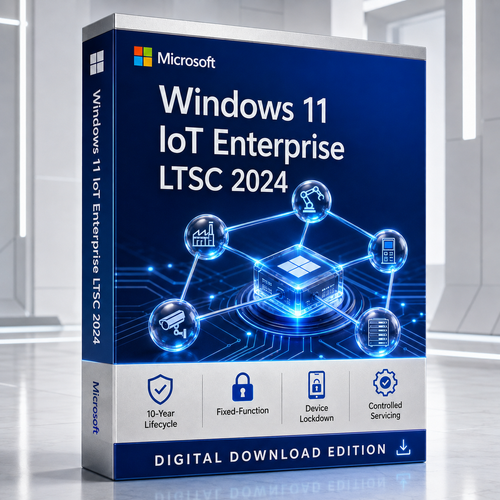
Windows 11 | Version 24H2 | Fixed Lifecycle Policy
Microsoft Windows 11 IoT Enterprise LTSC 2024
Build specialised, fixed-function devices on a familiar Windows Enterprise platform with a static feature foundation, enterprise-grade management and a ten-year support lifecycle.
Check availability Confirm the use case
The right operational fit
When the device has one job, the operating system should respect it.
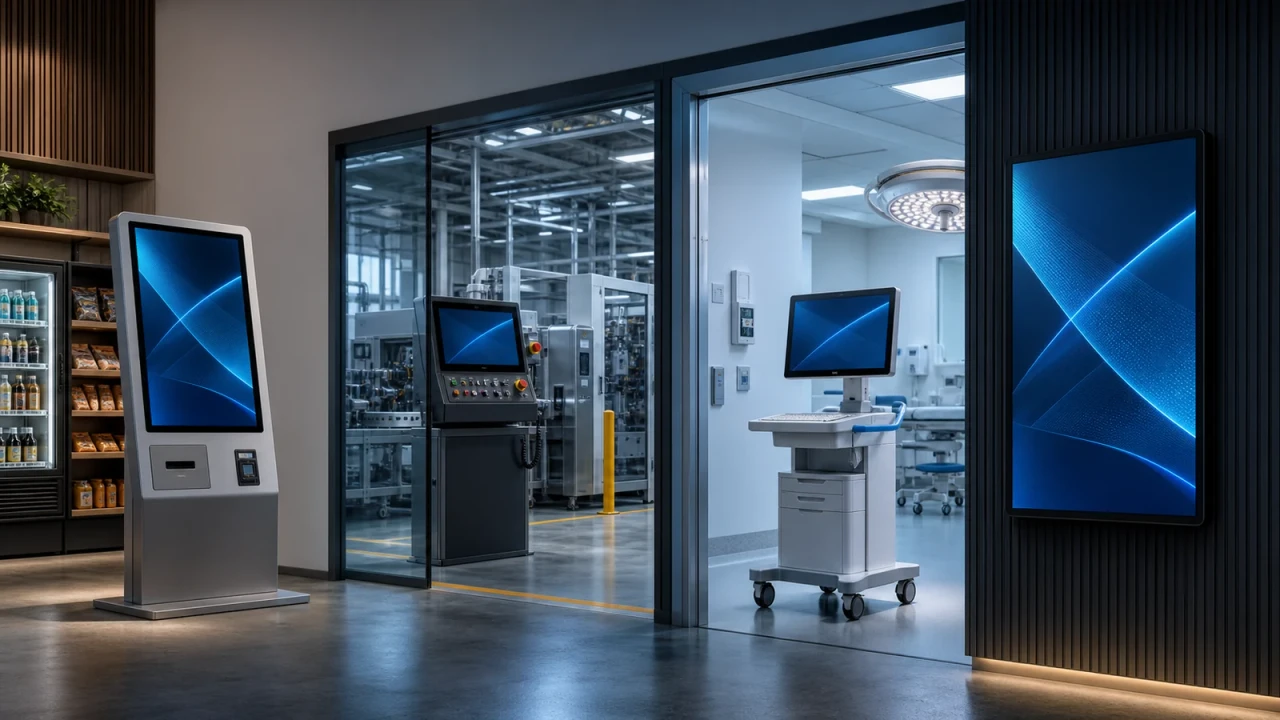
For kiosks, production terminals, healthcare solutions, digital signage and other dedicated endpoints, platform change can create validation work, application risk and field-support cost. LTSC gives architects a controlled feature foundation while monthly quality updates continue.
Self-service and point-of-service
Present a curated interaction model and plan servicing around the life of the deployed device.
Production and control endpoints
Use the Windows application ecosystem for a defined operational workload at the edge.
Specialised clinical systems
Support solutions that require deliberate validation, consistency and controlled change.
Information and wayfinding
Keep the audience focused on the content or application the endpoint was designed to provide.
Four defining advantages
A Windows foundation designed around long-lived devices.
Ten-year lifecycle
Service the 2024 LTSC release through 10 October 2034 under Microsoft's Fixed Lifecycle Policy.
Fixed-function focus
Licence and engineer the operating system around a special-purpose endpoint with a defined job.
Controlled experience
Reduce distractions and tampering paths with Windows lockdown capabilities chosen for the scenario.
Predictable servicing
Avoid annual feature upgrades while continuing to receive monthly quality and security updates.
One Windows platform. Many precisely defined jobs.
Each endpoint can be engineered, governed and serviced against a deliberate baseline without pretending that every device has the same physical design or workflow.
Lockdown and optimisation
Build the experience around the device's mission.
These are deployment building blocks, not automatic settings. Every choice belongs inside a tested image, servicing, recovery and management design.
Unified Write Filter
Redirect writes to a virtual overlay so a reboot can return a protected volume to a known state.
Restricted User Experience
Create a curated multi-app environment while retaining a familiar Windows 11 desktop experience.
Shell Launcher
Replace the standard shell with the application that defines the endpoint's purpose for selected users.
Keyboard Filter
Suppress unwanted key combinations on physical, touch and on-screen keyboards.
36 removable packages
Reduce components the solution does not need, after dependency and recovery testing.
Security foundation
Use Windows Security, Defender Antivirus, policy controls and security baselines as connected layers.
Enterprise manageability
Use familiar Windows Enterprise development, deployment and management approaches.
x64 and Arm64
Choose from supported architectures, then validate processors, apps, drivers and peripherals.
Lifecycle architecture
A support runway measured in device generations.
LTSC keeps the feature foundation tied to the release while applicable monthly quality and security updates continue.
New release, new licence: moving to a future Windows IoT Enterprise LTSC release requires a new licence. The ten-year support window does not grant automatic rights to the next LTSC version.
Edition comparison
Choose by lifecycle, cadence and permitted use.
The operating-system platform is familiar across editions, but the licensing intent and support model materially change the decision.
| Decision factor | IoT Enterprise LTSC 2024 | Enterprise LTSC 2024 | IoT Enterprise GAC |
|---|---|---|---|
| Intended role | Fixed-function specialised devices | Eligible special-use Enterprise scenarios | Fixed-purpose devices needing the current Windows feature cadence |
| Feature servicing | Static LTSC feature foundation | Static LTSC feature foundation | Feature updates follow the applicable Windows release |
| Support horizon | Through 10 October 2034 | Through 9 October 2029 | Varies by release |
| Quality updates | Monthly | Monthly | Monthly |
| Best-fit signal | Long-lived, validated, change-controlled endpoint | Eligible Enterprise LTSC deployment requiring a five-year horizon | Dedicated endpoint that benefits from newer platform features |
This comparison is operational guidance, not a substitute for Microsoft Product Terms or your organisation's licensing agreement.
Layer the endpoint
Stability is not security. Engineer both.
A long lifecycle is valuable only when paired with a maintained security posture. Treat hardware roots, operating-system policy, application control, identity, network segmentation and monitoring as connected controls.
- Hardware: prefer TPM 2.0, UEFI and Secure Boot where supported.
- Operating system: apply security baselines and monthly quality updates through tested servicing rings.
- Experience: minimise exposed controls with the appropriate Windows lockdown feature.
- State: use UWF only with deliberate persistence, update and recovery procedures.
- Operations: monitor health, storage, update compliance and tamper signals throughout the lifecycle.
Microsoft Defender for Endpoint and some management capabilities can require separate subscriptions and configuration.
Hardware planning
Start with the preferred minimum. Deviate only with evidence.
Microsoft provides flexibility for specialised devices, but a lower specification shifts responsibility toward image engineering, compatibility testing and lifecycle monitoring.
Preferred minimum
Recommended starting bar
Optional minimum
Specialised-device flexibility
Do not treat minimum as production-ready. Validate supported processors, drivers, storage endurance, update headroom, application memory use, recovery partitions and every attached peripheral.
Purchase checkpoint
Confirm the deployment right - not merely the product key.
Microsoft positions Windows IoT Enterprise LTSC for fixed-function specialised devices. In volume licensing, it is described as an upgrade licence for eligible devices. Digital delivery does not change those rights.
Fixed function
Is the endpoint dedicated to a defined function rather than general-purpose computing?
Licence programme
Is the offer OEM, volume licensing or another channel, and does that channel fit the deployment?
Qualifying operating system
If this is an upgrade licence, does the device have an eligible underlying Windows licence?
Activation and records
Confirm media, architecture, activation method, reassignment rules and proof of licence.
Deployment journey
From licence fit to a supportable device image.
Qualify the use case
Define the fixed purpose, users, apps, peripherals and expected field life.
Resolve licensing
Confirm channel, qualifying OS, permitted use, activation and records.
Prove the hardware
Validate processor support, firmware, security hardware, drivers and peripherals.
Engineer the image
Configure apps, lockdown, accounts, updates, recovery, logging and management.
Pilot the lifecycle
Test servicing, rollback, storage growth, network loss and field support before scale.
Expert buying questions
Frequently asked questions
Clear answers for architects, device makers, procurement teams and IT operations.
01. What is Windows 11 IoT Enterprise LTSC 2024?
It is a full Windows Enterprise operating-system edition designed and licensed for special-purpose, fixed-function devices. The 2024 LTSC release is based on Windows 11 version 24H2 and has a ten-year support lifecycle.
02. What does IoT mean in this product name?
IoT describes the product line and its licensing for dedicated devices. Microsoft describes Windows IoT Enterprise as a binary equivalent of Windows Enterprise, with familiar Windows development and management tooling.
03. Is it suitable for an ordinary employee desktop?
No. Microsoft states that Windows IoT Enterprise LTSC is for fixed-function specialised devices and cannot replace Windows desktop licensing for general-purpose computing.
04. When does support end?
Microsoft lists 10 October 2034 as the extended-support end date for Windows 11 IoT Enterprise LTSC 2024.
05. Does LTSC receive security updates?
Yes. It receives monthly quality updates, including applicable security fixes. LTSC removes recurring feature upgrades; it does not mean an unpatched device.
06. Will Windows Update install the next LTSC?
No. Moving from one Windows IoT Enterprise LTSC release to another requires a new licence.
07. How is Enterprise LTSC 2024 different?
IoT Enterprise LTSC 2024 has extended support through October 2034. Enterprise LTSC 2024 ends servicing in October 2029. Licensing and permitted use also differ.
08. Can it run standard Windows applications?
Many can run because the edition shares the Windows Enterprise platform, but every application, dependency, driver and peripheral must be validated.
09. Which architectures are supported?
Microsoft documents Windows IoT Enterprise for x64 and Arm64. Verify that the installation media, licence, hardware and application stack support the chosen architecture.
10. Is a 32-bit edition available?
Plan Windows 11 IoT Enterprise LTSC 2024 around x64 or Arm64. Do not assume 32-bit media or processor support.
11. What is Unified Write Filter?
UWF redirects writes from a protected volume to a virtual overlay. The overlay can be cleared by reboot, helping a properly designed device return to a known state.
12. What is Restricted User Experience?
It is the current multi-app kiosk approach for presenting a controlled Windows experience around selected applications.
13. What does Keyboard Filter do?
It can suppress defined keys and key combinations on physical, touch and on-screen keyboards.
14. Can Windows components be removed?
The 2024 release supports 36 removable packages. Microsoft warns that a removed package cannot simply be restored without a full reinstall, so dependencies must be tested first.
15. Is Microsoft Defender for Endpoint included?
Windows includes Defender Antivirus and Windows security capabilities. Defender for Endpoint is a separate service that can require its own subscription and onboarding.
16. Can enterprise tools manage the device?
Yes, the platform offers familiar enterprise manageability, subject to the directory, MDM, endpoint-management subscription and deployment configuration.
17. Is TPM 2.0 required?
The preferred minimum uses TPM 2.0 and Secure Boot. Optional specialised-device requirements offer flexibility, but omitting security hardware may affect protection and compatibility.
18. Can I use 2 GB RAM and 16 GB storage?
Those are specialised-device minimums, not a general recommendation. Low-storage designs require careful image engineering, update-space planning and lifecycle monitoring.
19. Does digital delivery define licence rights?
No. Confirm the licence programme, qualifying OS, activation method, permitted use, reassignment and proof of licence before purchase.
20. Is the volume licence a full base licence?
Microsoft describes Windows IoT Enterprise LTSC in volume licensing as an upgrade licence for eligible fixed-function devices. Confirm the qualifying base OS and current terms.
21. Which volume programmes are listed?
Microsoft guidance lists MPSA, Microsoft Customer Agreement and Select Plus. Verify current availability and agreement terms.
22. Can I upgrade an older IoT LTSC device?
A technical upgrade may be possible if supported, but the next LTSC needs a new licence. For an OEM-supplied device, ask its maker about upgrade availability.
23. What should be tested before rollout?
Test hardware, firmware, security, drivers, peripherals, application behaviour, lockdown, servicing, recovery, remote management, storage growth and rollback.
24. What should I confirm before buying?
Confirm fixed-function eligibility, licence channel, qualifying OS, architecture, activation, delivery and evidence of licence.
A dependable endpoint starts with the right edition, rights and design.
Confirm the fixed-function scenario and delivery requirements before purchase, then build the deployment around testing - not assumptions.
View product details