Datacenter core licensing
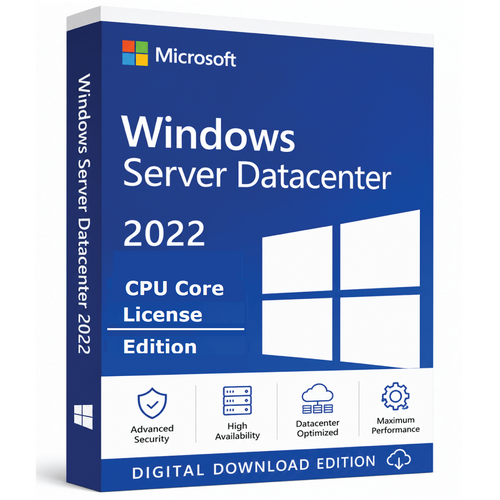
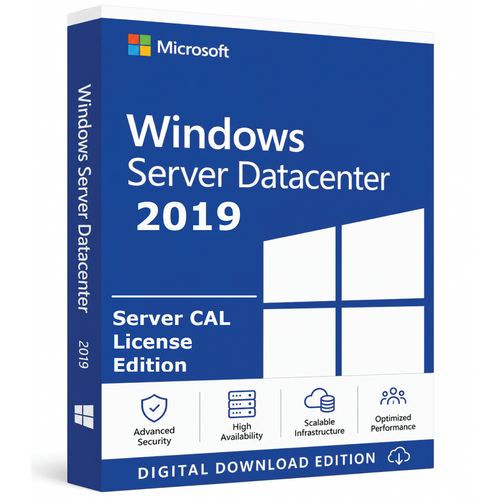
Microsoft Windows Server 2019 Datacenter — CPU Core License
License the physical cores in a Windows Server 2019 Datacenter host and unlock unlimited Windows Server virtualisation rights when the server is fully licensed.
- 2–96 core options
- Unlimited OSE rights
- Perpetual licence
- Digital fulfilment
Microsoft extended support continues until 10 January 2029. Keep the server patched and plan the next platform transition.
Understand the offer
What this licence is designed to cover
Use the scope below to confirm that the licensing model matches the people, devices and infrastructure in your environment.
Core quantities
Choose 2, 4, 8, 16, 32, 64 or 96 cores. One product key covers the selected quantity.
Microsoft minimums
License every physical core, subject to a minimum of eight cores per processor and sixteen cores per server.
Datacenter value
Once every required physical core is licensed, Datacenter grants rights to run unlimited Windows Server operating-system environments on that licensed server.
Check before checkout
Requirements and exclusions
Server products and CALs solve different parts of a licensing requirement. Confirm the complete deployment, not only the item on this page.
You will also need
- Count every physical core in every processor.
- Meet the eight-core-per-processor and sixteen-core-per-server minimums.
- Purchase Windows Server CALs for users or devices and separate RDS CALs when Remote Desktop Services is used.
Not included by this page
- Server CALs and RDS CALs are not included.
- A 2-, 4- or 8-core quantity is not sufficient by itself for a standalone physical server.
- Hardware, migration and cluster licensing are not included.
Digital delivery and assistance
From checkout to a working deployment
Every order uses the same clear fulfilment and support pathway.
Order confirmed
The selected product and quantity are checked before fulfilment.
Email delivery
One key or entitlement covering the selected quantity, applicable official Microsoft links and instructions are normally sent in 1–10 minutes.
Guided setup
Remote assistance, live chat, email and phone support are available for installation, licensing and activation.
Activation assurance
Support checks all available options, supplies a replacement first, and provides a full refund if the replacement cannot be activated.
Licence and region: supplied according to stock availability; valid worldwide and available in Microsoft-supported languages.
Assignment or activation: Reinstallation on the same server is permitted. After activation, the licence cannot be transferred to another server and cannot be reactivated following an HDD or motherboard replacement.
Questions answered
Frequently asked questions
Does the selected quantity replace Microsoft’s minimums?
Are virtual machines unlimited?
What arrives by email?
What support is included?
What happens if activation fails?
Where can the licence be used?
Official Microsoft references: Microsoft Windows Server licensing FAQ · Windows Server 2019 lifecycle
Licensing depends on the agreement and Product Terms governing the purchase. Contact Software Mart Australia before ordering for mixed versions, external users, hosting, failover or complex deployments.
Buy with the deployment in mind
Select the core quantity only after confirming the server’s processor and physical-core count.
Review the purchase option