Windows Server 2025 Standard | Per-core licensing
Count the metal. Plan the virtual machines. License with clarity.
Microsoft Windows Server 2025 Standard CPU Core Edition gives physical and minimally virtualized environments a current foundation for identity, file services, applications, Hyper-V and hybrid operations.
A small core pack is not automatically a complete server licence. Microsoft requires every physical core to be licensed, with at least 8 core licences per physical processor and 16 per server. A 2-core or 4-core pack is commonly a top-up.
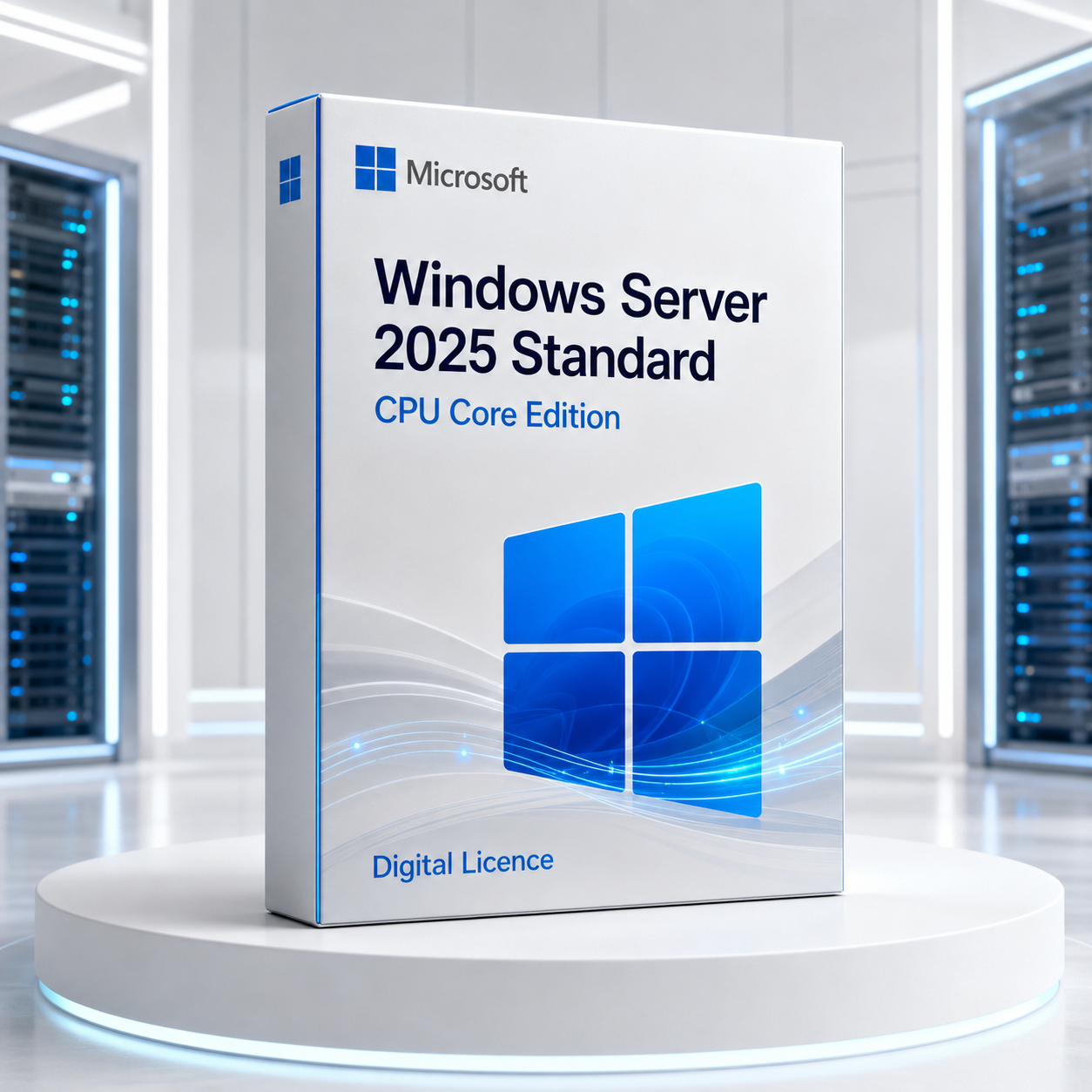 Windows Server 2025Standard | CPU Core Edition
The licence architecture
The operating system is the platform. The count is the licence.
"CPU Core Edition" is retail language for the per-core model. The Microsoft edition is Windows Server 2025 Standard.
Inventory the host
Count physical processors and physical cores.
Apply the minimums
At least 8 cores per CPU and 16 per server.
Plan VM rights
One full core set grants two Standard OSEs.
License access
Add User or Device CALs and RDS CALs as required.
The enterprise investment case
Why businesses should invest in Windows Server 2025.
A server refresh is worth funding when it improves risk posture, operating choices and planning confidence. Windows Server 2025 creates a compelling case across security, lifecycle, identity, hybrid management and infrastructure scale.
 01
01Raise the security baseline
Reduce avoidable configuration debtCredential Guard is enabled by default on eligible systems, new deployments require LDAP signing by default, and SMB receives stronger authentication, encryption and firewall controls.
 02
02Gain a longer planning runway
Align infrastructure with a multi-year roadmapMainstream support through November 2029 and extended support through November 2034 can support hardware refresh, application-modernisation and governance programmes.
 03
03Modernise without forcing every workload into the cloud
Keep placement choiceRun workloads in the datacentre, branch or edge while using Azure Arc for selected management, policy and servicing integrations.
 04
04Enable safer remote file access
Support distributed teams and edge sitesSMB over QUIC provides encrypted, certificate-controlled file connectivity across untrusted networks for supported designs.
 05
05Create room for future workload growth
Avoid an early platform ceilingExpanded Hyper-V host and Generation 2 VM scale provide substantial technical headroom while Standard keeps a deliberate two-OSE licensing rhythm.
 06
06Strengthen the identity foundation
Prepare Active Directory for the next cycleNew AD DS functional levels, delegated Managed Service Accounts, repair capabilities and optional 32 KB database pages modernise the identity platform.
 07
07Standardise administration and automation
Give IT teams a consistent toolchainPowerShell, OpenSSH Server, Windows Terminal and WinGet support familiar automation and package-management workflows across locations.
 08
08Invest at the right virtualisation density
Match edition cost to the real estateStandard suits physical or minimally virtualised environments, with a documented path to compare Datacenter when density or feature needs grow.

Invest in a supported operating foundation, not merely a new version number.
The practical return comes from avoiding deferred platform risk, supporting secure access and modern identity, giving administrators better operational tools, and creating enough lifecycle runway to execute the next infrastructure roadmap deliberately.
Core licensing calculator
First count the metal. Then price the rights.

1 CPU x 12 cores
Server minimum applies.
License 16 cores
2 CPUs x 8 cores
Both minimums are met.
License 16 cores
2 CPUs x 12 cores
All installed cores count.
License 24 cores
1 CPU x 24 cores
Above both minimums.
License 24 coresBuild the calculated requirement from the available packs. A pack size is a purchasing unit, not an independent right to license any server.
The two-VM rhythm
Standard scales rights in complete host-sized steps.
One full core set grants two Windows Server OSEs. License every physical core again for each additional pair.

1 full core set
2 Windows Server OSEs
plus the physical OSE when used solely to host and manage them.

2 full core sets
4 Windows Server OSEs
with every physical core licensed twice.
Higher VM density
Compare stacked Standard sets with Datacenter and its unlimited virtualisation rights.
Access is separate
Core licences do not replace CALs.
Map people, devices and remote-session use before checkout.

Core licences
Cover physical capacity and the operating-system environment rights.

User CAL
Often suits one person using several devices.

Device CAL
Often suits a shared device used by several people.

RDS CAL
Normally required in addition for Remote Desktop Services access.
What Windows Server 2025 adds
A current foundation for identity, applications, files and hybrid operations.
Active Directory at greater scale
An optional 32 KB database page size for new forests supports larger multi-value attributes. New functional levels, delegated Managed Service Accounts and directory repair capabilities strengthen the identity foundation.
Security closer to default
Credential Guard is enabled by default on eligible devices, new deployments require LDAP signing by default, and the platform adds TLS 1.3 plus Kerberos security improvements.
SMB over QUIC in Standard
Encrypted SMB connectivity can traverse untrusted networks without exposing traditional SMB ports when certificates, clients and server configuration meet the requirements.
Hyper-V with more headroom
Expanded host and Generation 2 VM scalability supports demanding modern infrastructure. GPU partitioning is available in supported scenarios, with Datacenter required for clustered high availability.

Modern administration
OpenSSH Server is installed by default, Windows Terminal is included, and WinGet complements PowerShell and remote management workflows.
Hybrid operations through Azure Arc
Connect eligible on-premises and edge servers to Azure management, policy and servicing integrations. Azure services have separate prerequisites and potential charges.

Hybrid on your terms
Keep the workload close. Extend the management plane.
Windows Server 2025 can remain in your datacentre, branch or edge location while Azure Arc adds inventory, policy, update and service integrations.
- Azure Arc-enabled server management
- Eligible Hotpatch scenarios
- SMB over QUIC for supported secure file access
- Azure-aware monitoring and governance options
An operating-system licence does not automatically include every Azure service, subscription or consumption charge.
Edition decision room
Windows Server 2025 Standard vs Datacenter.
Choose Standard for physical or minimally virtualized deployments. Compare Datacenter for high VM density and advanced software-defined infrastructure.
| Decision point | Standard | Datacenter |
|---|---|---|
| Best aligned to | Physical or minimally virtualized | Highly virtualized and software-defined |
| Virtualisation rights | 2 OSEs per complete core set | Unlimited after full core licensing |
| Windows Server containers | Unlimited | Unlimited |
| Hyper-V-isolated containers | Up to 2 per full set | Unlimited |
| Storage Replica | 1 partnership, 1 group, one volume up to 2 TB | Full capability under product limits |
| Storage Spaces Direct | Not included | Included |
| Shielded VMs | Not included | Included |
| Clustered GPU-P HA | Datacenter required | Supported on qualifying hardware |
| Windows Server CALs | Required separately | Required separately |
Installation foundations
Choose the operating model before setup starts.
You cannot switch between Server Core and Desktop Experience later without a clean installation.
Server Core
Smaller installation with no traditional desktop shell. Recommended unless a workload requires the GUI.
Desktop Experience
Full graphical shell for tools, applications or teams that need local GUI interaction.
Processor
1.4 GHz compatible 64-bit x64 baseline.

Memory
2 GB minimum; size for roles, VMs and resilience.

Storage
32 GB minimum; production needs substantially more.
Network
PCIe adapter with at least 1 Gbps throughput.

Security
Plan TPM 2.0, UEFI, Secure Boot and VBS hardware.

Reliability
ECC-class memory is recommended for physical hosts.
Minimum is an installer threshold, not a production design. Size for applications, directory services, virtual machines, backup, security tooling and recovery.
Deployment flight plan
A licence starts the project. Evidence makes it production-ready.
Discover
Inventory cores, firmware, storage, network, roles and dependencies.
Validate
Confirm hardware, application, driver and upgrade support.
Design
Map identity, DNS, security, VM placement, CALs and monitoring.
Protect
Test backup, restore, recovery media and rollback.
Pilot
Rehearse with representative workloads and operational checks.
Operate
Document activation evidence, servicing and recovery ownership.
Fixed Lifecycle Policy
Build with a visible support runway.
Microsoft currently lists these Windows Server 2025 lifecycle milestones.
Buy with a documented configuration
Select the core count after the server design is known.
Review the available 2, 4, 8, 16, 32 and 64-core choices. Build a combination that covers the calculated requirement, then account for CALs and additional VM rights.

Strong fit
Physical or lightly virtualized, documented cores, bounded VM forecast and known CAL strategy.

Pause and compare
High VM density, Datacenter-only features, complex external access or unclear hardware support.
Why Software Mart Australia
Confidence comes from clarity before checkout.
This guide brings the licensing logic, edition trade-offs, CAL considerations and deployment checks together so professionals can make a defensible purchase decision.
Decision-ready detail
Core minimums and VM rights are explained around the pack selector.

A clearer path
Use the live listing for current options and fulfilment details.

Evidence-minded
Record hardware, intended use and supplied order documents.

Digital-first
Move from research to selection while preserving due diligence.
Expert buyer answers
Windows Server 2025 Standard FAQ.
What does CPU Core Edition mean?+
It is retail shorthand for the per-core licensing model. The Microsoft product edition is Windows Server 2025 Standard.
How many core licences does a server need?+
License every physical core, with at least eight core licences per physical processor and sixteen per physical server. The higher result controls.
Is a 2-core licence enough by itself?+
Usually not. A 2-core pack is normally a top-up after all physical cores and Microsoft minimums are covered.
How is one 12-core processor licensed?+
The sixteen-core server minimum applies, so license sixteen cores.
How are two 12-core processors licensed?+
All twenty-four installed cores must be licensed.
How many Windows Server VMs can Standard run?+
One complete set of core licences covering the host grants up to two Windows Server operating system environments.
How do I license four Windows Server VMs?+
Assign two complete core-coverage sets. Each set must cover all physical cores and observe the minimums.
Are CALs included with the core licences?+
Core licences and access licences are separate. Users or devices normally require appropriate Windows Server CALs.
Do RDS users need an additional CAL?+
Yes. RDS access normally needs an RDS CAL in addition to the Windows Server CAL.
When should I compare Datacenter?+
Compare it when VM density is high or growing, or when you need Datacenter-only capabilities such as Storage Spaces Direct or shielded VMs.
Can I choose Server Core or Desktop Experience?+
Yes, during setup. Microsoft recommends Server Core unless a workload needs the graphical shell.
Can I switch installation options later?+
No. Switching between Server Core and Desktop Experience requires a clean installation.
Can I upgrade from Windows Server 2022?+
Eligible in-place upgrade paths exist, but hardware, edition, language, roles, applications, backup and rollback must be validated.
Is Hotpatch available?+
Eligible Windows Server 2025 Standard and Datacenter systems connected through Azure Arc can use Hotpatch when all current Microsoft prerequisites are met.
Does Hotpatch remove every reboot?+
No. It reduces reboots for eligible security updates. Baseline and other updates can still require restarts.
Is SMB over QUIC in Standard?+
Yes, subject to supported clients, certificates, networking and correct server configuration.
What are the Standard Storage Replica limits?+
One partnership, one resource group and one replicated volume up to 2 TB.
Does Standard include Storage Spaces Direct?+
No. Storage Spaces Direct is a Datacenter capability.
What is the hardware baseline?+
A compatible 1.4 GHz 64-bit processor, 2 GB RAM, 32 GB storage and a PCIe network adapter with at least 1 Gbps throughput. Production needs are usually higher.
How long is Server 2025 supported?+
Microsoft lists mainstream support through 13 November 2029 and extended support through 14 November 2034.
How do I select 2, 4, 8, 16, 32 or 64 cores?+
Calculate the licensed-core requirement first, then combine the available pack sizes to reach it.
Why should a business invest in Windows Server 2025 now?+
The strongest business case combines a longer support runway, stronger security defaults, current identity and file-service capabilities, hybrid management choice, greater Hyper-V headroom and a supported foundation for future plans.
Ready when the architecture is
Licence the host you have and the Windows Server VMs you plan to run.
Check the processors, physical cores, VM forecast, CAL requirements and edition fit. Then select the core-pack combination with confidence.
Explore the live productVerified reference links
Official Microsoft resources
Check current product, system, lifecycle and licensing information directly with Microsoft before deployment.
Microsoft documentation and lifecycle information may change. Review the current source for your environment and purchasing requirements.