Standalone desktop publishing
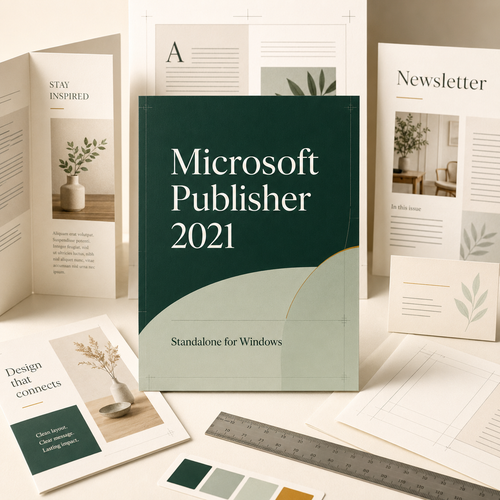
Microsoft
Publisher 2021
Create polished brochures, flyers, newsletters and more with precise, approachable page-layout tools. A one-time purchase for compatible Windows PCs.
From AU$75.00 · Digital delivery · No subscription
Use the purchased perpetual licence without recurring subscription fees.
Familiar Office-style tools for compatible Windows PCs.
Receive download and activation instructions after order processing.
Create with more control
Made for the work that lands on a desk.
Publisher combines approachable Office-style tools with the page-layout control needed for polished print and digital publications.
Precision page layout
Position text, images, shapes and tables using guides, rulers, alignment and object ordering.
Ready-to-edit templates
Start brochures, flyers, cards, labels, calendars and newsletters without facing a blank page.
Print-ready output
Preview publications and export polished PDFs for sharing, desktop printing or print providers.
Personalised mail merge
Produce personalised labels, invitations, postcards and customer communications from recipient data.
Flexible image tools
Crop, recolour, replace and arrange images while keeping the publication grid under control.
Familiar Office workflow
Bring in Word or Excel content and work in an interface familiar to Microsoft Office users.
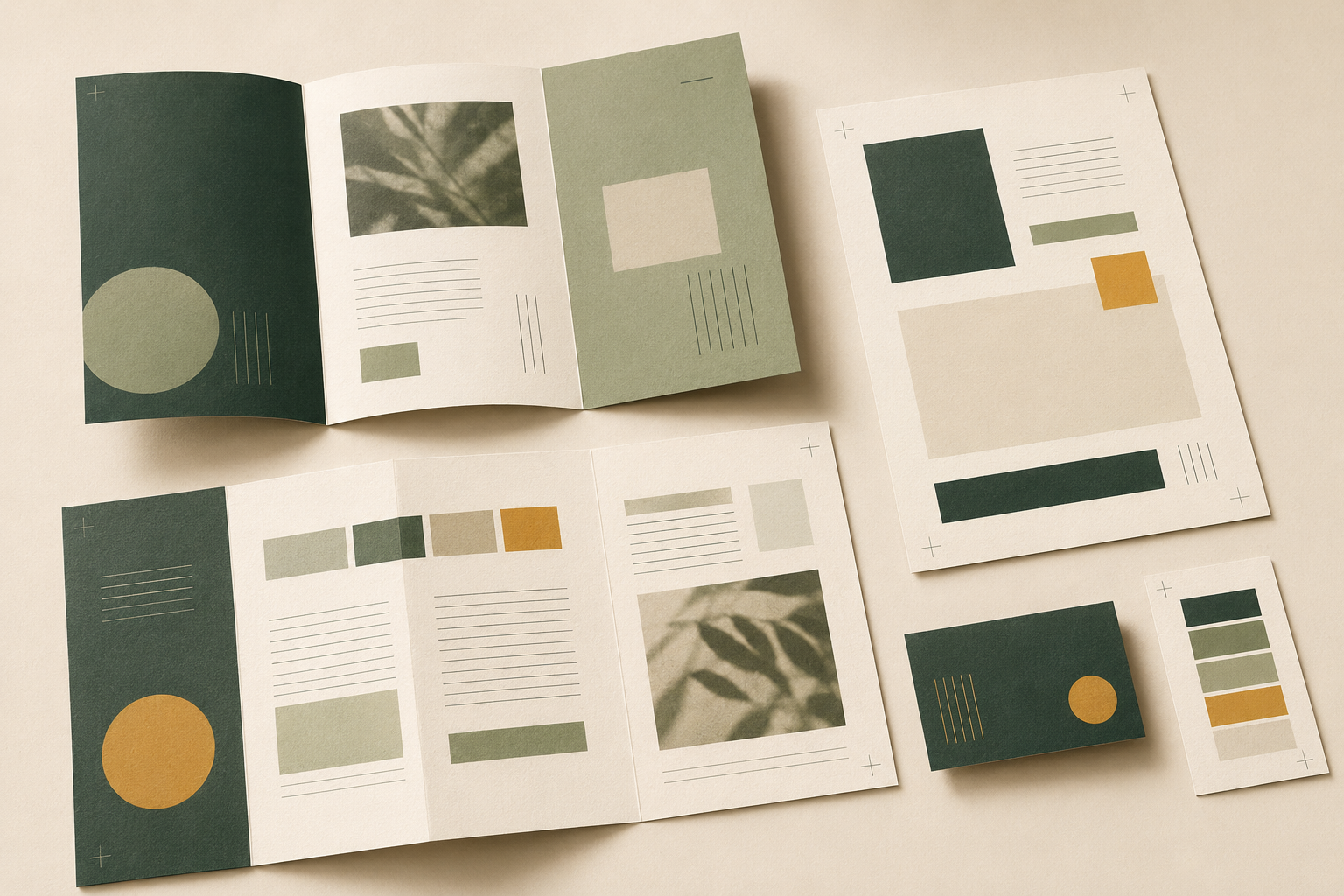
One canvas, many outcomes
From first draft to ready-to-share.
Create brochures, menus, catalogues, newsletters, labels, certificates, calendars, invitations, postcards and business cards.
- Link text across columns and pages
- Align elements to guides and margins
- Apply coordinated colours and fonts
- Export polished PDFs for sharing or print
For Microsoft 365 users
Add Publisher without replacing your existing apps.
A compatible standalone Publisher 2021 installation can sit alongside Microsoft 365 on the same Windows PC.
Word, Excel, PowerPoint and Outlook stay in place. For the smoothest setup, use compatible installation technology and the same 32-bit or 64-bit architecture.
Before installation
Match the setup.
Architecture:
Use the same 32-bit or 64-bit architecture as your existing Office installation.
Installation type:
Mixing Click-to-Run and older MSI installations is not supported.
Ask if uncertain:
Contact support before installing when your current configuration is unclear.
Important 2026 clarification
Your perpetual Publisher keeps working after support ends.
Microsoft support for Publisher ends on 13 October 2026. Microsoft confirms that perpetual versions can still be installed and used afterward, but security updates, bug fixes and Microsoft technical support will no longer be provided.
Read Microsoft's retirement noticeLicensing and delivery
Know what you're buying.
ProductMicrosoft Publisher 2021
LicenceCommercial perpetual-use licence; exact rights follow the selected key type
DevicesChoose from available one-PC and multi-PC key options
PlatformWindows only; not compatible with macOS, Chromebook or mobile devices
DeliveryDigital download and activation instructions; no physical shipment
RegionGlobal digital delivery; activation remains subject to licence and regional conditions
Support lifecycleMicrosoft support ends 13 October 2026; perpetual use may continue afterward
System requirements
Check your Windows PC.
Operating system: Compatible Windows 10 or Windows 11 edition; Windows 11 recommended
Processor: 1.6 GHz or faster, two-core
Memory: 4 GB RAM (64-bit) or 2 GB (32-bit)
Storage: At least 4 GB available space
Display: 1280 × 768 or higher
Internet: Required for download, activation and updates
Compare options
Choose Publisher for page layout.
| Feature | Publisher 2021 standalone | Publisher in Microsoft 365 | Microsoft Word |
|---|---|---|---|
| Ownership | One-time perpetual licence | Subscription access | Included with Office suite |
| After 13 Oct 2026 | Continues to run; unsupported | Publisher no longer available | Continues, but is not a DTP replacement |
| Layout control | Purpose-built page layout | Purpose-built page layout | Document-first layout |
Digital setup
From checkout to first publication.
Choose key type
Select the required device quantity.
Receive instructions
Keep delivery and licence details secure.
Check compatibility
Confirm Office architecture first.
Install and activate
Follow the supplied setup steps.
Frequently asked questions
Check before you buy.
Is Microsoft Publisher 2021 a one-time purchase?
Yes. This is a perpetual-use licence rather than a recurring subscription. Device count and transfer rights depend on the selected key type and terms.
Will Publisher 2021 work after 13 October 2026?
Yes. Microsoft says perpetual versions can still be installed and used after support ends. Security updates, bug fixes and Microsoft support will stop.
Can Publisher 2021 run alongside Microsoft 365?
Yes, in a compatible Windows configuration using matching architecture and compatible installation technology.
Does it replace my existing Microsoft 365 apps?
No. A compatible standalone installation adds Publisher without replacing Word, Excel, PowerPoint or Outlook.
Is it available to customers worldwide?
Software Mart Australia provides global digital delivery. Activation remains subject to key type, customer location and Microsoft licensing conditions.
Can I install it on a Mac or Chromebook?
No. Publisher 2021 is a Windows desktop application.
How is the software delivered?
Digitally, with download, installation and activation instructions after order processing. No physical disc is shipped.
Do I need internet access?
Internet access is required for downloading, activation and updates. A Microsoft account may be required depending on the supplied licence.
Can I move the licence to another computer?
Transfer rights vary by licence type. Review the supplied terms or contact Software Mart Australia before changing devices.
Buy Microsoft Publisher 2021
Keep creating with the Publisher you know.
Standalone Windows licence · Digital delivery · From AU$75.00
Choose the required key type in the BigCommerce purchase panel above this description.