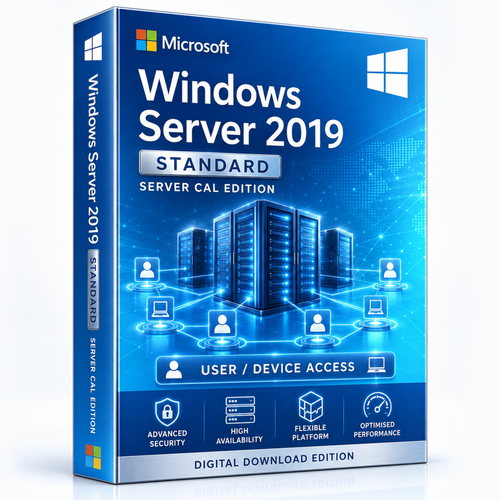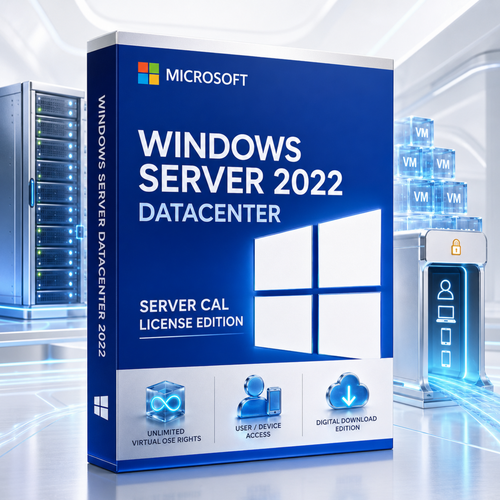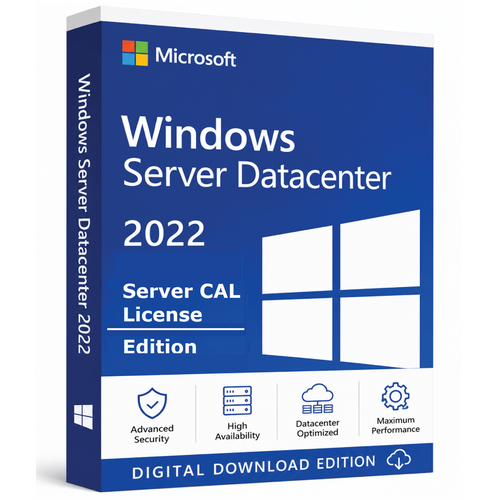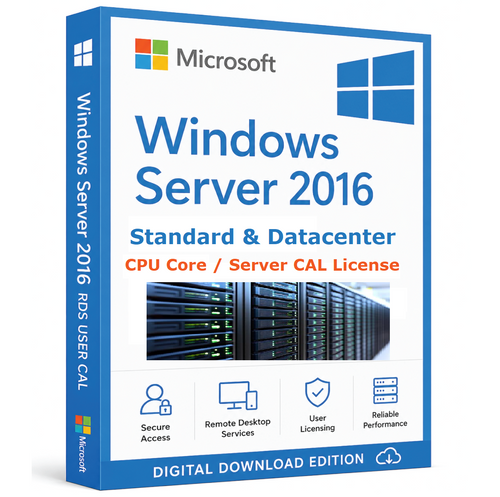
Microsoft Windows Server 2019 · Datacenter
Virtualise without counting guests.Access still counts.
A base 16-core Windows Server 2019 Datacenter licence with selectable User or Device CAL quantities from 1 to 1,000.
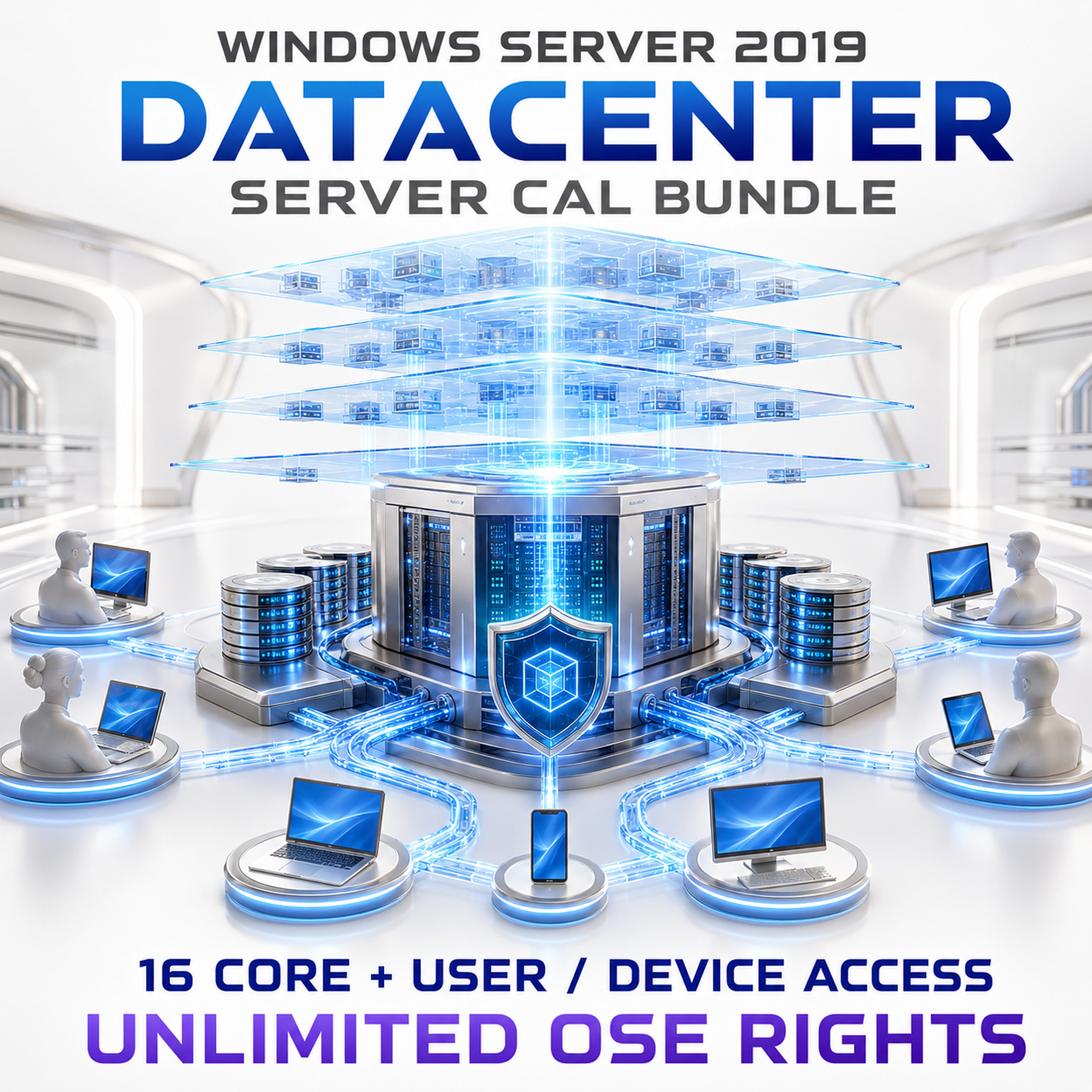

This listing is a bundle
Base 16-core Datacenter licensing plus the selected User or Device CAL quantity.

No special Datacenter CAL
The same Windows Server 2019 CAL accesses Standard or Datacenter.

RDS remains additive
Remote Desktop Services generally needs the base CAL plus a separate RDS CAL.
Bundle anatomy
Three layers. Three different questions.
Keep the server’s run rights, Datacenter virtualisation rights and user/device access rights distinct.

1. License the physical host
License every installed physical core. The listing’s base 16-core pack covers the first 16 cores.
- Minimum 8 cores per physical processor
- Minimum 16 cores per server
- Add core packs above 16 cores

2. Unlock unlimited OSE rights
When the physical server is fully licensed with Datacenter, Microsoft grants unlimited Windows Server operating system environment rights on that server.
- No two-OSE ceiling
- Designed for dense virtualisation
- Hardware capacity still matters

3. Map access rights
Select User or Device CALs according to how people and endpoints consume licensed Windows Server services.
Access model
User CAL or Device CAL?
Count the smaller, more stable side of the access relationship—then validate it against real working patterns.

User CAL
One licensed user may access licensed Windows Servers from any device. Ideal for hybrid teams, professionals and mobile workers moving across endpoints.
Usually efficient when users ≤ devices
Device CAL
One licensed device may be used by any person to access licensed Windows Servers. Ideal where many people share a smaller fixed endpoint pool.
Usually efficient when devices < users
Remote Desktop Services
Base Windows Server CAL + separate RDS CAL when interactive RDS access applies.

External users
Compare individual CALs with an External Connector assigned to each accessed physical server.
Datacenter advantage
One programmable fabric across compute, storage, network and security
These are Datacenter-edition capabilities. A CAL grants access; it does not activate edition features.
 Compute
Unlimited OSE rights
Scale Windows Server guest density without stacking another full core set for every pair of OSEs.
 Storage
Storage Spaces Direct
Pool local drives across clustered servers into resilient, high-performance software-defined storage.
 Network
Software-defined networking
Centralise network policy and virtual networking with Network Controller and Windows Server SDN.
 Security
Shielded Virtual Machines
Use Host Guardian Service and shielded-VM controls to protect sensitive guests from compromised fabric administrators.
 Resilience
Storage Replica
Create block-level synchronous or asynchronous replication strategies without Standard’s limited allowance.
 Hybrid
Azure-connected management
Use Windows Admin Center and supported Azure integrations to manage, migrate and extend infrastructure.

Server axis
Core licences cover the physical compute fabric and Datacenter run rights.

Access axis
CALs cover required users or devices—not each virtual machine separately.

Edition comparison
Datacenter changes the economics of dense virtualisation
Hyper-V · unlimited OSEs
S2D · Replica · CSV
SDN · policy · routing
Shielded VM · HGS
User · Device · RDS

Lifecycle reality
Engineer the 2029 exit before the fabric expands
Mainstream Support ended on 9 January 2024. Extended Support is scheduled to end on 9 January 2029. Compatibility-led deployments should include an explicit migration horizon.
 13 NOV 2018Support began09 JAN 2024Mainstream ended
 09 JAN 2029Extended ends
Count every installed core.
Count people consuming services.
Count shared and fixed endpoints.
Separate remote-session access.
Compare CAL and EC economics.
Buyer FAQ
Answers for infrastructure, procurement and compliance
What exactly is included in this Datacenter listing?
The selectable options combine a base 16-core Windows Server 2019 Datacenter licence with 1, 2, 5, 10, 20, 50, 100, 200, 500 or 1,000 Windows Server User or Device CALs.
Is there a special Windows Server Datacenter CAL?
No. The same Windows Server 2019 CAL grants access to licensed Standard or Datacenter servers. Datacenter changes server rights and features—not the CAL’s identity.
Is a Server CAL software or an activation key?
No. A CAL is an access right. Core licences grant server run rights; CALs grant required users or devices permission to access licensed server services.
Should we choose User or Device CALs?
Choose User CALs when people use several devices or locations. Choose Device CALs when many people share a smaller endpoint pool.
Can User and Device CALs be mixed?
A mixed model can generally be used when every required user or device is appropriately covered and assignments are clearly recorded.
Are Remote Desktop Services CALs included?
No. Interactive RDS access generally needs both a base Windows Server CAL and a separate RDS CAL for each required user or device.
Does Datacenter really allow unlimited virtual machines?
When every physical core is properly licensed with Datacenter, Microsoft grants unlimited Windows Server OSE rights on that licensed server. Hardware capacity and other product licensing remain practical constraints.
Is the base 16-core pack enough for every host?
No. Sixteen is the server-level minimum. Every installed physical core must be licensed, subject to the minimum of eight core licences per physical processor.
Which features distinguish Datacenter from Standard?
Major differentiators include unlimited OSE rights, Storage Spaces Direct, software-defined networking and Shielded Virtual Machines.
Do the virtual machines each need separate CALs?
CALs are assigned to users or devices—not to every VM. Version rights and specialised server-product CALs still apply.
Can a 2019 CAL access older Windows Servers?
Yes. A 2019 CAL may access corresponding 2019 or earlier versions. An older CAL does not grant access to a later server version such as 2019.
Do administrators require CALs?
Microsoft provides a narrow exception for up to two users or devices accessing instances only to administer them. Normal workload use still requires licensing.
How can external-user access be licensed?
Compare individual CALs for each external user with a Windows Server External Connector assigned to each accessed physical server.
When does Windows Server 2019 support end?
Mainstream Support ended on 9 January 2024. Extended Support is scheduled to end on 9 January 2029.

Ready to configure?
License the fabric. Map every access path.
Cover every physical core, then align User or Device CAL quantities with the people and endpoints consuming Windows Server services.
References: Microsoft licensing datasheet · Microsoft CAL guidance · Microsoft lifecycle
Licensing guidance is general information, not a substitute for Microsoft Product Terms or professional licensing advice. Confirm live product options before ordering.