Microsoft Project 2016 Professional
Turn scope into a structured schedule, expose the critical path, balance resources and communicate progress with the familiar Microsoft Project desktop experience.

Important legacy-product notice: Microsoft ended support for Project 2016 on 14 October 2025. The software may continue to function, but Microsoft no longer supplies security updates, bug fixes or technical support for this release. Buy it for a deliberate legacy or compatibility requirement—not as the default choice for a new long-term deployment. Confirm your Windows version, Office bitness and installer technology before ordering.
A schedule is useful when it answers the hard questions
What must happen first? Which task controls the finish date? Where is capacity already overcommitted? What changed after the baseline was approved? Project 2016 Professional brings those answers into one disciplined desktop plan.

Structure scope
Break deliverables into tasks, summary tasks, milestones and accountable work packages.

Model the schedule
Link tasks, apply calendars and let dependency logic reveal realistic dates and sequencing.

Balance capacity
Assign people, equipment, materials and costs, then identify overloads before delivery slips.

Report the truth
Compare current performance with the baseline and turn project data into visual reports.
From an uncertain brief to a controllable delivery plan
Frame
Define deliverables, calendars, constraints and the work breakdown structure.
Sequence
Connect dependencies, estimate durations and identify milestone logic.
Resource
Assign people, equipment and costs; inspect availability and level work where appropriate.
Control
Save a baseline, update actuals, monitor variance and communicate the forecast.
See the logic behind the finish date
Project 2016 Professional is designed for schedules in which dates are connected. Use task relationships, lead and lag time, constraints, calendars and milestones to model how work should flow—then use the Gantt Chart and network-aware views to understand the consequences of change.
- Manual or automatic task scheduling
- Finish-to-start and other dependency types
- Critical-path and slack visibility
- Up to 11 baselines for approved-plan comparison
- Recurring tasks, custom calendars and milestone tracking
- Multiple timelines with independently controlled date ranges

Spot overloads before the schedule pays the price
Assign work, material and cost resources; inspect utilisation by person or period; and use resource views to find overallocations. Resource pools can help several related project files share a common set of resource information.
- Resource Sheet, Resource Usage and Team Planner views
- Work, availability, rates and assignment tracking
- Resource levelling controls for resolvable conflicts
- Shared resource pools for coordinated desktop files
- Cost and material resources for fuller delivery economics
- Professional-only resource engagements when connected to Project Online*
*Project Online retires on 30 September 2026. Resource engagements are hidden unless Project Professional 2016 is connected to Project Online. Do not buy this licence today solely for a new Project Online deployment.
Built for schedules that outgrow a task list
Use repeatable planning logic, cost-aware resources and stakeholder-ready outputs without converting your work into a subscription-first workflow.

Gantt control
Map work across time and inspect schedule logic in the view project professionals know.

Critical path
Focus attention on the chain of work with the greatest influence on the finish date.

Baseline variance
Preserve the approved plan and compare it with actual work and the current forecast.

Multiple timelines
Present phases or categories on separate timelines with their own start and end dates.

Live reports
Build graphical reports that update when the underlying schedule data changes.

Excel import
Use the Import Wizard to map spreadsheet data into a new or existing project.

Custom fields
Capture organisation-specific information and use formulas, indicators, filters and groups.

Tell Me search
Type what you want to do and jump to the relevant command or help resource.
Reports that change with the plan
Use built-in dashboards such as Project Overview, Cost Overview and Resource Overview, or create a report from scratch. Tables and charts can draw from schedule fields and update as project information changes.
- Show phase status, upcoming milestones and late tasks
- Filter the fields presented to each audience
- Format charts and tables for executive communication
- Copy timeline and report content into familiar Office workflows
Room for complex schedules
Microsoft documents generous Project desktop limits, although practical performance depends on your computer, file design and available memory.
Maximum specifications are not performance promises; out-of-memory conditions may occur earlier.
Project 2016 Professional vs Project 2016 Standard
Both editions handle core desktop planning. Professional matters when the desktop client must connect to Microsoft's enterprise project-management environment or use Professional-only resource engagement capabilities.
| Decision factor | Project 2016 Standard | Project 2016 Professional |
|---|---|---|
| Desktop Gantt scheduling, dependencies and baselines | Included | Included |
| Resource assignments, workload views and levelling | Included | Included |
| Built-in graphical reports | Included | Included |
| Multiple timelines | Included | Included |
| Connect to Project Server / Project Online environment | Not the intended edition | Professional capability; service and version compatibility required |
| Resource engagements | Not included | Requires Project Online; that service retires 30 September 2026 |
| Best fit | Standalone desktop scheduling | Desktop scheduling plus a validated enterprise integration requirement |
Should you buy 2016, 2019, 2021 or 2024?
| Release | Microsoft lifecycle status on 5 August 2026 | Practical buying position |
|---|---|---|
| Project 2016 | Support ended 14 October 2025 | Choose only for a known legacy workflow, file estate or deployment dependency. |
| Project 2019 | Support ended 14 October 2025 | Newer than 2016, but no longer a supported long-term alternative. |
| Project 2021 | Retires 13 October 2026 | A short remaining support window makes it difficult to justify for a fresh multi-year rollout. |
| Project 2024 | Supported until 9 October 2029 | The stronger perpetual choice for a new supported deployment, subject to your environment and licence requirements. |
Lifecycle dates are Microsoft-published dates and may be revised. Check Microsoft's lifecycle pages before a major deployment.
Buy Project 2016 Professional for the right reason
It may be the right fit when…
- You must maintain a validated Project 2016-era desktop workflow.
- Your organisation has a defined compatibility requirement for this exact release.
- You understand the end-of-support position and accept the operational risk.
- You need a one-time-purchase desktop licence rather than a subscription.
- Your IT administrator has verified OS, bitness and installation-method compatibility.
Choose a newer solution when…
- You are starting a new deployment expected to remain supported for years.
- Your security policy forbids unsupported desktop software.
- You expect modern cloud collaboration, Planner or current Microsoft 365 integration.
- You are buying specifically for Project Online after its retirement date.
- You have not yet confirmed coexistence with Microsoft 365 or another Office release.
Five checks prevent most installation surprises
1. Windows environment
Confirm that your organisation intentionally permits an out-of-support Project release on the target Windows build.
2. 32-bit or 64-bit
Installed Office applications and standalone apps such as Project must use the same bit architecture.
3. Installer technology
Same-version Click-to-Run and Windows Installer (MSI) Office products are not supported side by side.
4. Existing Office applications
Record the product name, version, bitness and installation type before installing Project. Mixed-version setups can produce conflicts even when bitness matches.
5. Licence quantity and account access
Select the correct 1-, 2- or 5-PC option, keep purchase records, and ensure local administrator and activation access are available.
A proven schedule language across industries
Construction & engineering
Coordinate design, procurement, mobilisation, trades, inspections and handover through logic-linked work packages.
IT & infrastructure
Plan migrations, deployments, testing, cutover windows and dependencies across technical teams and vendors.
Professional services
Turn statements of work into resource-loaded plans with milestones, costs, progress and client-ready reporting.
Manufacturing & operations
Sequence equipment, material, labour and shutdown activities around capacity and production constraints.
Research & product delivery
Link discovery, design, prototyping, validation and launch readiness while preserving baseline history.
Public sector & education
Support governance-heavy programmes that need clear milestones, accountability and auditable plan changes.
System requirements and compatibility guidance
Published product-listing baseline
2026 reality check
These hardware figures describe the software's era; they do not turn Project 2016 into a currently supported product. Microsoft support has ended, older Windows releases are also out of support, and modern Office coexistence can depend on bitness, version and installer type.
Recommended buying process: send your existing Office product name, version, 32/64-bit status, installer type and Windows edition to support before purchasing. If the machine is business-critical, involve your IT administrator.
Review licence optionsMicrosoft Project 2016 Professional FAQs
Is Microsoft Project 2016 Professional still supported?
No. Microsoft support for Project 2016 ended on 14 October 2025. It may continue to run, but it no longer receives routine Microsoft security updates, bug fixes or technical support.
Why would an organisation still buy Project 2016 Professional?
The defensible reason is a specific legacy requirement—for example, an established Project 2016 workflow, controlled desktop image or compatibility dependency. A newer supported edition is normally the better choice for a new deployment.
Is Project 2016 Professional a subscription?
The product options on this page are presented as one-time-purchase desktop licences, not a recurring Project subscription. Confirm the exact licence terms, device count and transfer rights for the option you select.
How many PCs can I install it on?
Software Mart Australia lists 1-, 2- and 5-PC options. Install only on the number of devices covered by the option purchased and retain your invoice and licence records.
Does Project 2016 Professional work on Mac?
No. Project 2016 Professional is a Windows desktop application. Mac users need a suitable Windows environment or a different project-management solution.
Will Project 2016 Professional work on Windows 11?
Do not treat Windows 11 operation as a supported guarantee. Project 2016 itself is out of support. Confirm the exact Windows build, organisational policy and installation method before purchase.
Can I install Project 2016 beside Microsoft 365?
Sometimes coexistence is blocked by bitness, version or installation technology. Microsoft states that 32-bit and 64-bit Office products cannot be mixed, and same-version Click-to-Run and MSI products are not supported together. Check your current installation before ordering.
Should I choose 32-bit or 64-bit?
Match the bitness of the Office applications already installed. Microsoft notes that 64-bit can be useful for very large Project files, while 32-bit may be required for older add-ins or dependencies. You cannot mix 32-bit and 64-bit Office-family applications on one PC.
What is the difference between Project Standard 2016 and Professional 2016?
Both cover core desktop scheduling. Professional is the edition intended for connection to Project Server or Project Online environments and includes resource engagements when connected to Project Online. Validate service compatibility before buying for integration.
Does Project 2016 Professional include Project Online?
No. Project Online is a separate service and licensing arrangement. It is also scheduled to retire on 30 September 2026, so it should not be the foundation of a new deployment.
Can it open existing .MPP files?
Project desktop uses the .MPP format and is commonly selected for established Project file estates. File content created with newer features may not behave identically in an older release, so test a copy of an important file before committing.
Does it include Gantt charts and critical-path analysis?
Yes. Gantt scheduling, dependencies, milestones, calendars, baselines and critical-path analysis are core reasons to use Project desktop instead of a simple task list.
Can it manage project costs?
Yes. You can assign standard and overtime rates, fixed costs, cost resources and material resources, then use cost fields and reports to examine planned, actual and remaining values.
Can I compare the current plan with the original plan?
Yes. Save a baseline after approval and compare baseline, current and actual fields as work progresses. Project supports up to 11 baselines.
Does it support multiple project timelines?
Yes. Project 2016 can show multiple timelines and lets you set separate start and end dates for each timeline, helping communicate phases or categories of work.
Can I import a project plan from Excel?
Yes. The Project Import Wizard can map Excel workbook data into a new or existing project. Review task names, dates, durations, dependencies and resource fields after import.
Can several projects share resources?
Yes. Desktop resource pools can share resource information across related Project files. Governance becomes important because file location, ownership and simultaneous edits can affect reliability.
Does Project 2016 Professional support agile boards?
Do not buy Project 2016 on the assumption that it provides the modern board and sprint experience found in newer Project or Planner workflows. It is primarily a classic schedule-driven desktop application.
Is an internet connection always required?
The desktop planning experience can be used locally, but connectivity may be required for download, activation, account verification, updates and connected services. Confirm the activation process supplied with your licence.
What should I send support before buying?
Send your Windows edition and build, existing Office product and version, 32/64-bit status, installer type, required PC count and whether you need Project Server or Project Online connectivity.
 A precise choice for a precise requirement
Keep the legacy workflow—after compatibility is confirmed
Choose the correct PC quantity, verify your Windows and Office environment, and purchase Project 2016 Professional with clear awareness of its end-of-support status.
Buy Microsoft Project 2016 ProfessionalResearch and accuracy notes
Product capabilities and lifecycle disclosures were checked against Microsoft Support and Microsoft Learn on 5 August 2026. Key references:
- Microsoft Project 2016 lifecycle
- What's new in Project, including Project 2016 timelines and resource engagements
- Create and customise Project reports
- Microsoft Project specifications and limits
- Microsoft Project Online retirement date
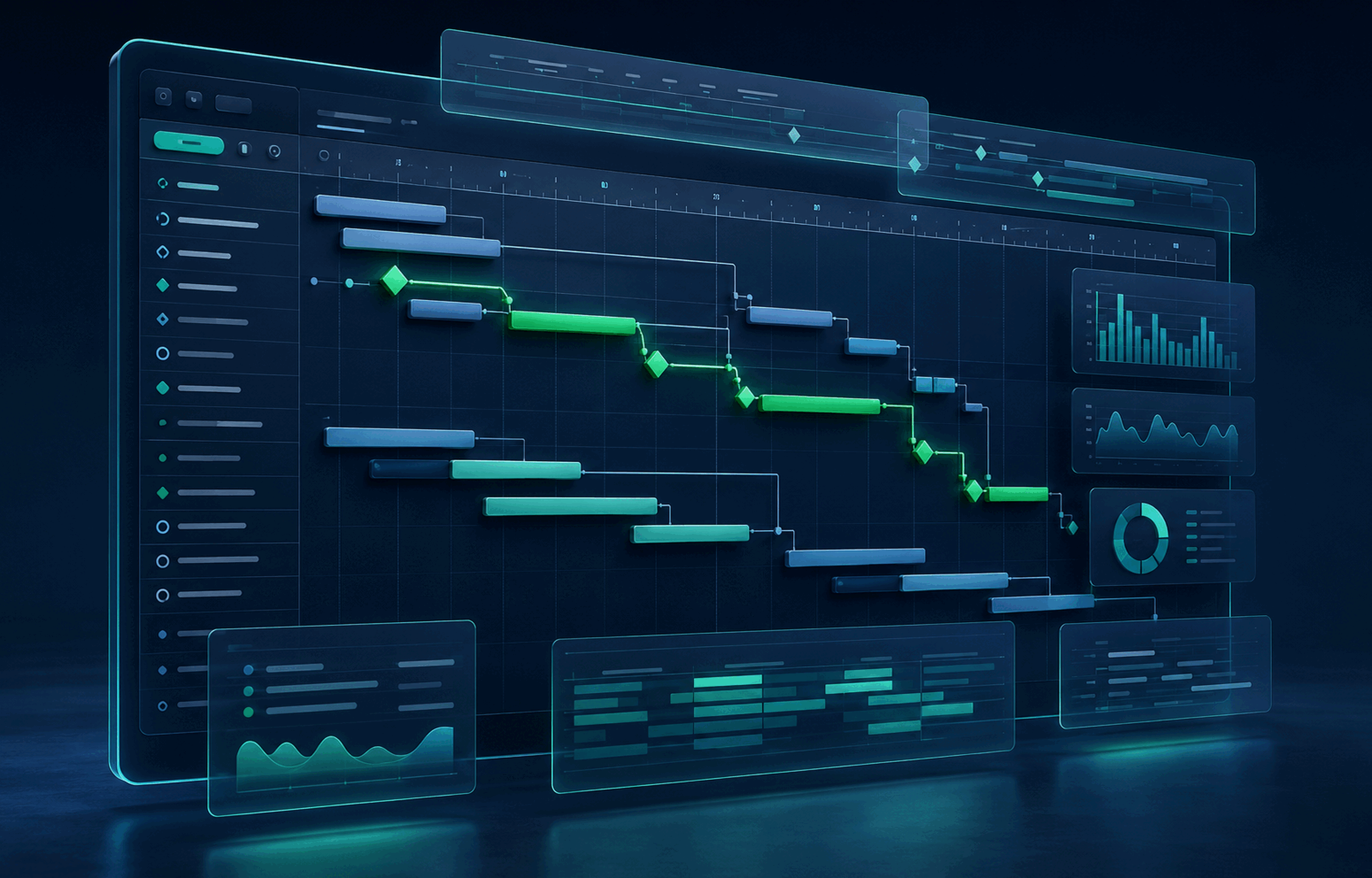
Microsoft, Project, Windows, Microsoft 365 and other marks are trademarks of the Microsoft group of companies. Product images in this page are independent marketing artwork and are not screenshots of the software interface.
Choose with confidence
Is Project 2016 Professional the right release for your workflow?
Choose the release that matches your Windows environment, existing file workflow and planned support horizon before you buy.
Best fit for this edition
A practical choice when your organisation specifically requires the Project 2016 Professional release for an established Windows workflow and wants the product described on this page as a one-time purchase.
Compare before ordering
Select a newer Project release when longer-term software compatibility or a more current deployment standard matters. Confirm your required version before checkout.