
MS

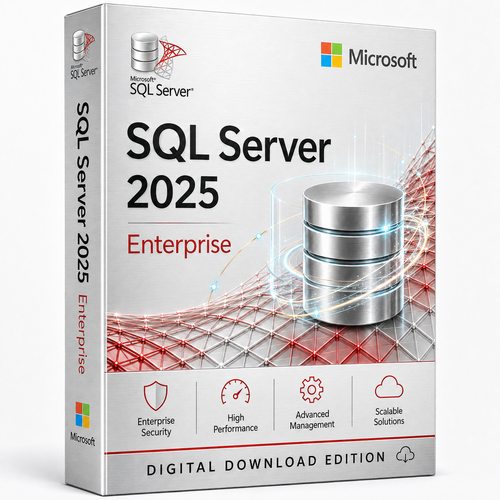
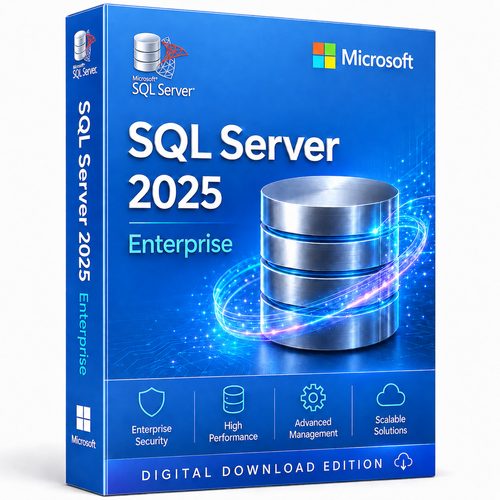
Microsoft SQL Server 2019 Enterprise – Per Core License | Unlimited User & Device Access

(No reviews yet) Write a Review
SG$2,277.50

Adding to cart… The item has been added
SKU:
SQLSERV2019ENT64CORE
UPC:
889842651874
Condition:
New

Microsoft SQL Server 2019 Enterprise

Build beyond the limits that shape Standard.

Run mission-critical relational workloads with operating-system-scale compute and memory, full Always On availability groups, Resource Governor and online operations—under a Per Core licensing model designed for access that is difficult to count.

Per Core licensing means separate SQL Server user or device CALs are not required. Correct core coverage still matters.

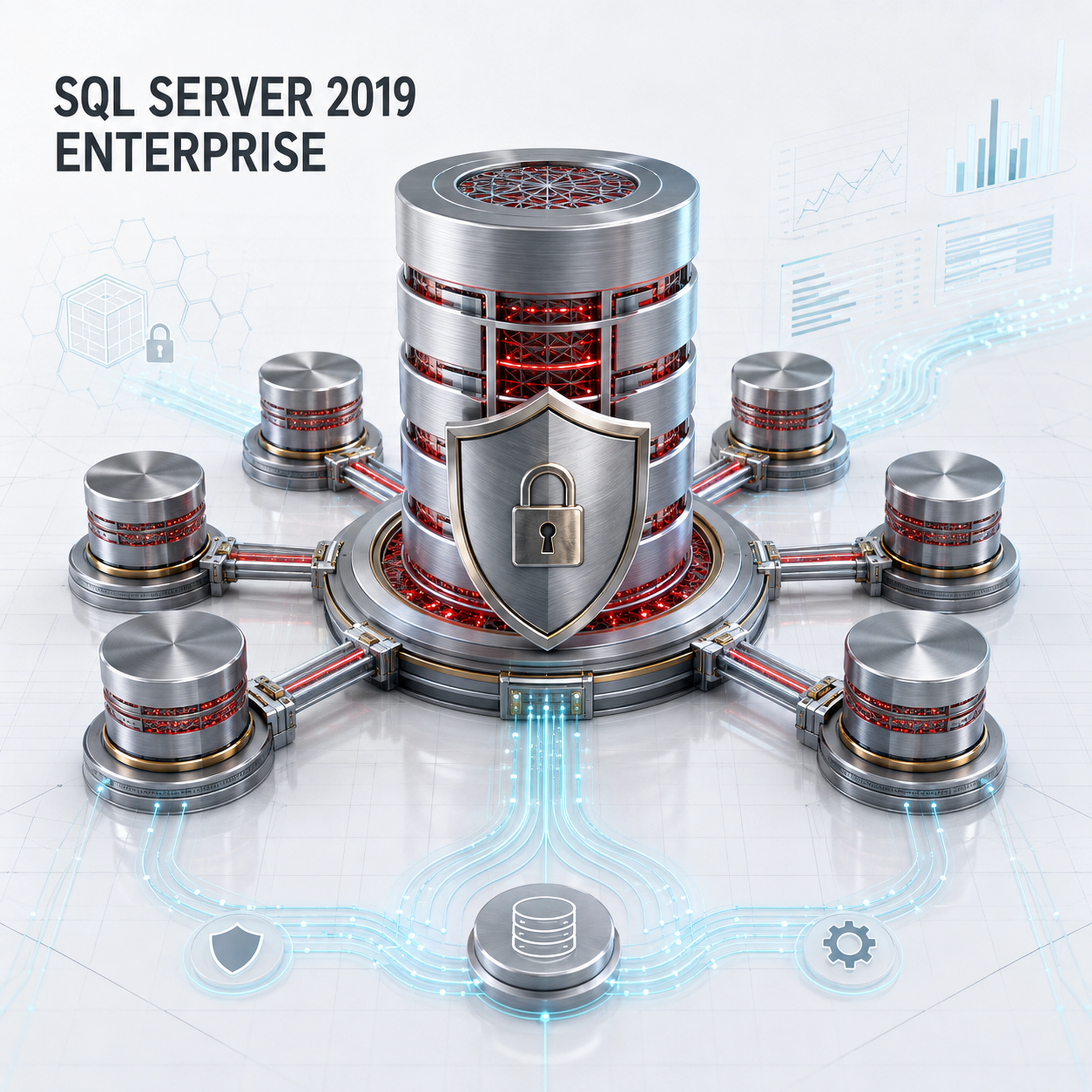
Microsoft SQL Server 2019 Enterprise titanium database core with encrypted shield, connected replicas and analytics architecture
SQL Server 2019 Enterprise Per Core licensing iconPer Core licensing
SQL Server Enterprise operating-system-scale compute and memory iconOS-scale engine limits
SQL Server 2019 Enterprise Always On availability groups iconUp to 8 AG secondaries
Software Mart Australia SQL Server delivery and support iconDigital delivery + support

Lifecycle truth first

Supported—but now in Extended Support.

SQL Server 2019 remains a valid platform for estates that need its compatibility and feature set, but buyers should make the lifecycle trade-off consciously.

8 January 2030

Extended support end date

Mainstream support ended on 28 February 2025. During Extended Support, the release continues to receive security updates under Microsoft’s Fixed Lifecycle Policy, but it is no longer the destination for new features or design changes. Keep the instance on a supported cumulative-update level and maintain an upgrade roadmap.

Enterprise is a ceiling decision

Buy the edition your architecture will not outgrow.

The Enterprise case is strongest when Standard’s hard limits create operational risk: insufficient memory headroom, constrained parallelism, basic-only availability, disruptive maintenance or the absence of workload governance.

01OS maximum

Database Engine compute

Standard is limited to the lesser of four sockets or 24 cores.

02OS maximum

Buffer-pool memory

Standard is limited to 128 GB per Database Engine instance.

038 secondaries

Full availability groups

Up to five secondary replicas may use synchronous commit.

0416 nodes

Failover clustering

Enterprise supports a broader cluster envelope than Standard’s two nodes.

SQL Server 2019 Enterprise titanium query engine classifying workloads through governed parallel data channels

Intelligent performance with control

More headroom is useful. Predictable service is strategic.

Enterprise adds the controls that help DBAs protect critical workloads from noisy neighbours and maintenance pressure.

  • Resource Governor: classify sessions and govern CPU, memory and I/O across workload groups.
  • Enterprise IQP: use automatic tuning, batch mode on rowstore, adaptive joins and row-mode memory grant feedback.
  • Memory-optimised TempDB metadata: reduce metadata contention in TempDB-heavy workloads.
  • Online operations: create or rebuild indexes online, resume rebuilds and perform online schema changes.
  • Scale without edition throttles: move beyond Standard’s compute, buffer-pool, columnstore-cache and memory-optimised-data ceilings.

Enterprise control plane

Capabilities that change the DBA runbook.

SQL Server Resource Governor workload controls icon

Resource Governor

Build resource pools and workload groups so reporting, batch and OLTP demand do not compete without policy.

SQL Server 2019 intelligent query performance icon

Intelligent Query Processing

Reduce manual tuning pressure with adaptive and feedback-driven engine behaviour, subject to workload and compatibility level.

SQL Server Enterprise online database operations icon

Online operations

Maintain indexes and execute selected schema changes with a smaller availability footprint than offline-only workflows.

SQL Server Enterprise in-memory database engine icon

Memory engine headroom

Use operating-system-scale buffer-pool memory plus unlimited columnstore cache and memory-optimised data limits.

SQL Server Enterprise parallel scale architecture icon

Enterprise parallelism

Gain enterprise scalability enhancements, parallel index maintenance and broader engine compute capacity.

SQL Server 2019 data virtualisation and migration icon

Data reach

Use PolyBase and data virtualisation where supported to query heterogeneous sources through a SQL-facing architecture.

Availability architecture

Design the replica topology around business loss—not convenience.

Full Always On availability groups, automatic read/write connection rerouting, online page and file restore, mirrored backups and larger failover clusters provide Enterprise architects with a materially wider recovery design space.

8secondary replicas per availability group
5synchronous secondary replicas
16failover-cluster nodes

Protection and resilience

Secure the data. Engineer the recovery path.

SQL Server 2019 provides Transparent Data Encryption, encrypted backups, Always Encrypted with secure enclaves, auditing, classification, row-level security and dynamic data masking.

Expert distinction

TDE, secure enclaves, row-level security and dynamic data masking are not Enterprise-exclusive in SQL Server 2019. Enterprise’s advantage is the architecture around them: greater scale, full availability groups, Resource Governor, online operations and enterprise query-processing features.

  • Protect at rest: use TDE and encrypted backups with a deliberate key-custody model.
  • Protect sensitive columns: use Always Encrypted with secure enclaves where the application and attestation design support it.
  • Reduce outage exposure: pair database protection with replica, restore and tested failover procedures.
SQL Server 2019 Enterprise encrypted database vault connected to resilient high-availability replica nodes

SQL Server 2019 vs SQL Server 2017

A stronger engine for adaptive performance and recovery.

The upgrade argument should rest on architecture—not generic claims that every query becomes faster.

Query execution

Batch mode on rowstore

Bring batch-mode processing to eligible disk-based rowstore workloads without first requiring a columnstore index.

Plan quality

Scalar UDF inlining

Transform eligible scalar functions into relational expressions so the optimiser can see and cost more of the workload.

Cardinality

Deferred table-variable compilation

Use the actual first-execution row count to improve plans for eligible table-variable workloads.

Memory feedback

Row-mode memory grant feedback

Adjust oversized or undersized grants for repeating eligible row-mode queries; Microsoft lists this as Enterprise-only in 2019.

Recovery

Accelerated Database Recovery

Redesign recovery and long-running transaction rollback behaviour to improve availability in appropriate databases.

TempDB

Memory-optimised metadata

Move selected TempDB system-table metadata into latch-free memory-optimised structures to address metadata contention.

Confidential data

Secure enclaves

Extend Always Encrypted for richer protected computations and in-place cryptographic operations in supported configurations.

Modern data

UTF-8 and broader virtualisation

Use UTF-8 collations and expanded PolyBase connectivity where these capabilities match the data architecture.

Do not buy SQL Server 2019 for Big Data Clusters

Microsoft retired SQL Server 2019 Big Data Clusters on 28 February 2025. PolyBase capabilities are separate and should be evaluated against their current connector and deployment requirements. This page deliberately avoids presenting the retired Big Data Clusters platform as a product benefit.

Enterprise vs Standard

Compare the constraints that shape the production system.

Swipe horizontally to view the complete comparison.

Decision factor Enterprise 2019 Standard 2019
Database Engine compute Operating-system maximum under Core-based licensing Lesser of 4 sockets or 24 cores
Buffer-pool memory Operating-system maximum 128 GB per instance
Columnstore segment cache Unlimited memory 32 GB
Memory-optimised data Unlimited memory 32 GB per database
Availability groups Full AGs; up to 8 secondaries, including 5 synchronous Basic AG; 2 replicas and 1 database
Failover cluster instances Up to 16 nodes Up to 2 nodes
Resource Governor Included Not included
Online index create/rebuild Included Not included
Automatic tuning Included Not included
Batch mode on rowstore Included Not included
Row-mode memory grant feedback Included Not included
TDE and encrypted backups Included Included
Always Encrypted with secure enclaves Included Included
Accelerated Database Recovery Included Included

Based on Microsoft’s SQL Server 2019 edition matrix. Validate the current documentation and applicable licence terms for the intended topology.

Is 2019 still the right release?

Choose compatibility deliberately—not by habit.

SQL Server 2019 can be the rational choice when…

  • An application vendor certifies 2019 but not a later release.
  • The estate requires compatibility with an established 2019 build and tested driver stack.
  • A migration programme needs a supported intermediate platform.
  • The organisation accepts the 2030 extended-support deadline and funds an upgrade path.

A newer SQL Server release deserves priority when…

  • The longest remaining support runway is the primary goal.
  • Newer availability, Query Store, security or engine capabilities materially reduce risk.
  • The application and operations toolchain are already certified for the newer release.
  • A fresh deployment would otherwise create avoidable technical debt.

Per Core licensing explained

Unlimited access is not unlimited processing capacity.

Per Core licensing is attractive when users, devices or external customers are numerous or difficult to count. The licensable metric is the processing capacity assigned to SQL Server.

SQL Server 2019 Enterprise core licensing guidance icon

Read “Unlimited User CALs” correctly

It is marketplace shorthand. Under the Per Core model, separate SQL Server user or device CALs are not required. It does not create a separate unlimited-CAL entitlement.

  • Count the physical or virtual cores that must be licensed for the selected deployment model.
  • Microsoft minimum core rules still apply.
  • Verify virtualisation, reassignment, failover and mobility rights rather than assuming they are included.
  • Do not assume Software Assurance, subscription rights, Azure Hybrid Benefit or unlimited virtualisation unless the offer expressly includes them.
Review available core options

Deployment readiness

Confirm the platform before purchasing the licence.

SQL Server 2019 supported operating systems and lifecycle icon

Supported server OS

Microsoft lists SQL Server 2019 Enterprise on supported Windows Server 2016, 2019, 2022 and 2025 editions. Enterprise is not supported on Windows 10 or Windows 11.

SQL Server 2019 x64 processor requirements icon

Processor

x64 only; 1.4 GHz minimum and 2.0 GHz or faster recommended. Production CPU architecture must be sized from measured workload demand.

SQL Server 2019 production memory sizing icon

Memory

Microsoft lists 1 GB minimum for non-Express editions and at least 4 GB recommended. Enterprise production systems normally require far more, based on data and concurrency.

SQL Server 2019 storage and software requirements icon

Storage

Reserve at least 6 GB for installation prerequisites, then engineer separate capacity, throughput, latency, redundancy and backup targets for the actual workload.

SQL Server 2019 compatibility and migration planning icon

Compatibility

Inventory drivers, linked servers, CLR, Agent jobs, SSIS packages, collation, deprecated features and vendor certification before cutover.

SQL Server 2019 security architecture planning icon

Security architecture

Design service accounts, least privilege, key custody, backup encryption, auditing, patching and network segmentation before installation.

A production-safe adoption path

Turn a licence purchase into an operationally credible deployment.

STEP 01Baseline

Capture waits, plans, Query Store, peak concurrency, data growth, RPO and RTO.

STEP 02Assess

Run compatibility and feature assessments; document deprecated dependencies.

STEP 03Design

Choose cores, NUMA, memory, storage, replicas, service accounts and key custody.

STEP 04Rehearse

Test migration, application behaviour, failover, rollback and restore at realistic scale.

STEP 05Operate

Patch to a supported CU, monitor regressions and maintain the pre-2030 upgrade plan.

Expert buying questions

Microsoft SQL Server 2019 Enterprise FAQs.

Does SQL Server 2019 Enterprise Per Core require user or device CALs?

No. Correctly licensed core capacity may be accessed without separate SQL Server user or device CALs. “Unlimited User CALs” should be understood as shorthand for access under Per Core licensing, not as a separate CAL product.

How many cores should I buy?

Count the physical or virtual cores that must be licensed for the chosen topology, apply Microsoft minimums and confirm the applicable Product Terms. Include passive, failover, mobility and virtualisation rights in the review rather than calculating only the primary instance.

Why choose Enterprise instead of Standard?

Choose Enterprise when Standard’s 24-core and 128 GB buffer-pool limits, basic availability group, two-node clustering, absence of Resource Governor, offline-only index operations or reduced intelligent-processing envelope create unacceptable design risk.

Are TDE and Always Encrypted with secure enclaves Enterprise-only?

No. Microsoft lists TDE, encrypted backups and secure enclaves in both Enterprise and Standard for SQL Server 2019. Enterprise differentiates through the surrounding scale, availability, workload governance and online-operations architecture.

What makes SQL Server 2019 stronger than SQL Server 2017?

SQL Server 2019 adds major Intelligent Query Processing capabilities, Accelerated Database Recovery, memory-optimised TempDB metadata, Always Encrypted with secure enclaves, UTF-8 support and broader data-virtualisation options.

Are SQL Server 2019 Big Data Clusters still supported?

No. Microsoft retired SQL Server 2019 Big Data Clusters on 28 February 2025. Do not make a new purchase decision around that retired platform.

Can SQL Server 2019 Enterprise be installed on Windows 11?

No. Microsoft’s current requirements page lists Enterprise as unsupported on Windows 10 and Windows 11. Use a supported Windows Server edition or review the separate SQL Server on Linux requirements.

When does SQL Server 2019 support end?

Mainstream support ended on 28 February 2025. Extended support ends on 8 January 2030 under Microsoft’s Fixed Lifecycle Policy.

Does this licence automatically include Software Assurance or Azure Hybrid Benefit?

Do not assume so. Software Assurance, subscription benefits, Azure Hybrid Benefit, mobility and enhanced virtualisation rights must be expressly included and validated for the purchase.

Should a new deployment choose SQL Server 2019 or a newer release?

Choose 2019 when compatibility, vendor certification or a tested estate requires it and the organisation accepts the 2030 deadline. Prefer a newer supported release when lifecycle runway and newer engine capabilities matter more.

Why Software Mart Australia

Enterprise software deserves a supported handoff.

The current listing states electronic delivery, installation and activation guidance, remote installation support, worldwide use and a refund-or-replacement commitment. Confirm the exact licence scope and fulfilment terms on the live listing before checkout.

Software Mart Australia SQL Server expert support icon

Human guidance

The listing describes advice for product download, installation and activation, plus remote installation support.
SQL Server 2019 electronic delivery icon

Electronic delivery

The listing describes instant delivery to the purchaser’s email inbox and an electronic-download format.

Software Mart Australia refund or replacement assurance icon

Purchase assurance

The seller states a full refund-or-replacement guarantee and identifies itself as an Australian GST-registered business.

Research standard

Technical claims checked against current Microsoft sources.

This page avoids unsupported benchmark percentages, distinguishes Enterprise-only advantages from shared SQL Server 2019 features and excludes the retired Big Data Clusters platform from the value proposition.

Ready for a deliberate Enterprise deployment?

Choose the core quantity your architecture actually needs.

Buy Microsoft SQL Server 2019 Enterprise with electronic delivery and support—then validate licensing, platform compatibility, cumulative-update level and the upgrade path before production cutover.
Related Products

An exceptionally experience