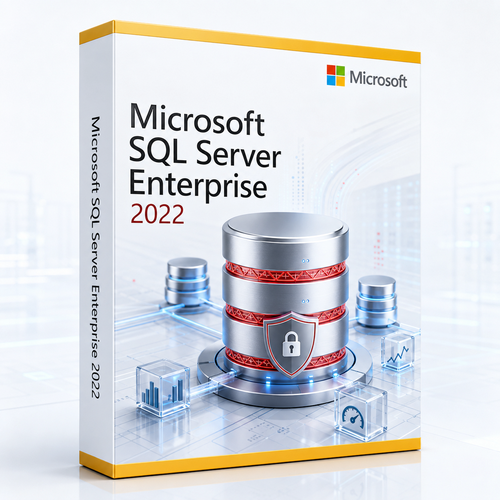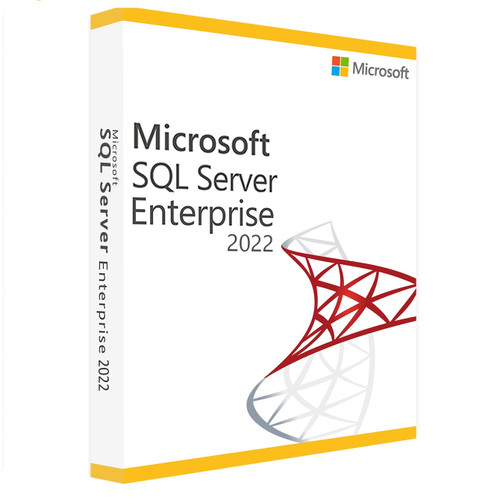
 Per Core licensing
 OS-scale engine limits
 Up to 8 AG secondaries






A production-safe adoption path
Turn a licence purchase into an operationally credible deployment.
Capture waits, plans, Query Store, peak concurrency, data growth, RPO and RTO.
Run compatibility and feature assessments; document deprecated dependencies.
Choose cores, NUMA, memory, storage, replicas, service accounts and key custody.
Test migration, application behaviour, failover, rollback and restore at realistic scale.
Patch to a supported CU, monitor regressions and maintain the pre-2030 upgrade plan.
Expert buying questions
Microsoft SQL Server 2019 Enterprise FAQs.
Does SQL Server 2019 Enterprise Per Core require user or device CALs?
No. Correctly licensed core capacity may be accessed without separate SQL Server user or device CALs. “Unlimited User CALs” should be understood as shorthand for access under Per Core licensing, not as a separate CAL product.
How many cores should I buy?
Count the physical or virtual cores that must be licensed for the chosen topology, apply Microsoft minimums and confirm the applicable Product Terms. Include passive, failover, mobility and virtualisation rights in the review rather than calculating only the primary instance.
Why choose Enterprise instead of Standard?
Choose Enterprise when Standard’s 24-core and 128 GB buffer-pool limits, basic availability group, two-node clustering, absence of Resource Governor, offline-only index operations or reduced intelligent-processing envelope create unacceptable design risk.
Are TDE and Always Encrypted with secure enclaves Enterprise-only?
No. Microsoft lists TDE, encrypted backups and secure enclaves in both Enterprise and Standard for SQL Server 2019. Enterprise differentiates through the surrounding scale, availability, workload governance and online-operations architecture.
What makes SQL Server 2019 stronger than SQL Server 2017?
SQL Server 2019 adds major Intelligent Query Processing capabilities, Accelerated Database Recovery, memory-optimised TempDB metadata, Always Encrypted with secure enclaves, UTF-8 support and broader data-virtualisation options.
Are SQL Server 2019 Big Data Clusters still supported?
No. Microsoft retired SQL Server 2019 Big Data Clusters on 28 February 2025. Do not make a new purchase decision around that retired platform.
Can SQL Server 2019 Enterprise be installed on Windows 11?
No. Microsoft’s current requirements page lists Enterprise as unsupported on Windows 10 and Windows 11. Use a supported Windows Server edition or review the separate SQL Server on Linux requirements.
When does SQL Server 2019 support end?
Mainstream support ended on 28 February 2025. Extended support ends on 8 January 2030 under Microsoft’s Fixed Lifecycle Policy.
Does this licence automatically include Software Assurance or Azure Hybrid Benefit?
Do not assume so. Software Assurance, subscription benefits, Azure Hybrid Benefit, mobility and enhanced virtualisation rights must be expressly included and validated for the purchase.
Should a new deployment choose SQL Server 2019 or a newer release?
Choose 2019 when compatibility, vendor certification or a tested estate requires it and the organisation accepts the 2030 deadline. Prefer a newer supported release when lifecycle runway and newer engine capabilities matter more.
Why Software Mart Australia
Enterprise software deserves a supported handoff.
The current listing states electronic delivery, installation and activation guidance, remote installation support, worldwide use and a refund-or-replacement commitment. Confirm the exact licence scope and fulfilment terms on the live listing before checkout.

Human guidance
The listing describes advice for product download, installation and activation, plus remote installation support.
Electronic delivery
The listing describes instant delivery to the purchaser’s email inbox and an electronic-download format.

Purchase assurance
The seller states a full refund-or-replacement guarantee and identifies itself as an Australian GST-registered business.
Research standard
Technical claims checked against current Microsoft sources.
This page avoids unsupported benchmark percentages, distinguishes Enterprise-only advantages from shared SQL Server 2019 features and excludes the retired Big Data Clusters platform from the value proposition.
Ready for a deliberate Enterprise deployment?
Choose the core quantity your architecture actually needs.
Buy Microsoft SQL Server 2019 Enterprise with electronic delivery and support—then validate licensing, platform compatibility, cumulative-update level and the upgrade path before production cutover.