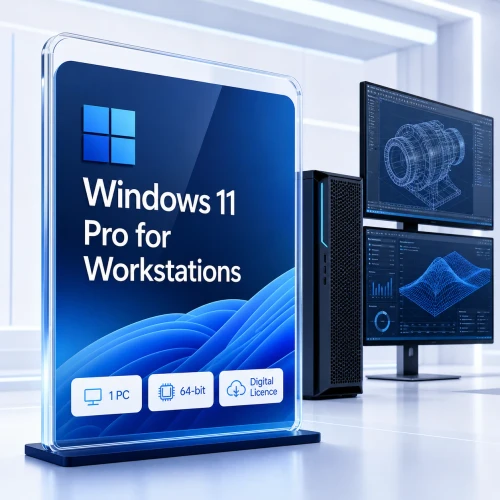
Windows 11 Pro for Workstations · 64-bit · 1 PC
Give demanding work the Windows edition built for workstation-class capability.
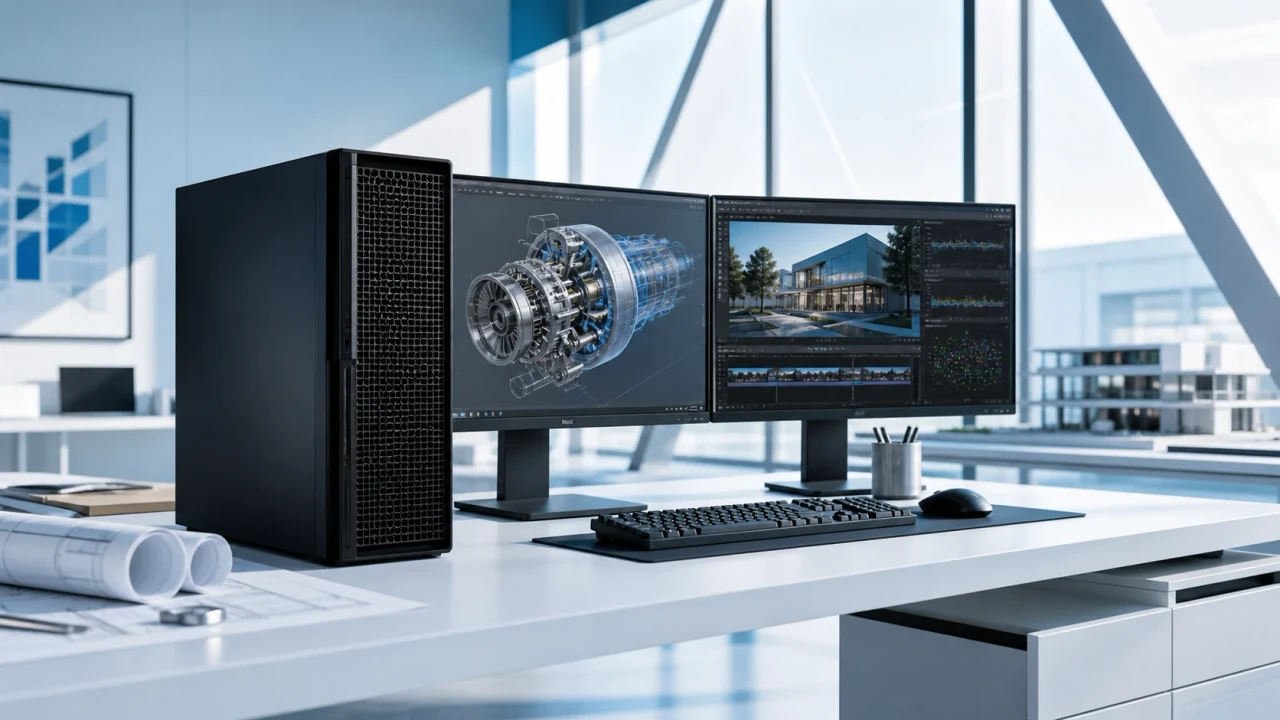
Designed for advanced professional PCs used for CAD, 3D creation, media production, data science and other hardware-intensive work. It includes the Windows 11 Pro business foundation plus specialist storage, memory and networking capabilities.
A precise upgrade, not a universal speed boost. Choose this edition when your hardware or workflow can use its workstation features. An everyday PC will not become faster simply because the edition name changes.
Who it is for
For professionals whose workstation is part of the production pipeline.
Windows 11 Pro for Workstations is Microsoft’s specialist Pro edition for high-performance PCs. Its value appears in systems built around very large memory, resilient data volumes, compatible persistent-memory hardware or an RDMA-enabled network path.
For routine office work, browsing, communication and standard business applications, Windows 11 Pro is usually sufficient. Workstations is the purposeful choice when your hardware design or application stack needs more.
CAD, BIM and engineering
Complex assemblies, simulations and certified professional graphics workflows on suitably specified hardware.
3D and media production
Large projects, high-resolution assets, rendering queues and demanding content-production pipelines.
Data science and research
Memory-intensive analysis, large local datasets and specialised scientific or technical applications.
Development and virtual labs
Resource-heavy builds, test environments and supported virtualisation workflows using the Pro feature set.
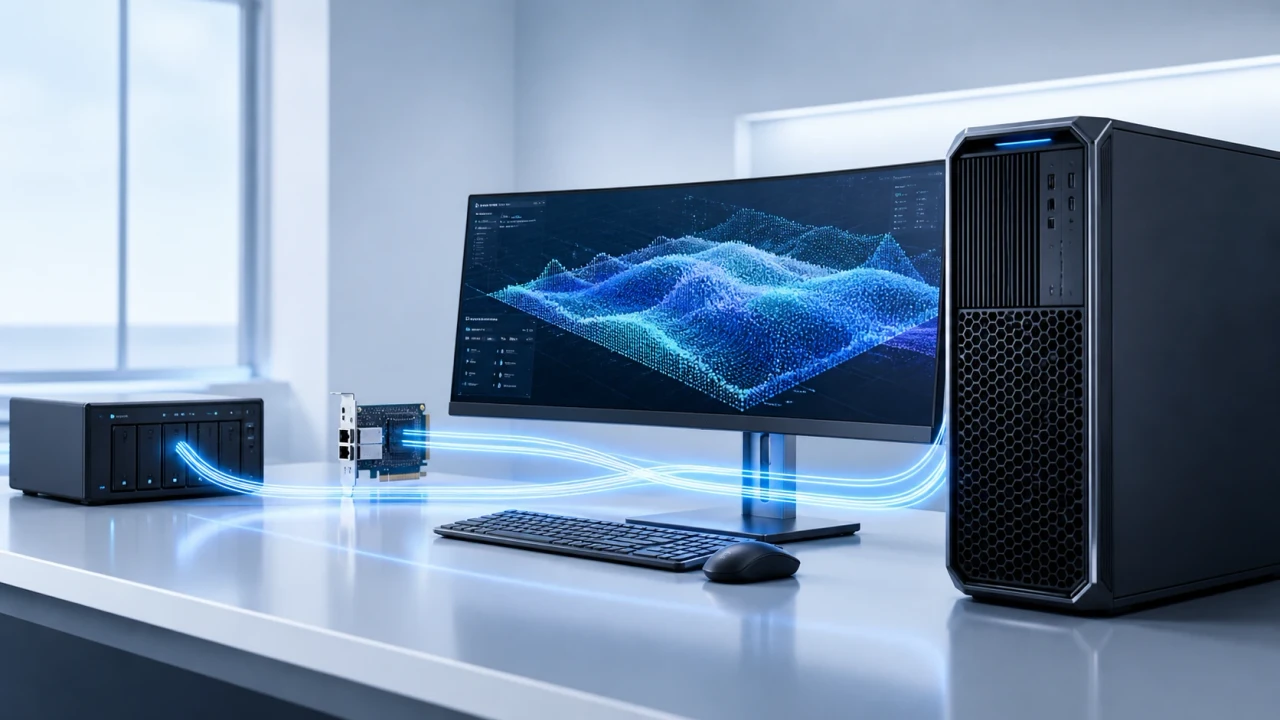
Capability with context
Four workstation advantages—each with a real hardware dependency.
Up to 6 TB of physical memory
Microsoft documents a 6 TB physical-memory ceiling for Windows 11 Pro for Workstations, compared with 2 TB for Windows 11 Pro. The PC, processor, firmware and memory platform may impose lower limits.
Resilient File System (ReFS)
ReFS is designed for data integrity, scale and resilient storage scenarios. It is not a substitute for tested backups, and application, storage and recovery compatibility still matter.
SMB Direct client support
With compatible RDMA network adapters and a supporting server and network, SMB Direct can increase throughput while reducing latency and CPU use. Windows 11 is client-only here; it cannot act as an SMB Direct server.
Persistent-memory capability
Support for specialised non-volatile memory hardware can benefit compatible workloads. Results depend on the hardware, firmware, drivers and applications in the complete system.
Choose the right Pro edition
Windows 11 Pro or Pro for Workstations?
Both provide the Windows 11 Pro business foundation. The decision should come from the workstation’s configuration and workload—not from the product name alone.
| Decision point | Windows 11 Pro | Windows 11 Pro for Workstations |
|---|---|---|
| Best fit | General professional and business PCs | High-performance professional workstations |
| Maximum physical memory | Up to 2 TB | Up to 6 TB |
| Workstation storage and network positioning | Standard Pro platform | ReFS, SMB Direct client and persistent-memory support |
| Choose it when | Your hardware and applications fit ordinary business use | Your validated build or workflow needs workstation capabilities |
Edition limits do not guarantee application performance. Hardware, drivers, application scaling, data layout and network design remain decisive.
Data-path design
Build the whole workstation around the workload.
The operating system unlocks capabilities; it does not replace good engineering. Plan compute, memory, storage, networking, graphics and recovery as one system.
-
Compute: confirm processor compatibility and application scaling.
-
Memory: size RAM for the real working dataset and concurrency.
-
Storage: balance latency, throughput, endurance, integrity and recovery.
-
Network: validate every component in an RDMA path before expecting SMB Direct.
-
Graphics: use appropriate professional drivers and application certifications.
-
Recovery: keep tested backups regardless of file-system features.
Compatibility first
Check the PC before purchasing Windows 11.
These are Microsoft’s Windows 11 minimums—not a recommended workstation specification. Professional applications may require substantially more.
Compatible 64-bit processor or SoC, 1 GHz or faster, with 2 or more cores.
4 GB RAM minimum. Workstation applications normally require more.
64 GB or more. Updates and applications require additional capacity.
UEFI firmware with Secure Boot capability.
Trusted Platform Module (TPM) version 2.0.
DirectX 12-compatible graphics with a WDDM 2.0 driver.
720p display over 9 inches diagonally, 8 bits per colour channel.
Internet access is required for updates and some setup, activation and feature scenarios.
Compatibility warning: if this PC cannot meet Windows 11 requirements, buying a different Windows 11 edition will not make it compatible. Check the processor list, TPM, firmware, drivers and critical applications first.
Installation and activation
Use the supplied order instructions and Microsoft’s official tools.
Microsoft documents two Windows activation methods: a digital licence or a 25-character product key. The method depends on how the copy of Windows was obtained.
Confirm the edition
Back up the PC and confirm it is compatible with Windows 11 Pro for Workstations before changing or reinstalling Windows.
Follow the order method
Use the activation or installation method supplied with the order. Obtain Windows installation media only from Microsoft.
Check activation
Open Settings → System → Activation and verify that Windows reports the correct edition and an activated state.
Link for recovery
Where applicable, link the activated digital licence to a Microsoft account to assist with the Activation troubleshooter after significant hardware changes.
Licence clarity: activation and licence rights are different questions. Microsoft account linking can help with reactivation, but it does not create transfer rights. Reinstallation, reassignment and hardware-change rights depend on the exact licence channel and terms supplied with the order.
Servicing
A maintained Windows release—not LTSC.
Windows 11 Pro for Workstations follows the Home and Pro servicing model. Microsoft releases annual feature updates, and each Pro for Workstations release receives 24 months of support.
Keep the installed version within support and apply cumulative security updates. A one-time licence purchase does not mean that one Windows release receives security updates forever.
Buyer questions
Windows 11 Pro for Workstations FAQ
Short answers to the questions that matter before committing a production workstation.
What is Windows 11 Pro for Workstations?
It is Microsoft’s specialist Pro edition for demanding professional workstations. It includes the Windows 11 Pro foundation and adds workstation-focused memory, storage and networking capabilities.
Will it make every PC faster?
No. Performance depends on the processor, memory, storage, graphics, network, drivers and applications. The edition is valuable when the system can use its specialist capabilities.
How much memory does it support?
Microsoft documents a maximum of 6 TB of physical memory for Windows 11 Pro for Workstations. Actual hardware and firmware limits may be lower.
Is workstation hardware included?
No. This is a software offer. A PC, processor, memory, storage, network adapter and other hardware are not included.
What is ReFS used for?
ReFS is designed for resilient, scalable data-storage scenarios. Use it only where the applications, storage design, backup tools and recovery process are compatible.
What does SMB Direct require?
It requires compatible RDMA network adapters plus a correctly configured supporting network and server. Windows 11 can use SMB Direct as a client but cannot act as an SMB Direct server.
Is there a 32-bit version?
No. Windows 11 requires a compatible 64-bit processor. This listing is for the 64-bit edition.
How is Windows activated?
Microsoft supports activation using either a digital licence or a 25-character product key, depending on how Windows was obtained. Follow the method supplied with the order and confirm activation in Settings.
Can the licence be transferred to another PC?
Transfer and reassignment rights depend on the exact licence channel and its terms. Do not assume transferability from the edition name; check the supplied terms or contact Software Mart before purchase.
Is Pro for Workstations an LTSC edition?
No. It follows the Windows 11 Home and Pro servicing model. Annual releases receive 24 months of support and should be updated before end of servicing.
Technical sources and further reading
Product facts were checked against independent Microsoft documentation rather than copied from a retailer listing.
- Microsoft: Windows 11 Pro for Workstations capabilities
- Microsoft Learn: Windows physical-memory limits
- Microsoft Learn: SMB Direct requirements and client limitation
- Microsoft Learn: Windows 11 hardware requirements
- Microsoft Learn: Windows 11 servicing and release information
- Microsoft Support: Windows activation methods
Features and requirements can change with Windows releases. Check the linked Microsoft documentation and your hardware or application vendor before deployment.
Ready when the workstation is ready