Microsoft Windows Server 2019 · Standard Edition
Licence the server.
Open the right doors.
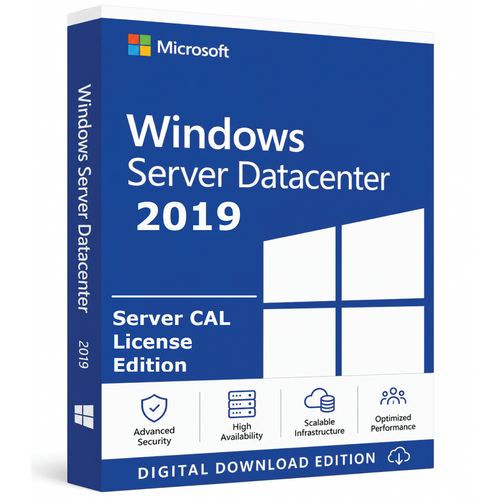
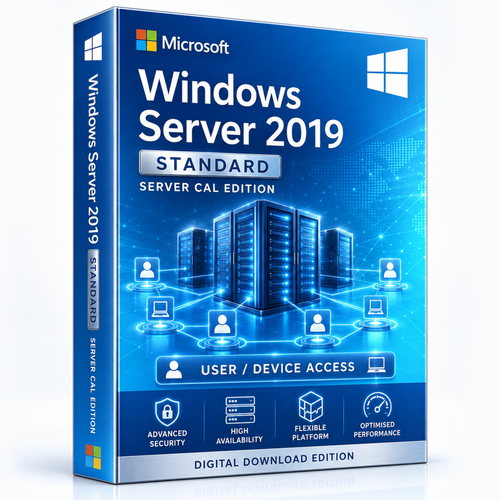
A clear purchase path for a base 16-core Windows Server 2019 Standard licence and 1, 2, 5, 10, 20, 50 or 100 User or Device CALs.
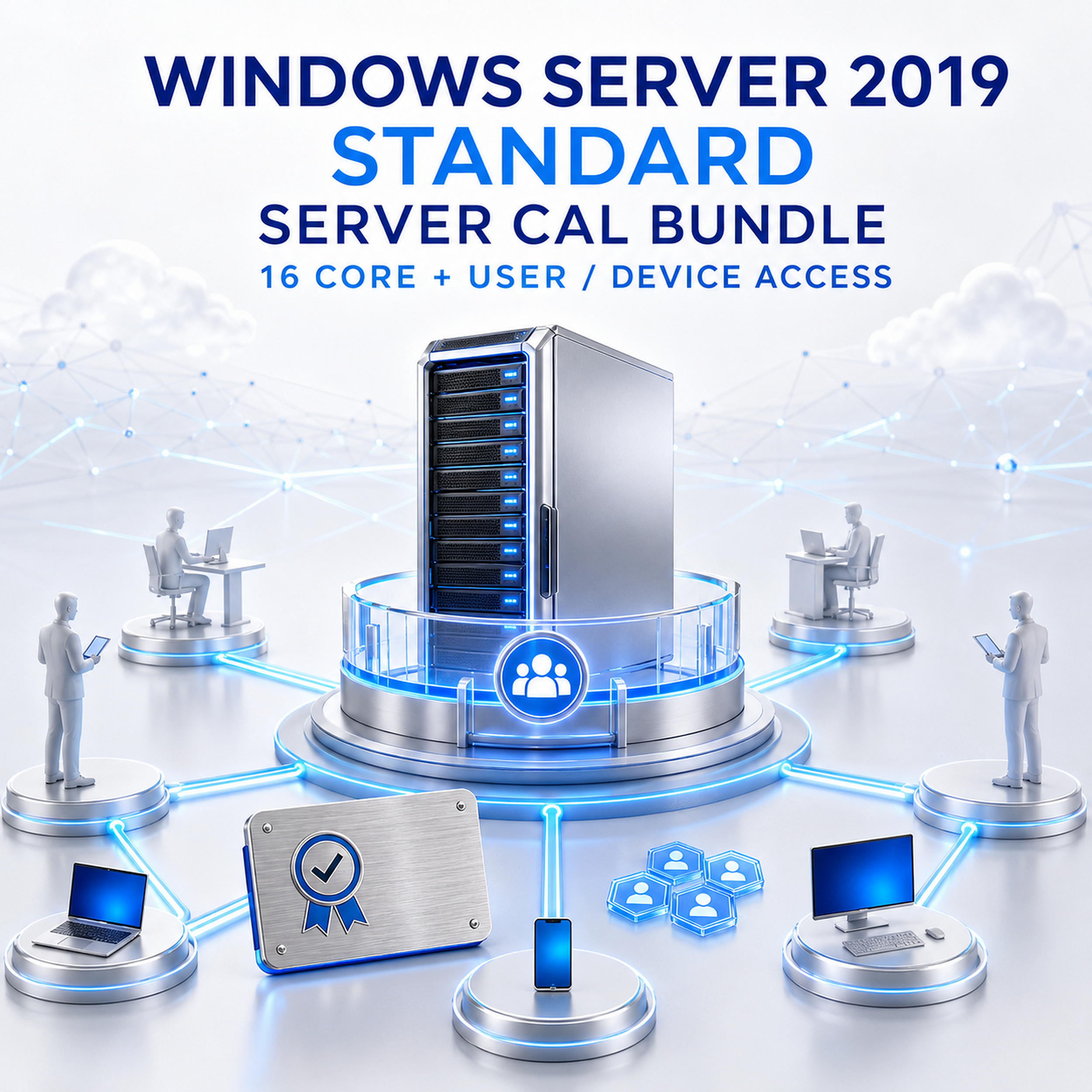

This listing is a bundle
It pairs a base Windows Server 2019 Standard 16-core licence with the selected CAL type and quantity.

The CAL is permission to access
It does not install or activate Windows Server. RDS CALs, when needed, are separate and additive.
Bundle anatomy
Three checks before checkout
Think in layers: run rights for the server, access rights for users or devices, then any workload-specific access licence.

1. Base 16-core licence
Licenses Windows Server 2019 Standard on up to 16 physical cores. If the server has more, add core licences until every physical core is covered.
- Minimum 8 cores per physical processor
- Minimum 16 cores per server
- Every physical core must be licensed

2. CAL type + quantity
Select User or Device, then the number required for your access pattern. Assign licences and maintain a clear inventory.

3. Additive CALs
Interactive Remote Desktop Services access generally requires both a base Windows Server CAL and a separate RDS CAL for the user or device.
- RDS CAL is not included
- Base Windows Server CAL still required
- Choose matching User or Device scope
Access model finder
User CAL or Device CAL?
Count the smaller, more stable side of the relationship—then validate the choice against how your workforce actually connects.

User CAL
One licensed user may access licensed Windows Servers from any device. It follows the person across authorised laptops, desktops, phones and remote work locations.
Often best when users ≤ devices
Device CAL
One licensed device may be used by any person to access licensed Windows Servers. It follows the endpoint across shifts and changing operators.
Often best when devices < users
Do not confuse access with software delivery
A CAL is not installed on a server or workstation. It is a licensing right. The server software run rights and the user/device access rights remain distinct.
Platform capability
Standard edition for the workloads that keep business moving
These are capabilities of the Windows Server 2019 Standard software. The CAL grants access; it does not add features to the edition.
 Identity
Active Directory
Centralise authentication, Group Policy and domain services across users, devices and sites.
 Operations
File & print
Run business shares, permissions, quotas, print queues and familiar storage workflows.
 Virtualisation
Hyper-V
Operate up to two Windows Server OSEs per fully licensed Standard core set; stack full sets for more.
 Hybrid
Azure-connected tools
Use Windows Admin Center and supported hybrid integrations to manage and extend infrastructure.
 Management
Modern administration
Pair PowerShell, Server Manager and Windows Admin Center with disciplined operational controls.
 Edition fit
Physical or lightly virtualised
Standard suits many general-purpose deployments with modest Windows Server virtualisation density.

Edition boundaries
Standard for lighter virtualisation. Datacenter for dense estates.
The CAL requirement applies to both editions. The edition choice changes server rights and features—not the principle that users and devices need access licences.
CPU core licensing
The commercial model: count physical processor cores to license where Windows Server runs.
Server Core installation
A minimal installation option without the traditional desktop shell. It is not a licence type.
Server CAL access
The access model: assign a CAL to each required user or device consuming server services.

Lifecycle reality
Plan with the 2029 horizon visible
Mainstream support ended on 9 January 2024. Extended Support is scheduled to end on 9 January 2029. Compatibility-led deployment can still be rational—but the migration runway should start now.
 13 NOV 2018Support began09 JAN 2024Mainstream ended
 09 JAN 2029Extended ends
Count every core across installed processors.
Count people who will access services.
Count endpoints, especially shared stations.
Identify interactive remote-session needs.
Buyer FAQ
Answers before the purchase order
What exactly is included in this listing?
The selectable bundles pair a base 16-core Windows Server 2019 Standard licence with 1, 2, 5, 10, 20, 50 or 100 Windows Server User or Device CALs. Confirm the chosen CAL type and quantity before checkout.
Is a Server CAL the installer or product key?
No. A CAL is a legal access right, not software. The base server licence covers the server software; the CAL covers an authorised user or device accessing licensed server services.
Should I choose User CALs or Device CALs?
Choose User CALs when each person uses several devices or works remotely. Choose Device CALs when many people share fewer workstations, such as shift workers, labs, kiosks or retail floors.
Can an organisation mix User and Device CALs?
A mixed model can be used when every accessing user or device is appropriately covered. Keep licence assignments and inventory records clear enough to audit.
Do administrators need CALs?
Microsoft permits limited access by up to two users or devices solely to administer the server without CALs. Normal workload consumption is not administration and requires the appropriate access licence.
Does the bundle include Remote Desktop Services CALs?
No. A Windows Server CAL is the base access licence. Users or devices accessing Remote Desktop Services generally also need a separate, additive RDS CAL.
Can a 2019 CAL access an earlier server version?
Yes. A Windows Server 2019 CAL can access corresponding 2019 or earlier Windows Server versions. It does not grant access to a later Windows Server version.
How many virtual machines does Standard edition allow?
When all physical cores are licensed, Standard provides rights for up to two Windows Server operating system environments. Add another full core-licence set for each additional pair.
Is the base 16-core pack enough for every server?
No. Sixteen is the server-level minimum, but every physical core must be licensed. Hardware with more than 16 physical cores needs additional core licences.
What is Server Core?
Server Core is a minimal Windows Server installation option without the traditional desktop shell. It is different from CPU core licensing and different again from a Server CAL.
When does Windows Server 2019 support end?
Mainstream support ended on 9 January 2024. Extended Support is scheduled to end on 9 January 2029 under Microsoft's lifecycle policy.
How is external-user access licensed?
External access can be covered with individual CALs or, in qualifying cases, a Windows Server External Connector licence assigned to each accessed server. Confirm eligibility and compare the economics.
Ready to configure?
Turn your access map into the right bundle
Choose the base 16-core licence, then match User or Device CALs to the way your organisation actually works.
Reference points: Microsoft Product Terms · Microsoft CAL guidance · Windows Server 2019 lifecycle
Licensing guidance is general information, not a substitute for Microsoft Product Terms or professional licensing advice. Product options can change; confirm the live configuration before ordering.