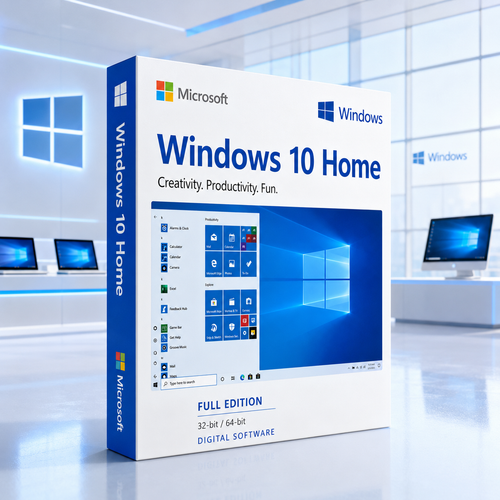
Microsoft Windows showroom · Home edition
Microsoft Windows 10 Home, presented with complete clarity
A familiar Windows environment for compatible home PCs, everyday applications, family organisation, personal projects and established workflows—available for 32-bit and 64-bit installations.

Important lifecycle notice: Microsoft's standard support for Windows 10 ended on 14 October 2025. Windows 10 computers can continue to function, but standard security updates, feature updates and Microsoft technical assistance are no longer supplied. Review the lifecycle section before purchasing.

Digital fulfilment
Electronic product information after payment and order checks.

Protected checkout
Complete payment through the store's encrypted checkout.

Clear licence guidance
Understand edition, architecture and lifecycle before buying.

Practical assistance
Installation and activation guidance when you need it.
A deliberate compatibility choice
Why customers may still need Windows 10 Home
Windows 10 Home is no longer the default recommendation for a new long-term PC. It remains relevant when there is a specific, verified reason to retain a familiar Windows 10 environment.
That reason may be a legacy desktop application, a specialised peripheral, older hardware that does not satisfy Windows 11 requirements, an established household computer or a defined 32-bit workflow. The right decision begins with compatibility, driver availability and lifecycle awareness.

Consider Windows 10 Home when...
- A required application is validated for Windows 10.
- The compatible PC cannot satisfy Windows 11 requirements.
- You need a documented 32-bit Windows installation.
- You understand the support and security implications.

Choose a supported alternative when...
- You are setting up a new PC for long-term daily use.
- Standard ongoing security updates are essential.
- Your hardware and applications support Windows 11.
- You need modern business management capabilities.
The home experience
Familiar features for real everyday routines
Windows 10 Home combines its recognisable desktop with practical tools for organisation, family use, creativity, security and entertainment.

A familiar desktop
The classic Start menu, taskbar and File Explorer help established Windows users move around without relearning the basics.

Everyday computing
Browse, study, manage email, organise files, enjoy entertainment and run compatible Windows desktop applications.

Windows Security
Antivirus, threat monitoring, account protection and firewall controls are brought together in a central dashboard.

Family-oriented tools
Compatible Microsoft Family Safety features can help manage screen time, activity and supported content boundaries.

Personal by design
Adjust themes, backgrounds, colours, Start groups and taskbar shortcuts so the desktop feels comfortable and organised.

Photos and creativity
Arrange personal files, manage photo collections and use compatible creative applications in a widely recognised environment.

Home entertainment
Game Mode, DirectX support and broad established game compatibility suit a compatible household entertainment PC.

Snap and virtual desktops
Place compatible windows side by side and separate activities across virtual desktops for practical multitasking.
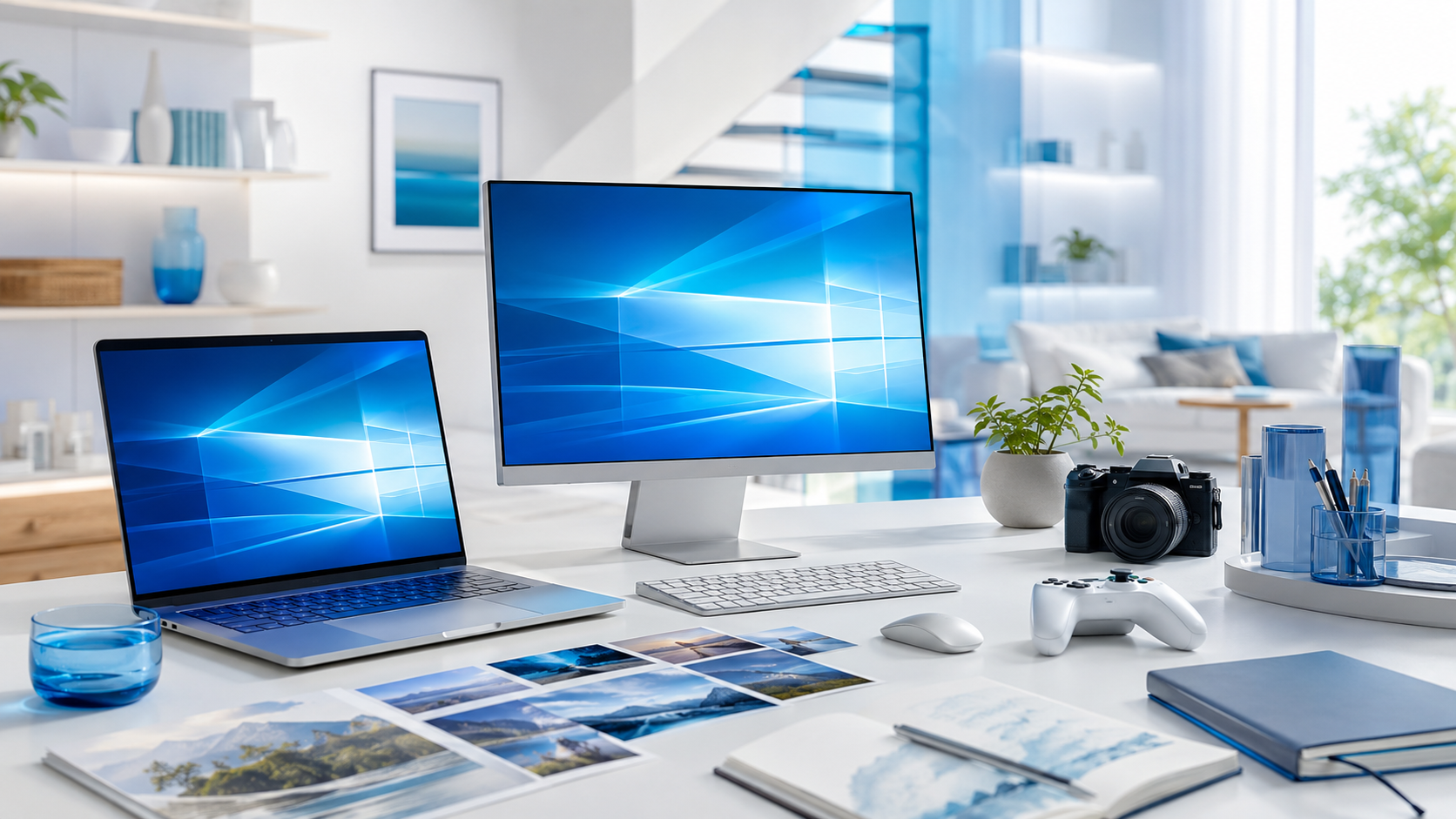
Your familiar digital home
Move between learning, photos, projects and play
A household PC rarely performs only one role. Windows 10 Home gives familiar structure to the broad mix of everyday tasks.
Organise what matters
Keep personal files, school material, photos and compatible applications in a familiar folder system.
Make the desktop yours
Set colours, themes, shortcuts and Start groups around the way your household works.
Enjoy established libraries
Use compatible games, media applications and peripherals after checking publisher and driver support.
Security, explained honestly
Built-in protection does not replace lifecycle support
Windows Security remains part of the operating system, but buyers must separately consider the end of standard Windows 10 security updates.
Microsoft Defender Antivirus
Run scans and manage available protection settings from the Windows Security application.

Firewall controls
Review network profiles and available Windows Firewall settings from one security dashboard.
Family Safety access
Use compatible Microsoft-account tools for activity visibility, screen time and supported content controls.

Lifecycle checkpoint
Standard support ended on 14 October 2025
Microsoft states that Windows 10 PCs continue to function, but standard technical assistance, feature updates and security updates are no longer supplied. Eligible consumers may review Microsoft's Consumer Extended Security Updates options while planning a move to Windows 11 or replacement hardware. Read Microsoft's guidance.
Compatibility first
Check the PC before buying the licence
Minimum requirements describe whether installation is possible; they do not promise a fast or comfortable experience.

Processor
1 GHz or faster compatible processor or SoC.

Memory
1 GB RAM for 32-bit or 2 GB for 64-bit.

Storage
32 GB or larger drive for later releases.

Graphics and display
DirectX 9 with WDDM 1.0; 800 × 600.
Practical recommendation: where compatible, an SSD and at least 4 GB RAM for 32-bit or 8 GB for 64-bit will usually provide a more comfortable experience than the official minimum.

Choose the correct architecture
32-bit or 64-bit: this decision matters
Architecture affects memory use, driver availability and application compatibility. Select it for a verified technical reason, not simply because one number is larger.
Windows 10 Home 32-bit
Intended for compatible 32-bit processors, older drivers and specific legacy applications. It has practical memory limitations and is best used only when the need is clear.
- Useful for a verified 32-bit workflow
- Requires compatible 32-bit device drivers
- Not the preferred architecture for modern hardware
Windows 10 Home 64-bit
The usual choice for compatible modern processors, larger memory configurations and current 64-bit applications or drivers.
- Better suited to compatible modern PCs
- Supports more usable memory
- Runs many compatible 32-bit desktop applications
Select the right edition
Windows 10 Home vs Windows 10 Pro
Home focuses on personal computing. Pro adds advanced business security, virtualisation and administration capabilities.
| Capability | Windows 10 Home | Windows 10 Pro |
|---|---|---|
| Everyday apps, files and personalisation | Included | Included |
| Windows Security and Firewall | Included | Included |
| Family Safety access | Included | Included |
| Microsoft Remote Desktop host | Not included | Included |
| Full BitLocker management | Not included | Included |
| Hyper-V virtualisation | Not included | Included |
| Group Policy and domain join | Not included | Included |
| Best fit | Home, study and personal entertainment | Business, administration and advanced control |
Windows 10 Home
A compatibility-led choice with a familiar interface, lower hardware requirements and 32-bit availability—but outside standard Microsoft support.
Windows 11
The modern supported path for compatible PCs, with stronger hardware requirements, a 64-bit architecture and active servicing for supported releases.
From order to installation
A clear digital fulfilment journey
The store's live product controls remain the authority for price, availability, licence option and order status.

Confirm the product
Review the edition, architecture, compatibility, lifecycle and licence description.
Complete checkout
Order through the encrypted store checkout using the live price and available payment options.
Receive fulfilment
Digital information is supplied after payment and order verification. No physical disc is implied.

Install and activate
Back up data, follow the supplied instructions and activate in accordance with the licence terms.

Upgrade installation
May preserve eligible files, settings and applications when the current edition, architecture and path are compatible. Always back up first.
Clean installation
Creates a fresh environment but can erase data, apps and settings on the selected drive. Prepare media, drivers and backups.

Activation
Activation validates the installed edition against the supplied entitlement; it cannot resolve unsupported hardware or applications.
Why Software Mart Australia
Confidence comes from knowing exactly what you are buying
A responsible software purchase starts with accurate product information, visible compatibility guidance and honest lifecycle disclosure.
Software Mart Australia presents Windows 10 Home as a specialised compatibility choice—not as the newest Windows release. You can compare editions, understand 32-bit and 64-bit requirements, review digital fulfilment expectations and access practical assistance before and after purchase.
Clear fulfilment
Understand what is supplied electronically and what to prepare.
Decision-ready detail
Edition, architecture and lifecycle considerations sit in plain view.
Practical guidance
Installation and activation information supports the supplied process.
Protected ordering
Payment remains inside the store's encrypted checkout experience.
Buying questions, answered
Microsoft Windows 10 Home FAQs
Straight answers for the decisions that affect compatibility, installation, security and long-term suitability.
Before ordering: confirm the processor, current Windows edition, required applications, device-driver availability and whether a supported Windows 11 option would be more appropriate.
What is Microsoft Windows 10 Home?
Windows 10 Home is the consumer-focused edition of Microsoft Windows 10. It is intended for everyday personal computing, family use, study, entertainment and compatible home applications rather than advanced business administration.
Does Windows 10 still work after the end of support?
Yes. Microsoft states that Windows 10 computers continue to function after 14 October 2025. Standard technical assistance, feature updates and security updates are no longer supplied unless an eligible device is enrolled in an applicable Extended Security Updates programme.
Is Windows 10 Home still a sensible choice?
It can be a deliberate choice for a compatible older PC, a required legacy application, an established device workflow or hardware that does not meet Windows 11 requirements. For a new long-term system, a supported Windows 11 edition is normally the better option.
Does this page cover both 32-bit and 64-bit Windows 10 Home?
Yes. Windows 10 supports both architectures. Install the architecture that matches the processor, drivers, memory needs and the fulfilment supplied with the order. A 64-bit installation is usually preferred on compatible modern hardware.
What are the official minimum system requirements?
Microsoft lists a 1 GHz processor or SoC, 1 GB RAM for 32-bit or 2 GB for 64-bit, a 32 GB or larger drive, DirectX 9 or later graphics with a WDDM 1.0 driver, and an 800 × 600 display. Better hardware is usually needed for comfortable daily performance.
What is the difference between Windows 10 Home and Pro?
Home covers mainstream personal computing. Pro adds capabilities such as full BitLocker management, Remote Desktop hosting, Hyper-V, Group Policy and domain or Microsoft Entra ID joining.
Does Windows 10 Home include BitLocker?
Full BitLocker Drive Encryption management is a Pro-edition capability. Some compatible Home devices may support simplified Device Encryption, but availability depends on hardware and configuration.
Can Windows 10 Home host Remote Desktop connections?
No. Home can be used as a client to connect to another compatible computer, but the computer accepting the incoming Microsoft Remote Desktop connection must run a supported Pro edition.
Does Windows 10 Home include Hyper-V?
No. Microsoft Hyper-V is a Pro-level feature. Choose a suitable Pro or business edition if native Hyper-V virtualisation is required.
Does Windows 10 Home include antivirus protection?
Windows Security includes Microsoft Defender Antivirus and related controls. Because Windows 10 is outside standard support, the operating-system lifecycle risk must still be considered separately from the presence of antivirus software.
Can I use Microsoft Family Safety?
Compatible Family Safety features can be used with supported Microsoft accounts and apps to manage activity, screen time and content boundaries. Some functions require Microsoft Edge and signed-in family accounts.
Can I upgrade from Windows 10 Home to Pro later?
A compatible Home installation can normally be upgraded to Pro with an eligible Windows Pro licence. Confirm the installed edition, activation state and supported upgrade path before purchasing.
Can I move from Windows 10 Home to Windows 11?
The device must satisfy Microsoft's Windows 11 requirements, including a compatible 64-bit processor, TPM 2.0 and Secure Boot capability. Use Microsoft PC Health Check and review application compatibility first.
Will Windows 10 Home run my older software?
Many established desktop applications work on Windows 10, but no retailer can guarantee every legacy application, peripheral or driver. Check the publisher's support information and the hardware manufacturer's driver list before ordering.
Can Windows 10 Home run Microsoft Office?
Compatible Office versions may continue to run, but support status differs by Office release. Check both the Windows lifecycle and the specific Office release lifecycle.
Is this a physical disc or box?
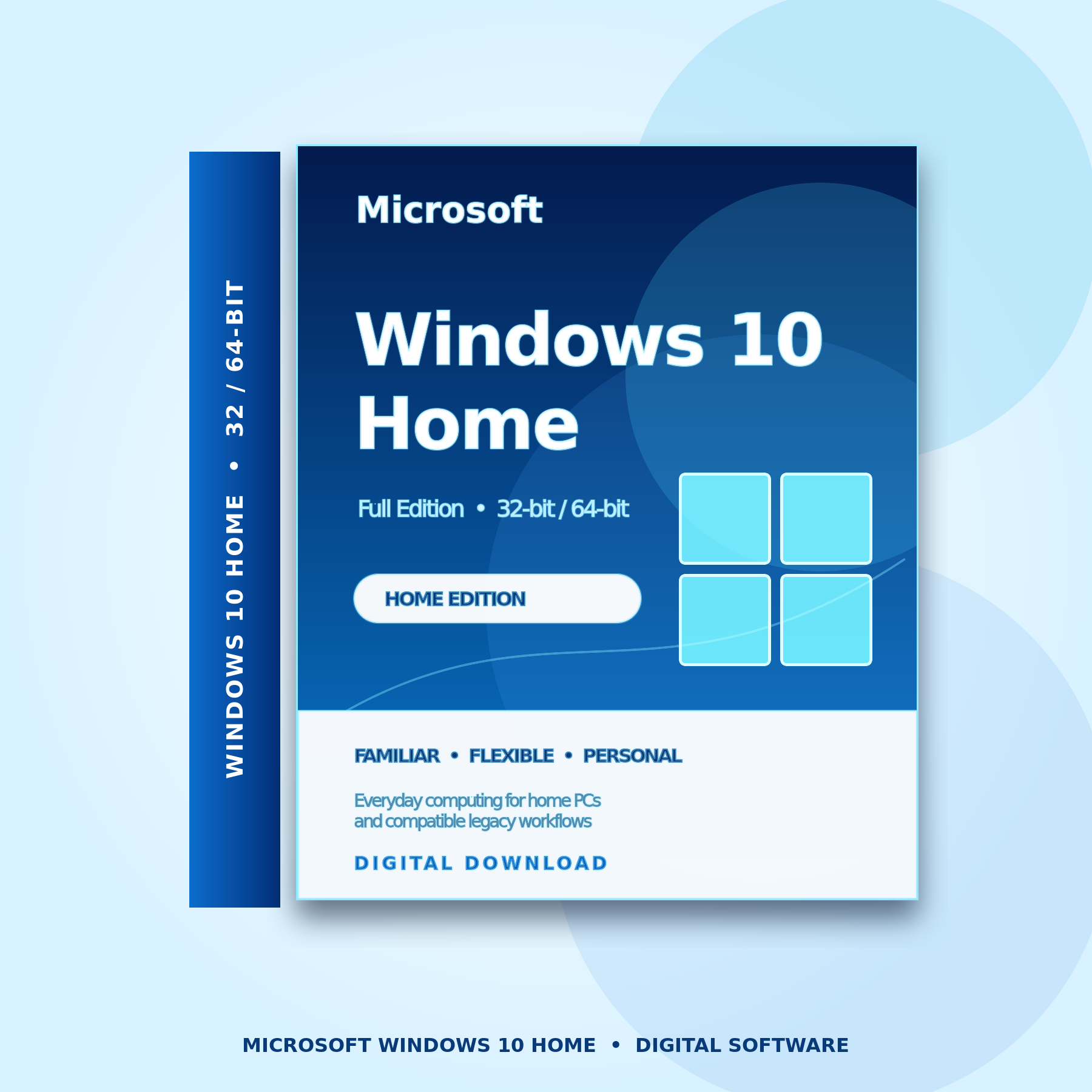
The product is presented as digital software. Do not expect a physical disc, retail box or USB device unless the live product options explicitly say otherwise.
How is the software delivered?
Fulfilment information is sent electronically after payment and order checks. Delivery timing, licence format and download instructions should match the details shown with the live purchase controls.
Do I need internet access?
Internet access is normally needed to obtain installation files, activate Windows, access online services and obtain any updates or programme enrolment available to the device.
Will installation erase my files?
A clean installation can remove applications, settings and files from the selected drive. Back up important data and confirm whether you are performing an upgrade or clean installation before continuing.
Can I change from 32-bit to 64-bit without reinstalling?
Changing architecture normally requires a clean installation. That means backing up files, reinstalling applications and confirming that 64-bit drivers are available for the hardware.
What is activation?
Activation confirms that the installed Windows edition is associated with an eligible licence. It does not guarantee that unsupported hardware, drivers or applications will function.
Can one licence activate multiple PCs?
Licence rights depend on the specific product supplied. Unless the live product details explicitly state a multi-device entitlement, plan on one eligible activation for one compatible device and review the licence terms.
Can I install Windows 10 Home on a Mac?
Only certain Intel-based Mac models support older Windows installations through Apple Boot Camp, and driver availability varies. Apple-silicon Macs do not use the same native Boot Camp path. Confirm Apple and Microsoft compatibility before buying.
Does a product key include installation media?
A licence or product key and installation media are different things. The live product description should identify what is supplied and how approved installation files or instructions are obtained.
What should I prepare before installation?
Prepare a current backup, a compatible installation USB if required, network and storage drivers, Microsoft account details if you plan to use online services, and access to the supplied fulfilment instructions.
Should I choose Windows 10 Home or Windows 11?
Choose Windows 10 Home only when compatibility or a defined legacy requirement makes it necessary. Choose a supported Windows 11 edition for a compatible device when ongoing standard servicing is important.
What should I confirm before buying?
Confirm the required edition, 32-bit or 64-bit architecture, processor and driver compatibility, installation type, licence terms, Windows 10 support implications and whether a supported alternative would be better.
Ready when compatibility is confirmed
Buy Microsoft Windows 10 Home with confidence
Choose the right edition and architecture, understand the lifecycle, complete checkout and follow the supplied digital fulfilment instructions.
Microsoft and Windows are trademarks of the Microsoft group of companies. Product imagery is an original product-page presentation for identification and merchandising. Price, availability, licence option and order status are controlled by the live BigCommerce product fields.